


Participant
January 22, 2017
Question

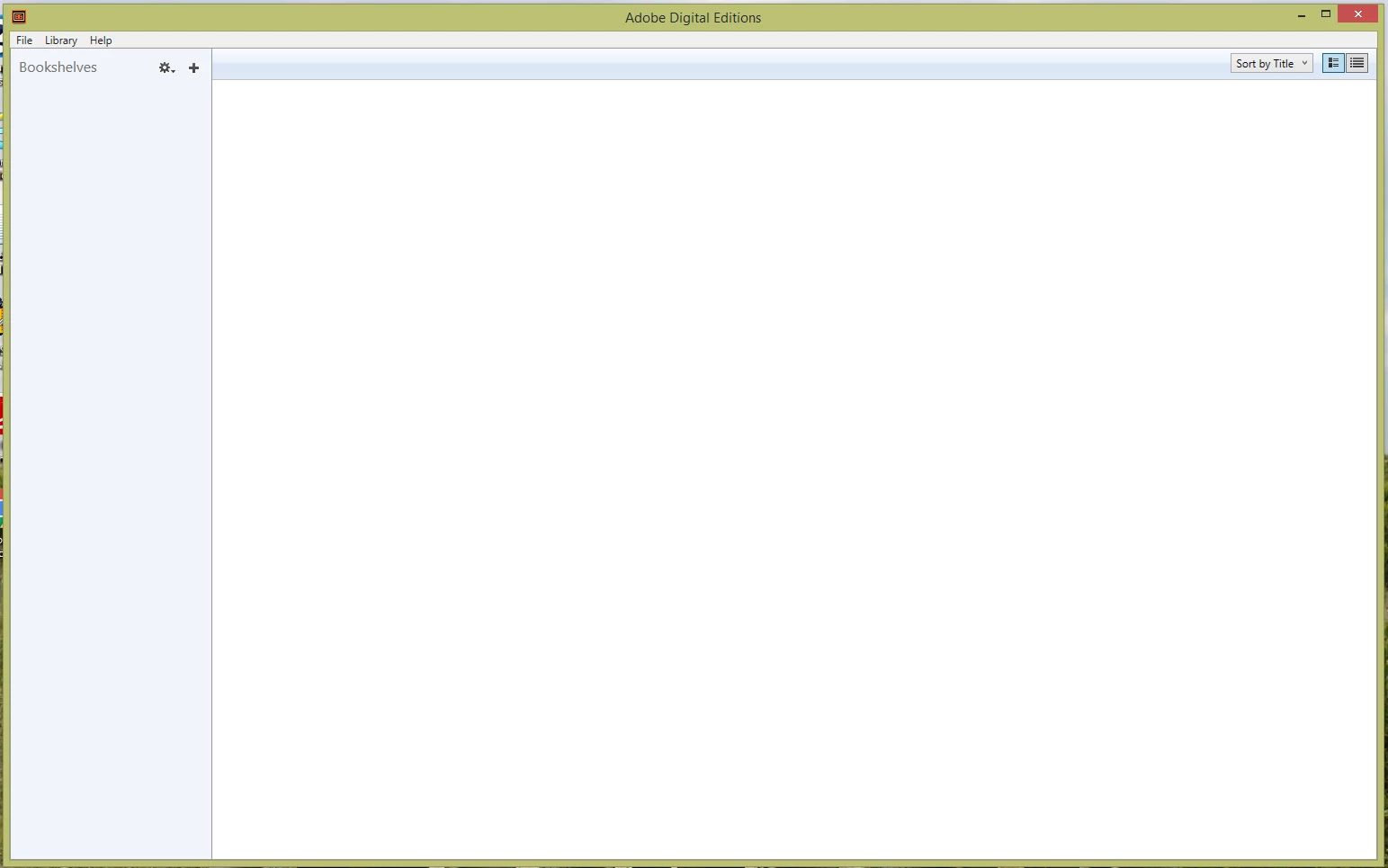
Adobe Digital Editions - Blank Screen no visibility of books/library

  • January 22, 2017
  • 2 replies
  • 11536 views

Hello, Just in the last week all 3 of our computers are doing the same thing. We open Adobe Digital Editions and get a Blank Screen. You can not see books / bookshelves or the library. There are definitely books there that we have borrowed & downloaded from the Public Library. But we can't see them to be able to read them. Nor can we see our E-Book Readers when we connect those to the PC.

I tried to Unistall & Re-Install ADE on one of the Laptops and it worked for one night. The next day we were back to a blank screen. So I tried to Unistall, Rename the "My Digital Editions" Folder to "My Digital Editions.Old" then Reinstalled ADE. Again, it worked for one night and the next day we were back to a blank screen. This is obviously very frustrating and since it is happening on 3 different computers I can't blame the computer! Does anyone have any suggestions.

We are going on a holiday in a few weeks time and want to be able to have Library Books loaded onto our E-book Readers / Laptop before we go.

This is what the screen looks like.
Thanks in advance for any help anyone can give.

Jenny

    This topic has been closed for replies.

    2 replies

    Participant
    February 23, 2017
    aprilclose
    Participant
    March 29, 2017

    The fix in that thread was what I needed to solve this problem.

    Participant
    January 23, 2017

    I have had the same problem for about a month now. I even tried reverting back to an older version of Digital Editions and it's happening there too. Adobe Digital Editions has never been great software. Before this problem started, it would constantly freeze after I imported .acsm files and I'd have to force close it through the task manager. And now this. I can no longer check out books from the library because I have no way to read them. OverDrive needs to make a few software options available to read ebooks. If Adobe had some competition, they might start giving a damn about the quality of their software and provide some kind of support. Anybody with a monopoly is inevitably going to get complacent, which they've clearly done. As it is, the software feels and looks obsolete and is poorly maintained. It's like a relic from 2010 shoved in a corner with the label "Good Enough" slapped on. Adobe should be embarrassed to have their name on it.

    Participating Frequently
    July 13, 2017

    It's frustrating. Apparently the problem has to do with an incompatibility between ADE 1.7 and ADE 2.0, 3.0, 3.5, 4.0 or 4.5. And is that ADE does not allow changing the directory "My Digital Editions" and hence the conflict.


    In my case, solve it by uninstalling both versions (1.7 and 4.5), delete the folder "My Digital Editions" (of course saving the information of the books). 


    Then reinstall both programs in the following order:


    1. ADE 1.7
    2. Then modify the 1.7 program digitaleditions.exe by changing the string My Digital Editions to My_Digital_Editions (with underscores). Use a HEX editor. (C:\Program Files (x86)\Adobe\...)

    3. ADE 4.5


    Copy the backups into the appropriate folder (with or without underscores). And ready. You have both versions working.


    Greetings.

    Participating Frequently
    July 15, 2017