


nadineb11326352
Participant
February 17, 2015
Question

can't authorise iPad

  • February 17, 2015
  • 8 replies
  • 1660 views

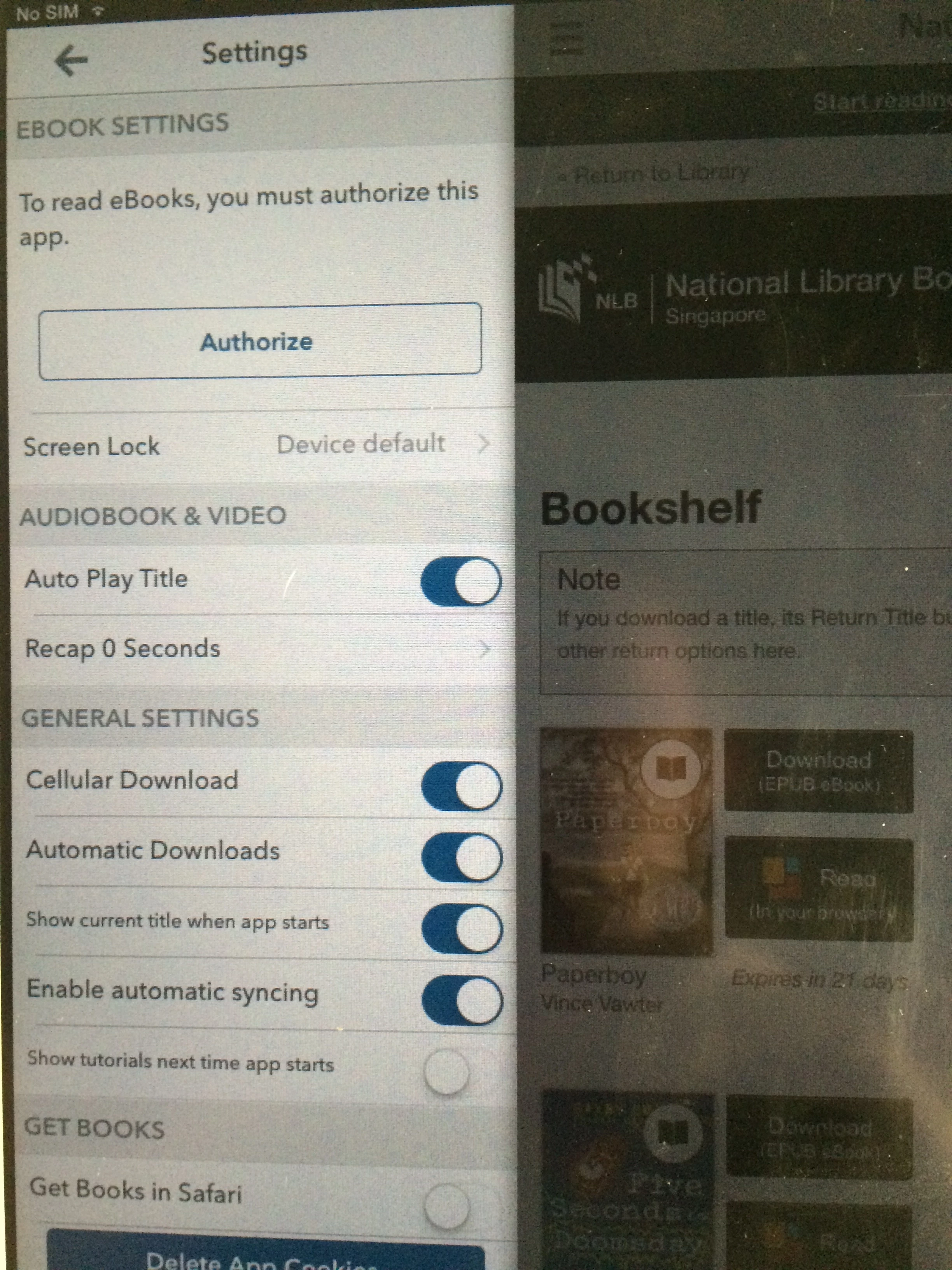
I have an iPad with overdrive installed and for the last 2 years borrowed ebooks & audiobooks from my library on that iPad.  Then overdrive started glitching, not responding to tapping on screen to sign in etc (this is NOT the iPad problem as all other apps DO work) so I uninstalled Overdrive and reinstalled it.  Since I reinstalled it I can still borrow audiobooks from my library but I cannot borrow eBooks. It tells me to authorise and takes me to the authorise screen. Then when I press "authorise" nothing happens. Nada. Nothing. I only have 3 devices authorised when I check by logging into ADD, apparently including this one.

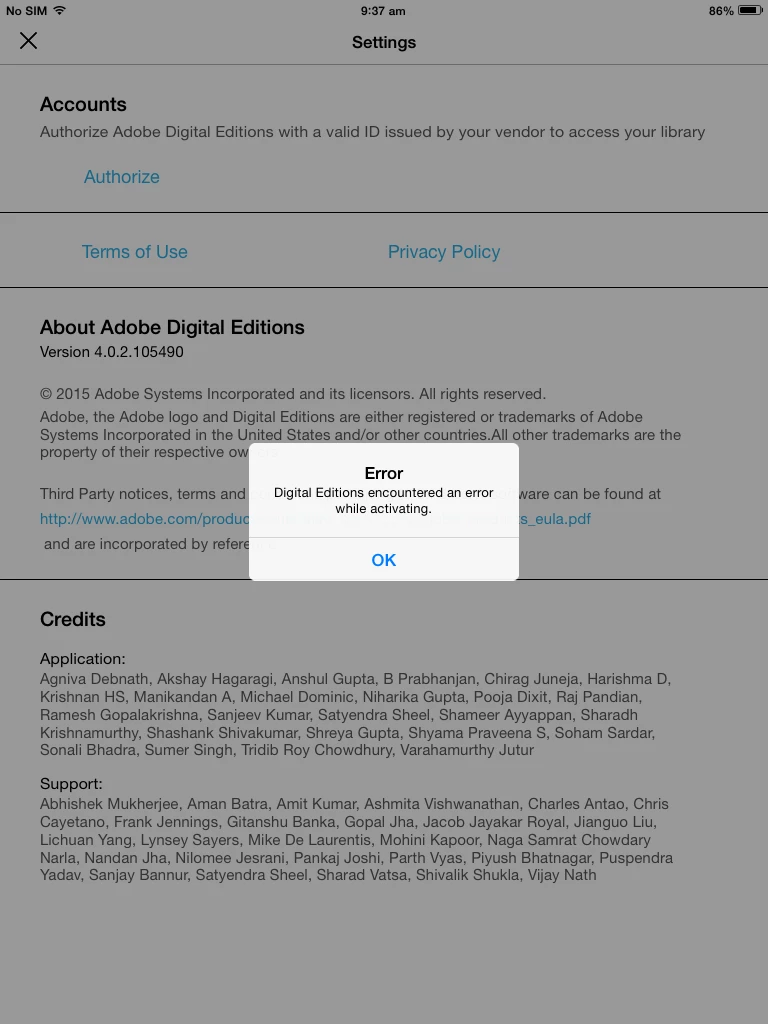
I've checked all the forums, tried your chat, tried twitter. No-one seems to be able to help me.   I've also tried to authorise it directly via the settings on ADD app on my iPad and it also gives me an error "Error Digital Editions encountered an error while activating."

I've been trying to fix this glitch for 4 days now and my patience is running out.
This topic has been closed for replies.

8 replies

Participant
August 14, 2017

same problem here

Participant
April 22, 2021

I am having the same issue  , Can you please let us know how to solve this issue in ipad ? Could not beleive this problem is still unsolved.

danielz80
Participant
June 12, 2017

same problem here... No answer from Adobe...

nickr22032343
Participant
June 9, 2017

I have the same problem with the app on an iPhone

Participant
June 9, 2017

I Stay with the same problem in Ipad and Iphone. Someone solved that?

daryas82952130
Participant
June 9, 2017

Me too, I have the problem to autorise ADE with iPad I have reset and reinstall and I don't know what to do else...

Participant
June 9, 2017

Me threeeee! This is so annoying

Participant
June 9, 2017

I am having the same issue  , Can you please let us know how to solve this issue in ipad ?

Adobe Employee
February 17, 2015

Please make sure you are connected to internet when you try to authorize ADE.

Error suggests that there was some error in authorization process.

Please try again.

nadineb11326352
Participant
February 17, 2015

I am connected to the internet via wifi, it is working perfectly for everything else, including for downloading audio files from the same library account.