



Cannot uninstall Adobe Digital Editions 4.5 from Mac.
Hi folks. I am on a Macbook Pro running Yosemite OS version 10.10.5.
I cannot uninstall Adobe Digital Editions 4.5 from my Mac.
Things I have tried that do not work:
- dragging the application (with all associated folders) into the trash and emptying the trash
- pressing the "eject" button on ADE in the finder, then dragging application into trash and emptying trash
- downloading and running CC cleaner
- searching for all related files on computer and deleting
- re-downloading Adobe Digital Editions 4.5, deleting the application, and emptying the trash
- force quitting and re-launching Finder
- hiding ADE from Finder sidebar
- ejecting ADE (it just comes back)
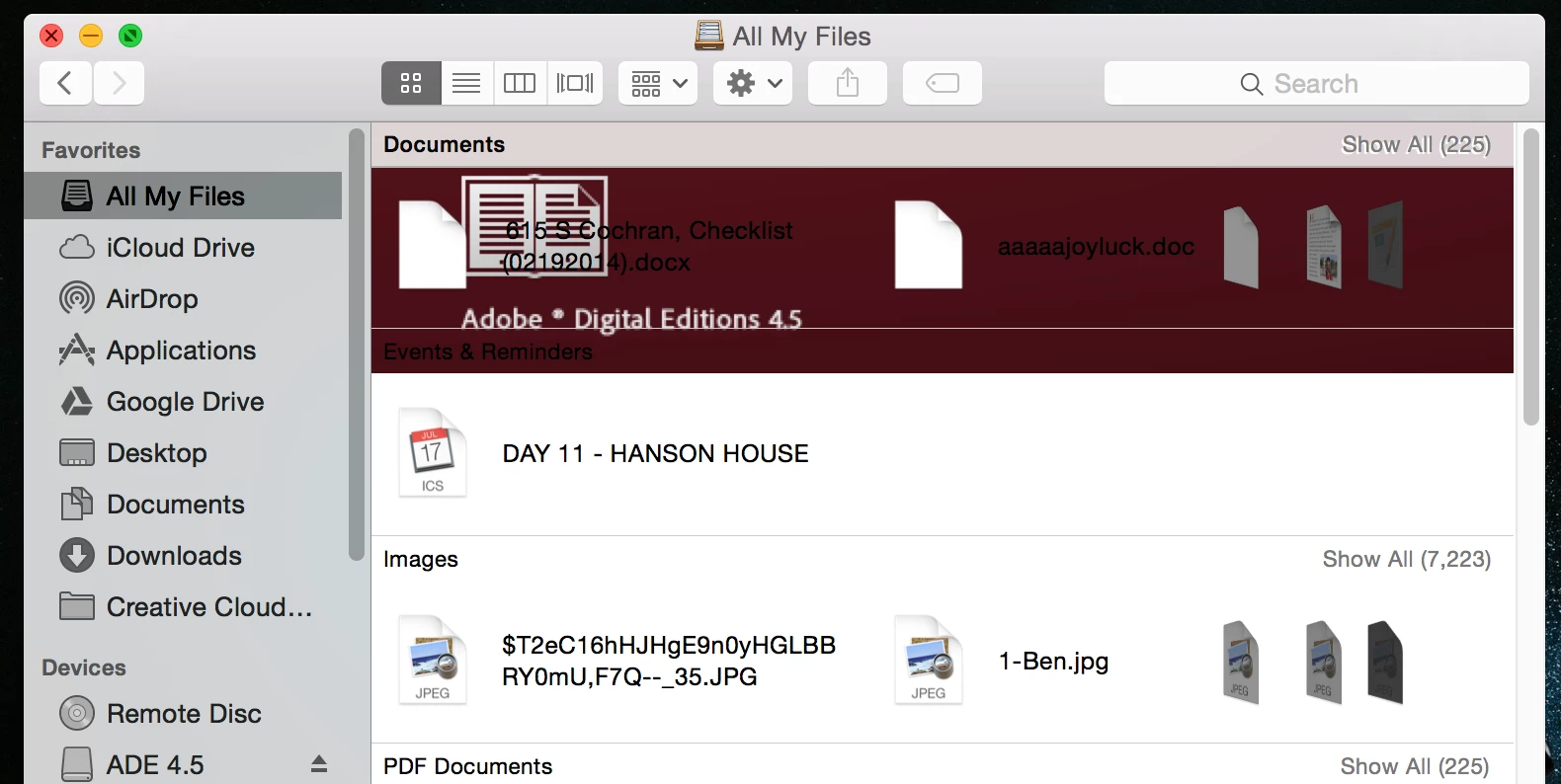
Although the application is presumably "deleted," it continues to show up like this in EVERY SINGLE FILE FOLDER on my computer.
The only remaining trace of this program on my computer exists here, but it refuses to allow me to delete it:
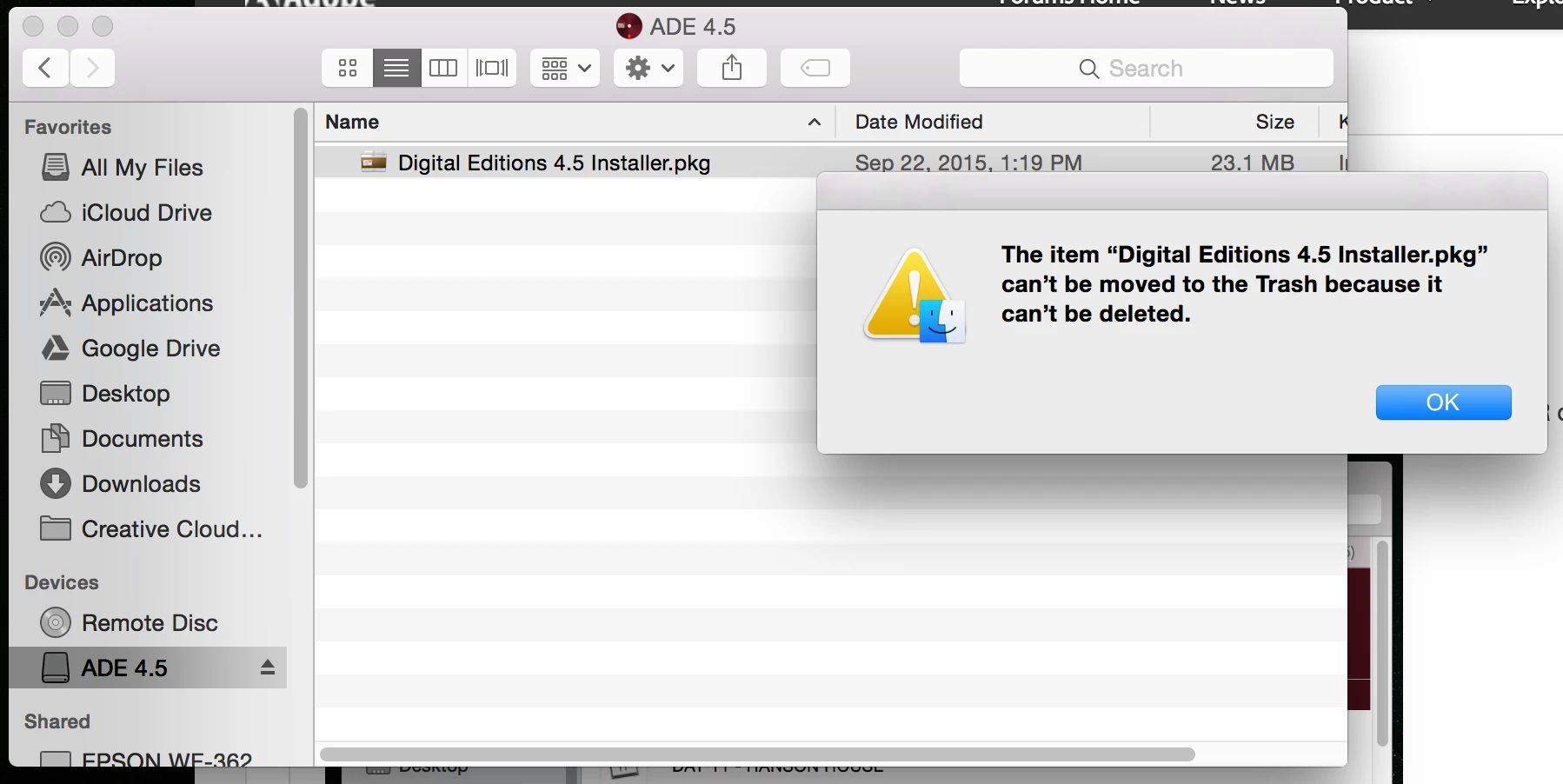
When I click to open Digital Editions 4.5 Installer.pkg, it simply makes me reinstall again.
I would greatly appreciate any suggestions for getting this terrible program off my computer. Thank you.
 AdChoices