


Question
DE Keeps Crashing when I Upload Books to it
Whenever I upload a book from my local library, ADE crashes. I need to force quit out of it every time and every time, the book is not uploaded into the software so I can't transfer it to my Kobo.
- I've tried with different books.
- I've changed from 3.0 to 4.5, to 3.0, to 4.5
-I've authorized and deauthorized many many times.
- I've disinstalled, reinstalled...
- I've downloaded the book as a file, then tried to upload it.
- I've tried to add it automaatically as it downloads (open with)
If it helps any, the look of the software has changed too. (bookshelves are gone??)
(This is while crashed. The book shows as being there, but I need to force quit and it'll be gone.)
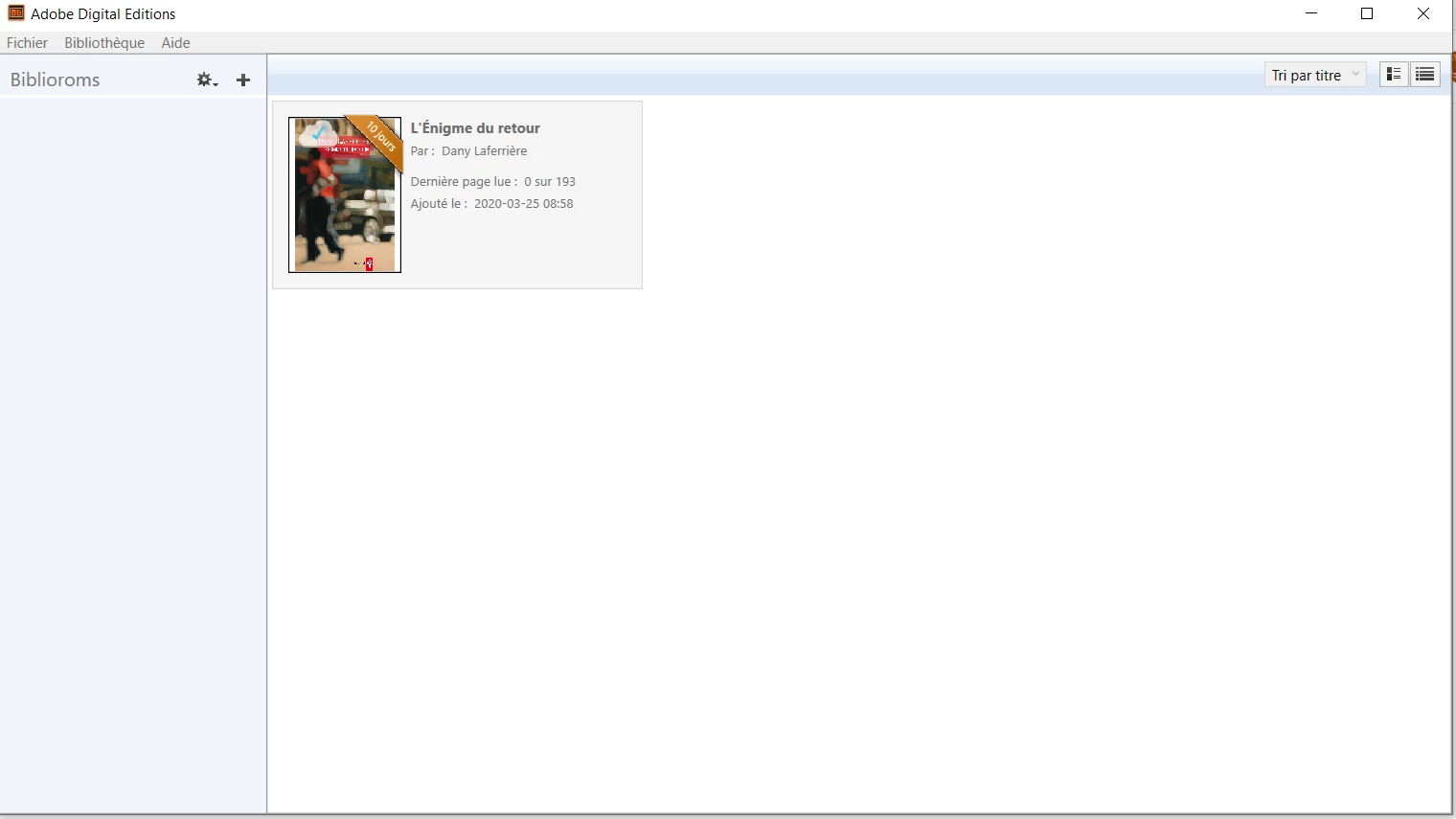
Help?
(It works on my husband's computer though.)
 AdChoices