


cdizon_xvii
Participant
April 12, 2019
Question

E_AUTH_BAD_DEVICE_KEY (macOS Mojave version 10.14)

  • April 12, 2019
  • 2 replies
  • 568 views

Hi, I'm trying to open an ebook but Adobe Digital Editions won't authorize my computer.

I keep getting an activation error message.
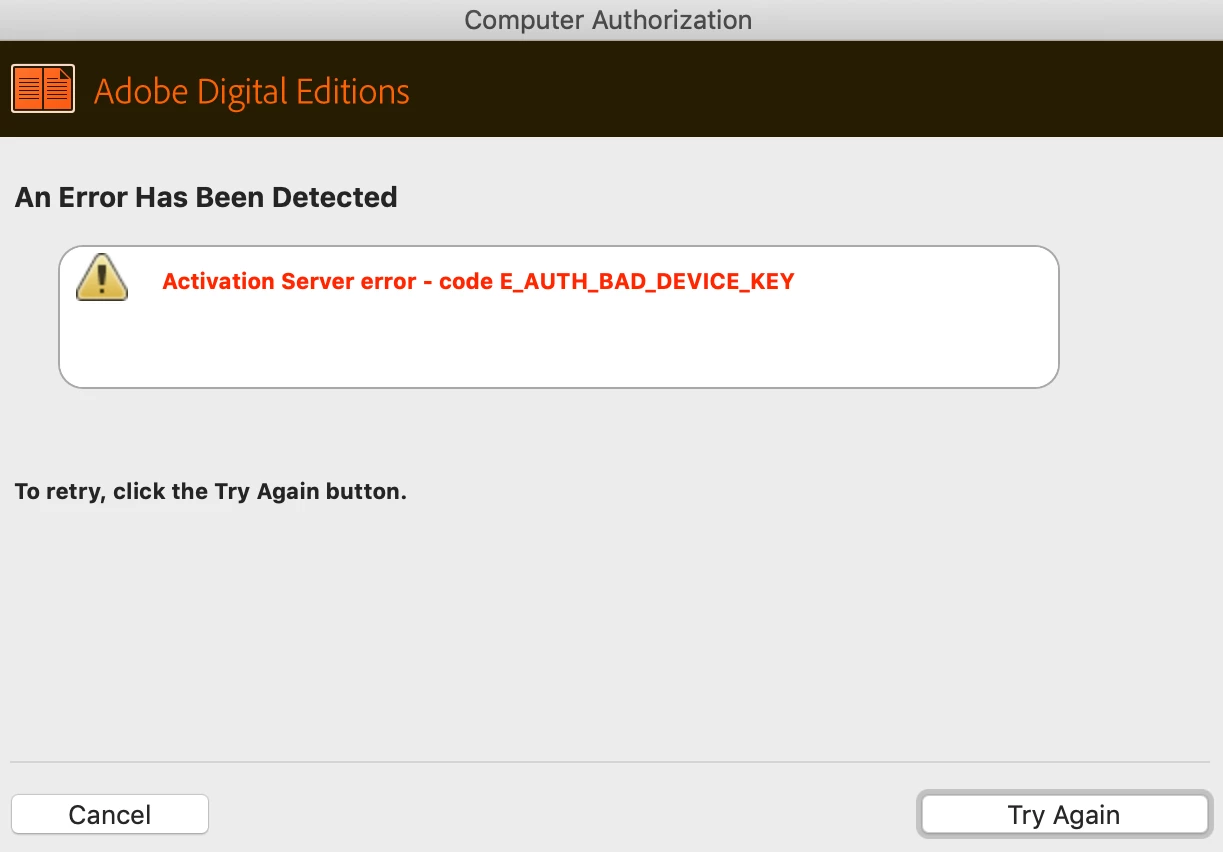
I also deleted the activation file (.dat) because that's the advice from adobe forums.

Still, it did not work.

I also tried to follow this: Error "E_AUTH_BAD_DEVICE_KEY" | Digital Editions | Mac OS X

But as you can see, it didn't work:
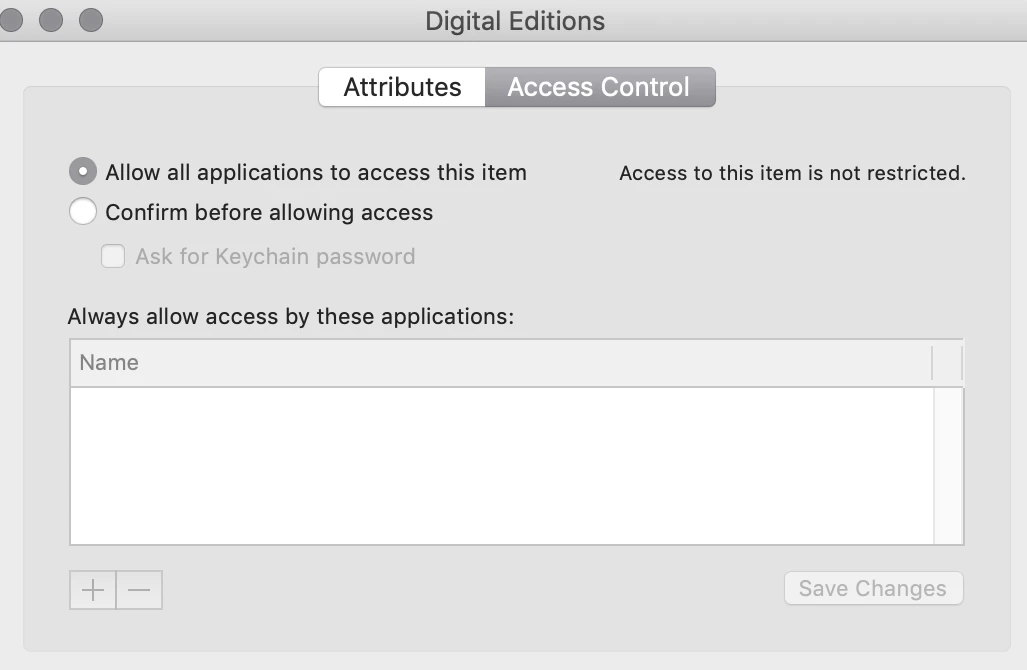
I still could not get authorization because I already have "allow all applications to access this item" (in my key chain) already selected, so I really can't do anything else. I don't know who else to ask. Seems like I can no longer use Adobe Digital Editions.

This forum is my only hope because both twitter customer service and customer service on this website can't help me.

I even deleted it and downloaded both the old and new versions.

Needless to say, I downloaded Adobe Digital Editions at least 5x.

I hope anyone out there can help me.

Thanks

This topic has been closed for replies.

2 replies

jeaninec42295407
Participant
July 22, 2019

I had the same frustrating problem. Adobe customer service was not helpful. I finally switched to a different desktop (not a Mac) and used a different browser (Chrome, not Safari).

It worked. If you can’t use a different computer, try a different browser.

Participant
July 13, 2019

I had a similar problem.  I'm also using ADE on Mac OS 10.14.

I tried using the fix provided here: Error "E_AUTH_BAD_DEVICE_KEY" | Digital Editions | Mac OS X

I had two different entries for Digital Editions listed under the default "login" keychain.  Both of them were set correctly to "Allow All Applications To Access This Item"

I ended up deleting both entries (hoping to fix the problem).  That didn't work.

I deleted ADE 4.5 and reinstalled ADE 3.0.  That also didn't help.

Finally, I created (in the Keychain access app) a new (empty) keychain and made that the default.  With the new keychain active, I tried again to authorize my computer in ADE and this time it worked!  The new keychain now has an entry for Digital Editions.

I don't know what exactly the problem is, or why this worked, but I thought I would pass along the info for those who have the same problem.