


Participant
January 25, 2018
Question

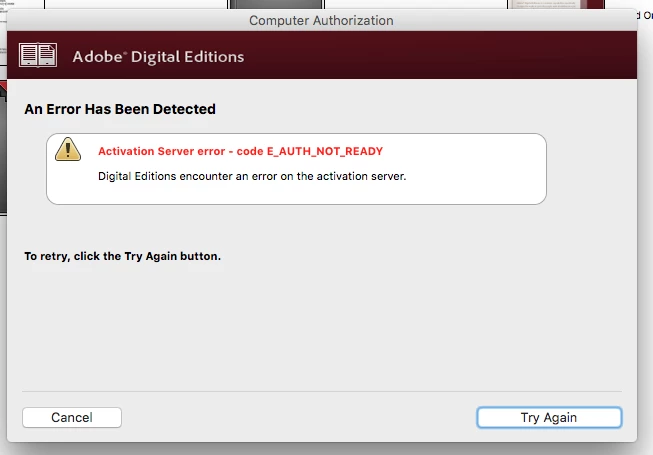
E_AUTH_NOT_READY error when authorizing computer

  • January 25, 2018
  • 1 reply
  • 176 views

Having an issue with Adobe Digital Editions 3, which is the only version on which I'm able to transfer overdrive books to my Kobo. I can't authorize my computer using my adobe ID - please help!
    This topic has been closed for replies.

    1 reply

    Nanaky
    Participating Frequently
    January 25, 2018

    Windows:

        Close all applications.
        Press WINDOWS + R.
        In the Open text box, type regedit and then press Enter. The Registry Editor opens.
        In the left pane of the Registry Editor, locate the following registry key: HKEY_CURRENT_USER\Software\Adobe\Adept
        Remove the Adept Folder.
        In the Confirm Key Delete dialog, click OK.
        Close the Registry Editor.
        Open Adobe Digital Editions and reauthorize..

    Macintosh:

        quit Adobe Digital Editions.
        Navigate to /Users//Library/Application Support/Adobe/Digital Editions and drag the activation.dat file to the trash.
        If you are using 10.7, see https://helpx.adobe.com/x-productkb/global/access-hidden-user-library-files.html
        Open Adobe Digital Editions and reauthorize.