


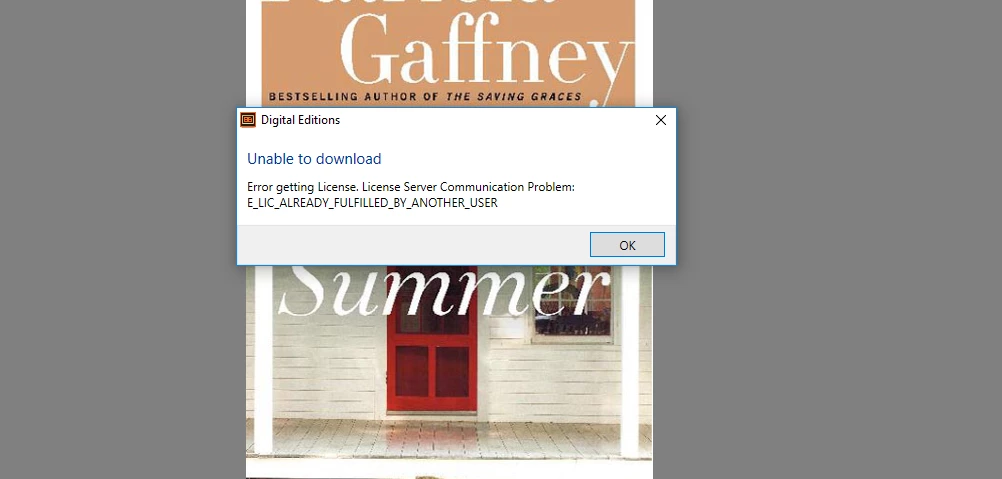
Error "E_ADEPT_INTERNAL" followed by error License server communication problem: E_LIC_ALREADY_FULFILLED_BY_ANOTHER_USER'
Hello,
I installed Adobe Digital 4.5 version yesterday. I authorized my computer with Adobe ID and downloaded the free book for trial. Everything worked properly. Only after that, I used a token provided by the publisher for my purchased book, downloaded the book and I opened it successfully, everything was activated as expected. However, there was a problem with the text in the book (some formulas were not visible and readable properly). I was suggested to install the old version of Adobe Digital and problem would be solved-the text would appear in a proper way. Thus, I uninstalled the new version of Adobe Digital and installed the old one -Adobe 3 and it required some windows extra features that did not really worked on my computer. As it did not work at this time I tried with Adobe 4,5 again and everything still was fine. I was able to open a book(the text remained unclear in some parts of the book, though). I decided to try with Adobe Digital 1.7 and for the first time it seemed to be working but this is when the problems start occurring. The first time, Error "E_ADEPT_INTERNAL" occurred. I immediately tried to install the new version of Adobe 4,5 but the error remained unchanged Error "E_ADEPT_INTERNAL". (please find the screenshot 1). I was not able to open neither free nor purchased book. 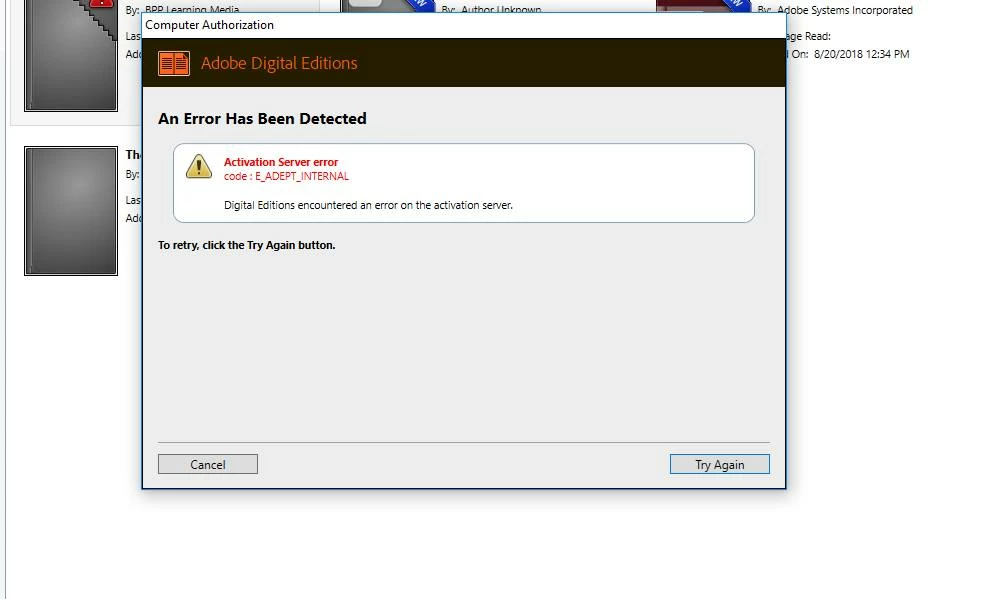
At this point, I tried to eradicate this problem with the guidance provided on this link https://helpx.adobe.com/digital-editions/kb/error-e-adept-internal-download.html. faced De-authorization problem (please refer to the screenshot 2) and could not complete.
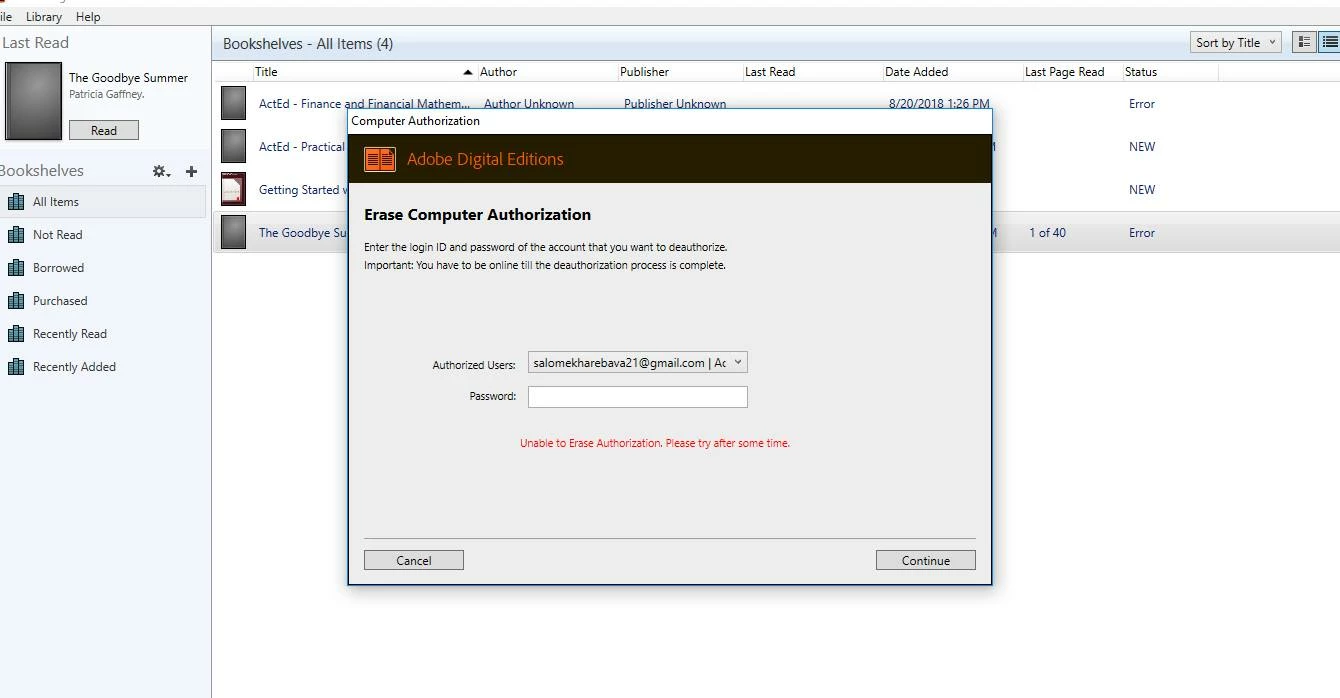
With the support of a Facebook team of Adobe, I solved it by following the steps:
Choose Start > Run.
In the Open text box, type regedit and then press Enter. The Registry Editor opens.
In the left pane of the Registry Editor, locate the following registry key:
HKEY_CURRENT_USER\Software\Adobe\Adept
Right-click the Adept key and choose Delete.
In the Confirm Key Delete dialog, click OK.
Reauthorization was completed!!!
So I tried to authorize the computer once again to see if I could open a file. The problem occurring has changed to error License server communication problem: E_LIC_ALREADY_FULFILLED_BY_ANOTHER_USER' (please see the screenshot 2). It shows the same problem when trying on other devices.
At this stage, I attempted to deal with the issue by the guidance provided for "I am getting the error 'Error getting License: License server communication problem: E_LIC_ALREADY_FULFILLED_BY_ANOTHER_USER' when opening Adobe Digital Editions."
Steps I completed are as follows:
1. Uninstalled the program Adobe digital 4,5
2. Deleted "Adept" folder from the run
3. did not quite understand the step -Remove only the structures that are under the "SOFTWARE" extensions. This will remove the Adobe ID / License and Activation Keys- but I suppose it was related to the previous step.
4. Deleted the entire folder my digital files from C disk
After all these I downloaded the program, the free book opened successfully but the purchased book token did not work. the problem occurring remains unchanged- E_LIC_ALREADY_FULFILLED_BY_ANOTHER_USER'.
As the publisher warns in the email that I may be charged for a new token I really need to activate the old one with its key.
In reality, the book with that key was activated in my computer and with my ID. it must be reflected somewhere in the system, should not it?
What can I do in such case? Please suggest me the ways to deal with this problem.
Looking forward to your reply and your immediate attention will be highly appreciated.
 AdChoices