


Participant
December 14, 2021
Question

iOS 15.1 Digital Editions

  • December 14, 2021
  • 2 replies
  • 576 views

I have iOS 15.1 and digital editions 4.5.11.2

When I try to download a book (for instance one of the sample ebooks offered by Adobe on the digital editions page) it downloads to my Files.
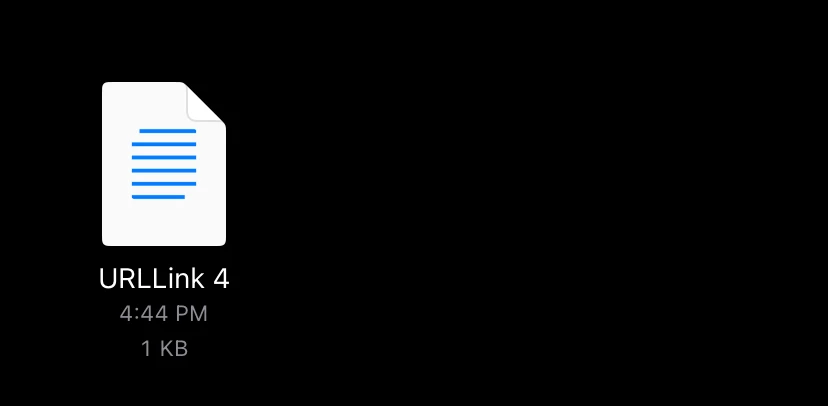
 If I try to open it in files it's a long string of code.
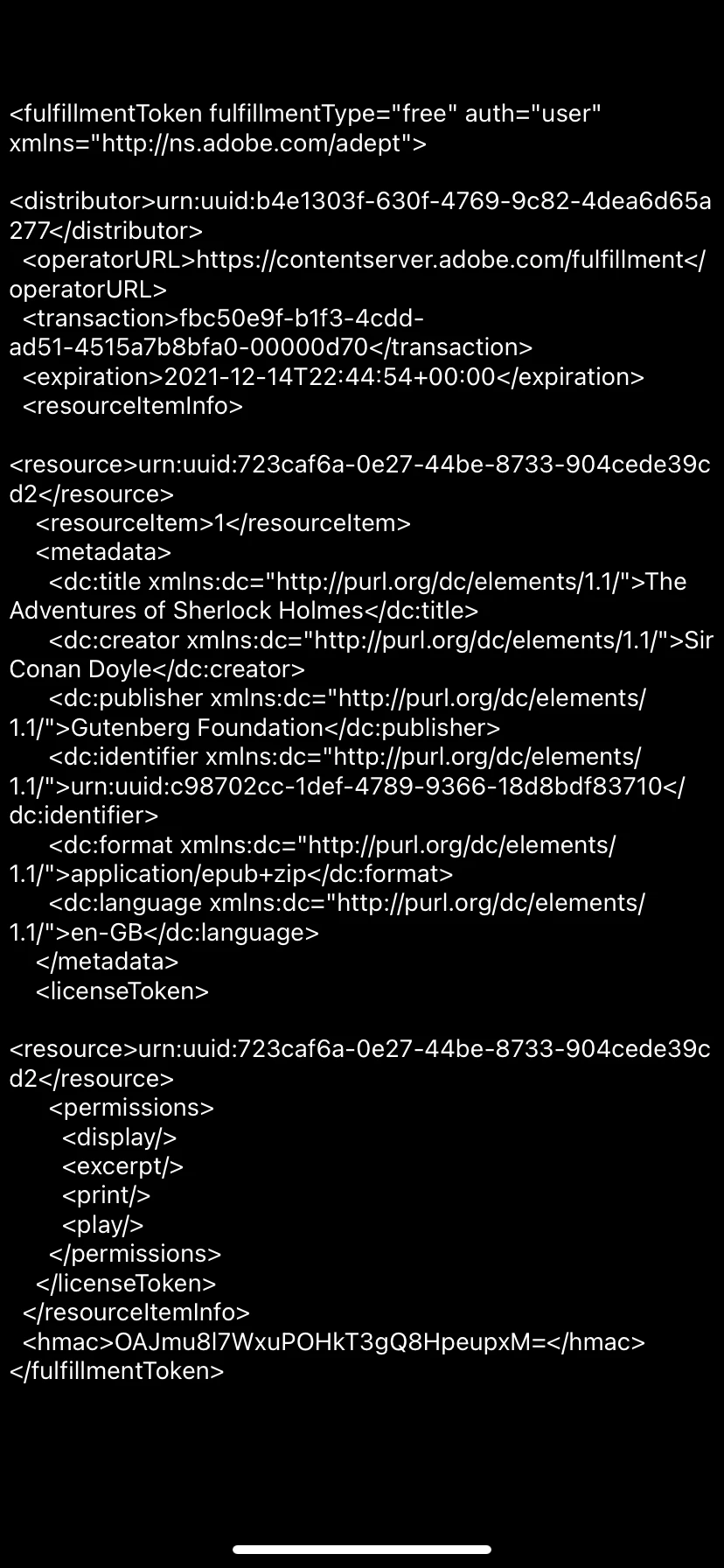
I don't see an option in Digital Editions to add items or in Files to move things to that app.

This topic has been closed for replies.

2 replies

Participating Frequently
January 12, 2022

I just happend to see your question. Probably too late. Nevertheless: you opened the download link with ADE, not the ebook.  Tap on the link in your downloads to execute it and this will put the ebook into ADE (or another reader that you might have installed). Good luck!

Participant
January 12, 2022

When I click the file in downloads it opens as that second picture long string of code. It isn't going to Publisher on its own and I don't know how to get it to open there.

Participating Frequently
January 12, 2022

What is "Publisher"? Don't you use Adobe Digital Editions (ADE) with iOS?

I tried to follow your explanation. I downloaded the Sherlock Holmes ebook with Safari from the Adobe samples website. Then I find URLLink.acsm in my Downloads folder in the Files App. If I klick on it my Bluefire Reader shows up and creates the Sherlock Holmes ebook and I can open and read it. I do not know why ADE does not open automatically. Actually, I have Bluefire Reader installed, because ADE presently has some severe problems with iOS 15 (including 15.2 in my case), cf. https://community.adobe.com/t5/digital-editions-discussions/troubles-with-ade-on-ios-15-ipad/m-p/12407572#M62989%3Fprofile.language=de . Nevertheless ADE works with the suggestions in the latter contribution. - From Bluefire Reader I shared the ebook with ADE, just to see that I can read the book with ADE. Careful, you have to follow the hints in the aforementioned discussion.

Then I erased the ebook in ADE and went back to Downloads with the URLLink.acsm . From the menu I selected/activated URLLink.acsm and shared it with ADE. Unfortunately, ADE shows an error message, that the download is not possible, error getting license. License Server Communication Problem:  ... I have no idea why I receive this error message. I have a number of ebooks in ADE with Adobe DRM activated. Actually, they were syncronized with my Mac, not downloaded directly on the iPhone (or iPad). Nevertheless, if you follow my steps it should either work to read the ebook with ADE or you should receive a similar error message. Then we would have to learn more about this message.

If I go to Downloads, select the link and share it with an App ("Publisher"?) that can read text, then I find the long string that you pasted into your first message. Yes, this is the contents of the link.

Hope this helps to find a solution.


Participant
December 17, 2021

Did I do this wrong how do I get assistance