



Question
Issues with acsm fulfillment in iOS 13 update
Issue
In the recent iOS 13 update released on September 19, 2019, the acsm fulfilment in Adobe Digital Editions do not work as expected.
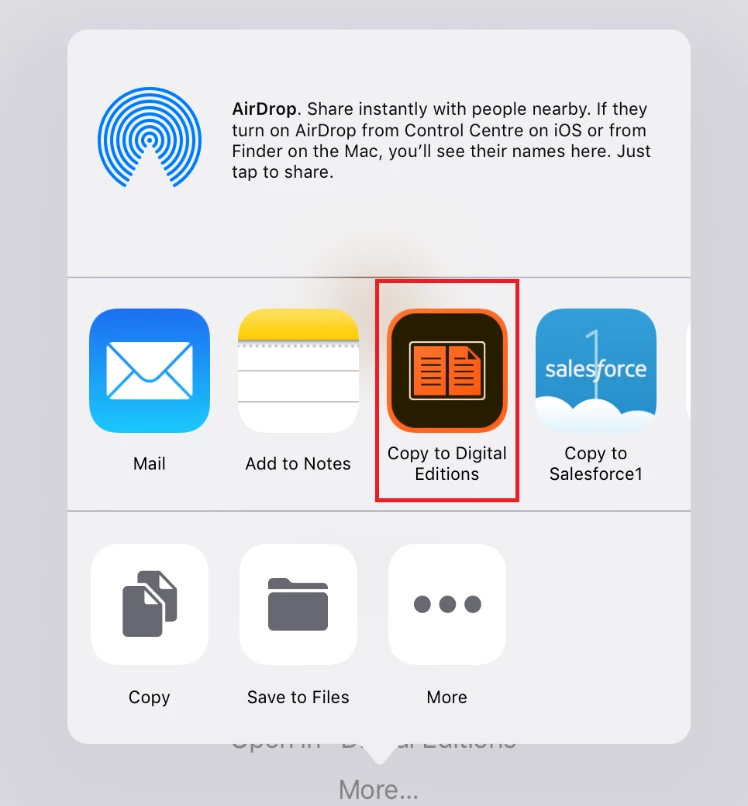
In iOS 12.x and earlier versions, after downloading the acsm file in Safari browser, it automatically asked to open in “Digital Editions” or More->Copy to Digital Editions.
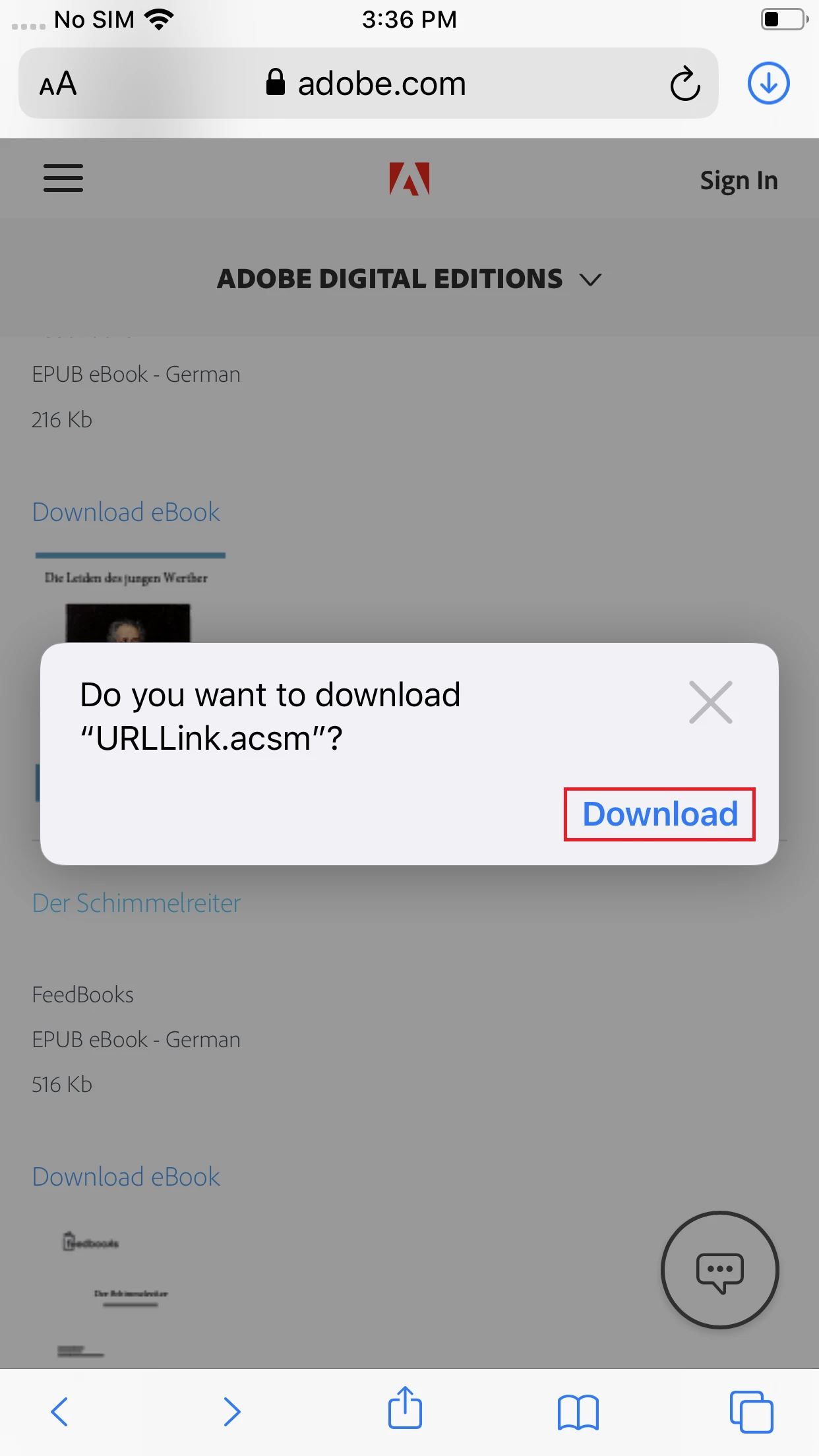
In iOS 13, it displays the download pop-up in Safari browser. When you click Download, nothing happens.
Work-around
Use the Chrome browser to download the acsm file. You can then download the file and launch the file, as expected.
 AdChoices