


Participant
September 27, 2018
Question

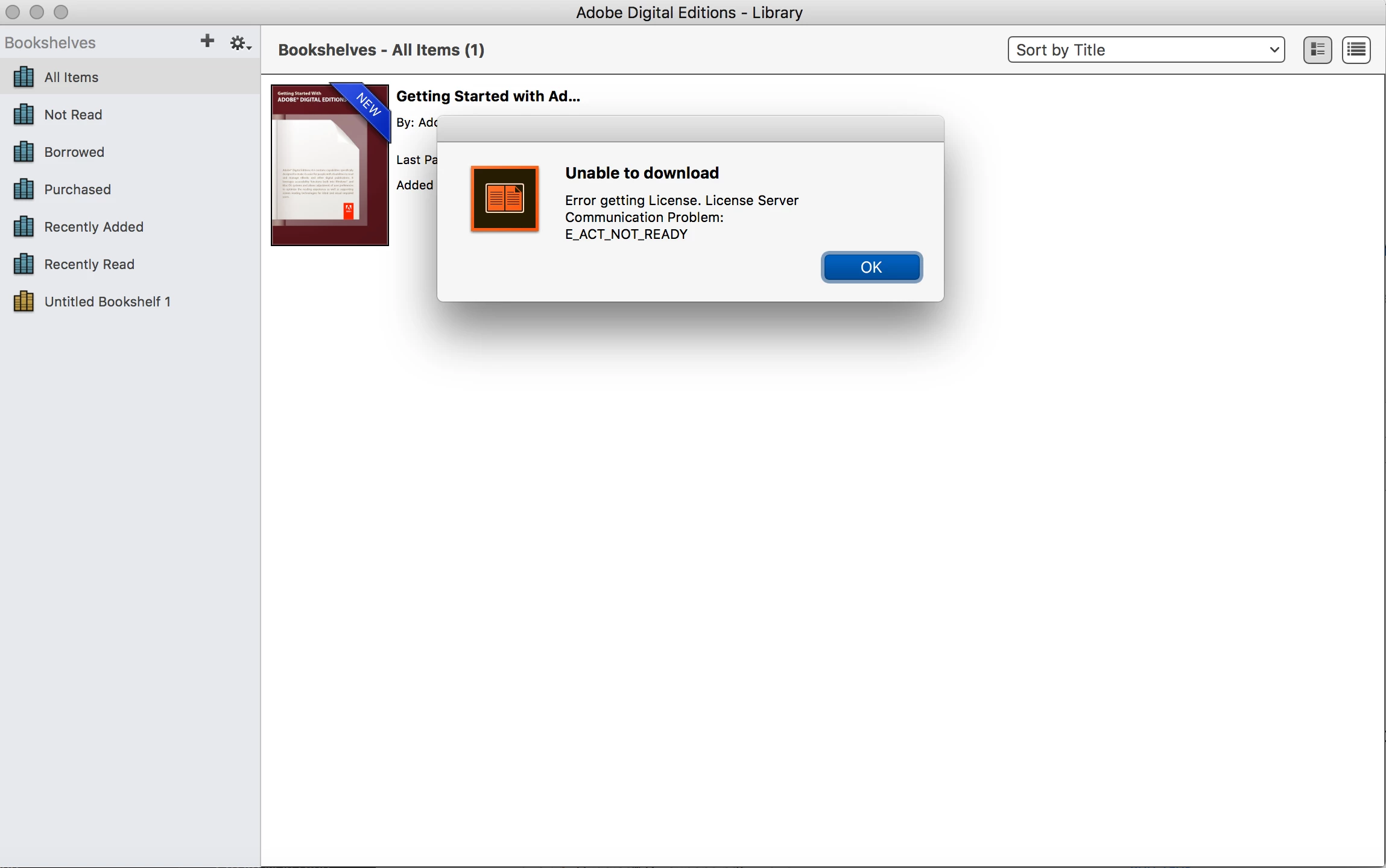
License Server Communications Problem:E_ACT_NOT_READY
  • September 27, 2018
  • 1 reply
  • 251 views

I have tried downloading and uninstalling several times. I have tried to deactivate authorization and it says try later. I am on a MacBook running 10.13.6. I have tried going to ~/Library/Application Support/Adobe/Digital Editions/  and there is no such file in order to delete the activation.dat file. I have tried the 3.0 version as well. I am not sure what to do next.  Can anyone offer some insight?

This topic has been closed for replies.

1 reply

Nanaky
Participating Frequently
October 1, 2018

Windows:

    Close all applications.
    Press WINDOWS + R.
    In the Open text box, type regedit and then press Enter. The Registry Editor opens.
    In the left pane of the Registry Editor, locate the following registry key: HKEY_CURRENT_USER\Software\Adobe\Adept
    Remove the Adept Folder.
    In the Confirm Key Delete dialog, click OK.
    Close the Registry Editor.
    Open Adobe Digital Editions and reauthorize..

Macintosh:

    quit Adobe Digital Editions.
    Navigate to /Users/Library/Application Support/Adobe/Digital Editions and drag the activation.dat file to the trash.
    If you are using 10.7, see https://helpx.adobe.com/x-productkb/global/access-hidden-user-library-files.html
    Open Adobe Digital Editions and reauthorize.