Participant
October 9, 2015
Question

problem using adobe digital editions 4.5 in windows 10

  • October 9, 2015
  • 1 reply
  • 2417 views

Cannot get ADE 4.5 to open e-book from library

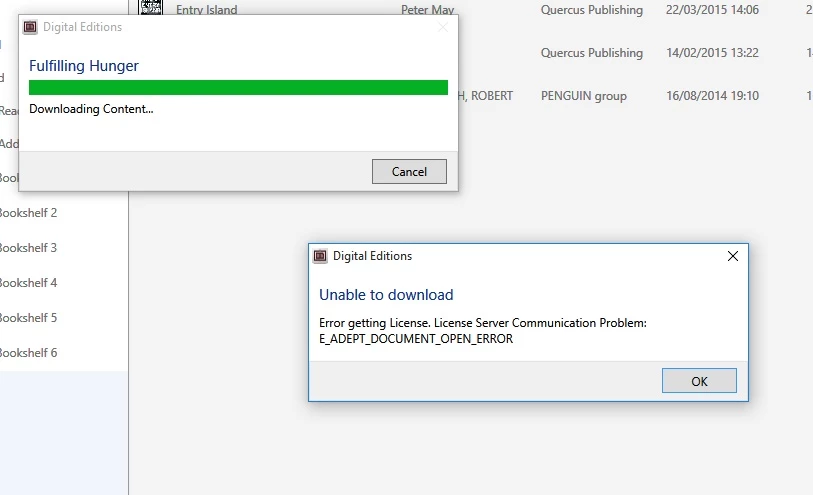
I get the screens shown below

Downloading Content then Unable to download.
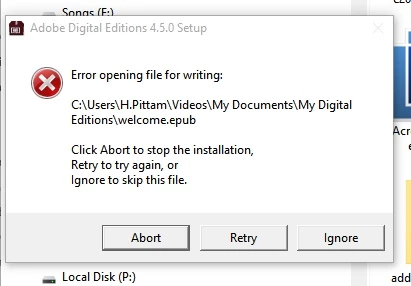
I then uninstalled then reinstalled ADE but the installation failed at Error Opening File for Writing see below
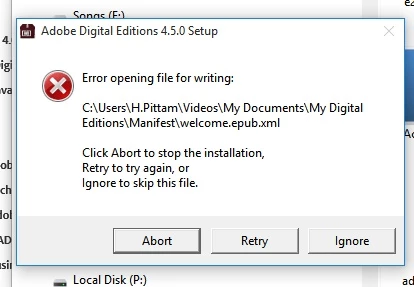
Pressed ignore which brought up screen shown above
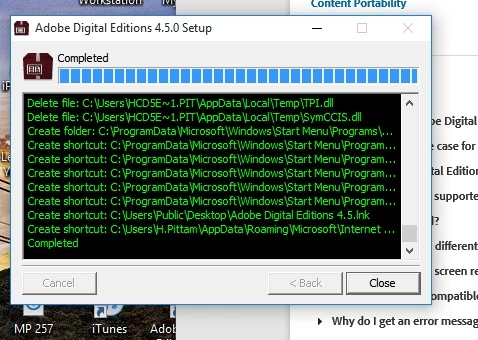
Pressed ignore and ADE installed showing completed
I then try to load library e-book into ADE and am back to start fulfilling and unable to download

Any help would be appreciated.

Harry Pittam

    This topic has been closed for replies.

    1 reply

    elgyqc
    Participant
    October 25, 2015

    I have the same problem. Could it be a problem with permissions?

    Participant
    October 30, 2015

    Apologies for delay in answering your post.

    I was reading a library book using Overdrive on my I Pad and didn`t want to play about with the ADE settings on my windows 10 computer

    until I finished the book.

    Now finished, I de-authorised my I Pad but could still not download a new E Book A from library to ADE on the computer.

    The outcome was the same as my previous post.

    I then uninstalled ADE 4.5 and then reinstalled ADE 4.5 , still the same result.

    I de- authorised and then re - authorised the computer with the same result.

    I then ran ADE 4.5 in compatibility mode for windows 8 and  the E Book A from the library which was still in my download folder

    has installed on ADE 4.5 and I have been able to transfer it to by Kobo for reading !!!

    hope this helps