


Placed Graphic not visible on OBJ components
Hi. I am trying to place a graphic to a component of an .OBJ model. The .PNG seems to import without any issue, but is not visible on the component. I've run into this with a few components of this model. Any suggestions on what I can do to fix it? I also run into this issue when applying stock substance materials with any sort of pattern (e.g. wood grains) - the pattern is not visible no matter what I change properties to.
Details:
The model is an .OBJ of an iPhone 11 Pro + case which I got from CGTRader. I've been able to apply properties to all the components of the model without issue and have successfully added .PNGs to the phone screen. But when I try to do things like add a decal to the case, or in my latest project, add a graphic to the camera flash, it is not visible. Here are a few screenshots:
Applying a .PNG to the case:
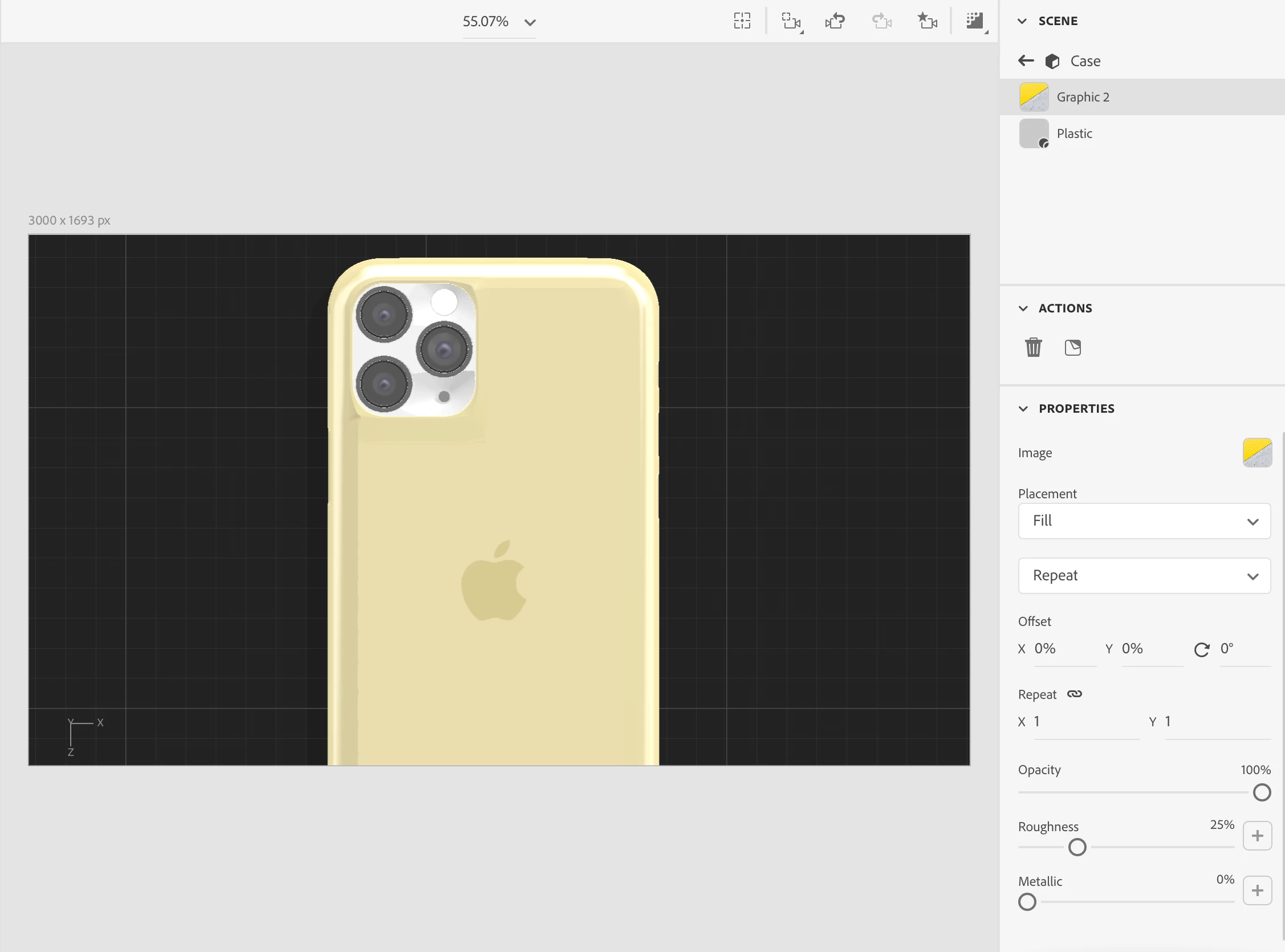
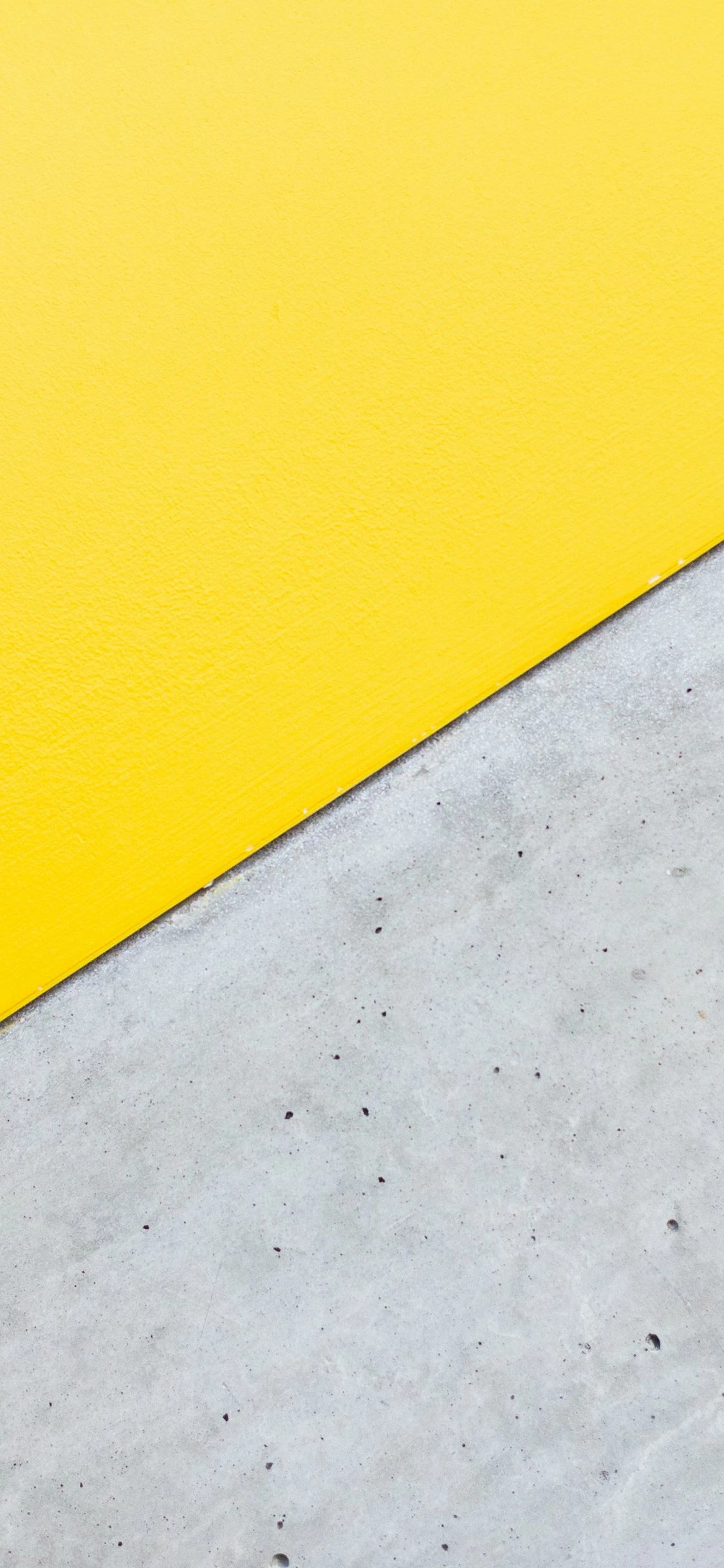
It looks like the graphic was applied, but its scale is completely wrong. No matter what I change the 'repeat' settings to or adjust the orientation and scale using the graphic handles, the graphic does not fill the case in the way I'd expect it to. This is the .PNG I am trying to apply:
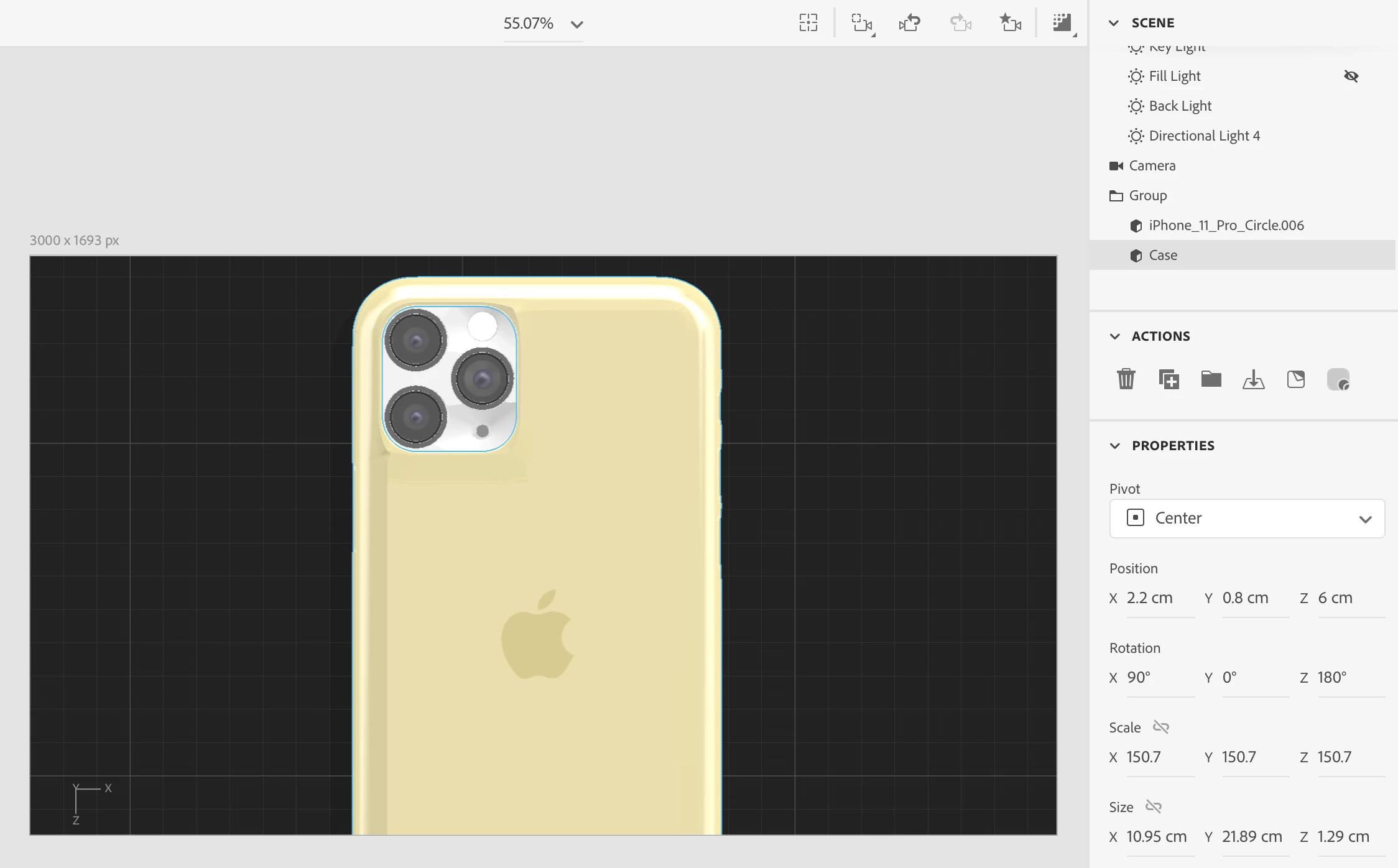
Maybe it's something to do with the scale of the model I am applying it to? Here are its properties:
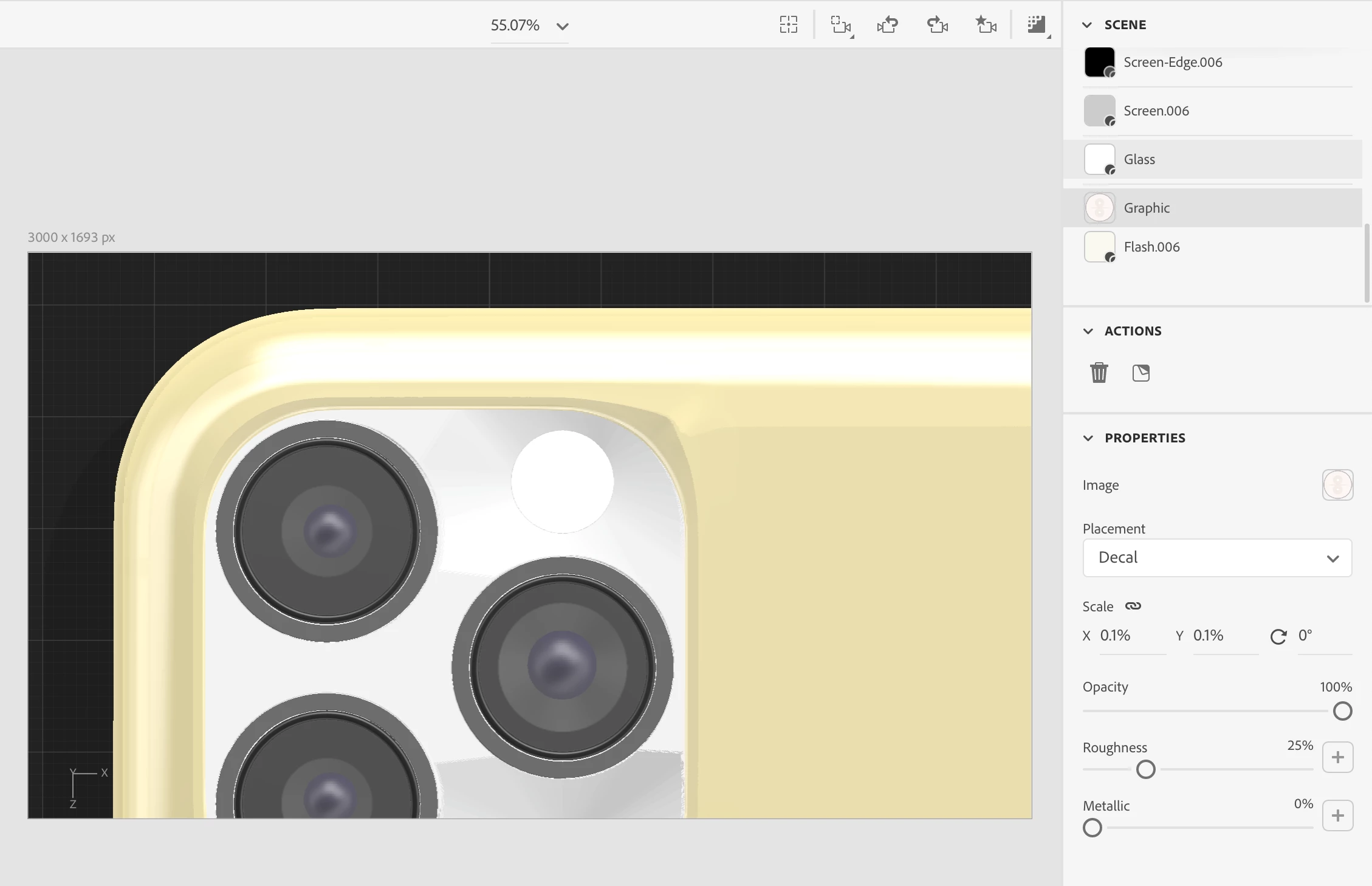
Just in case, here's the graphic set to 'decal.'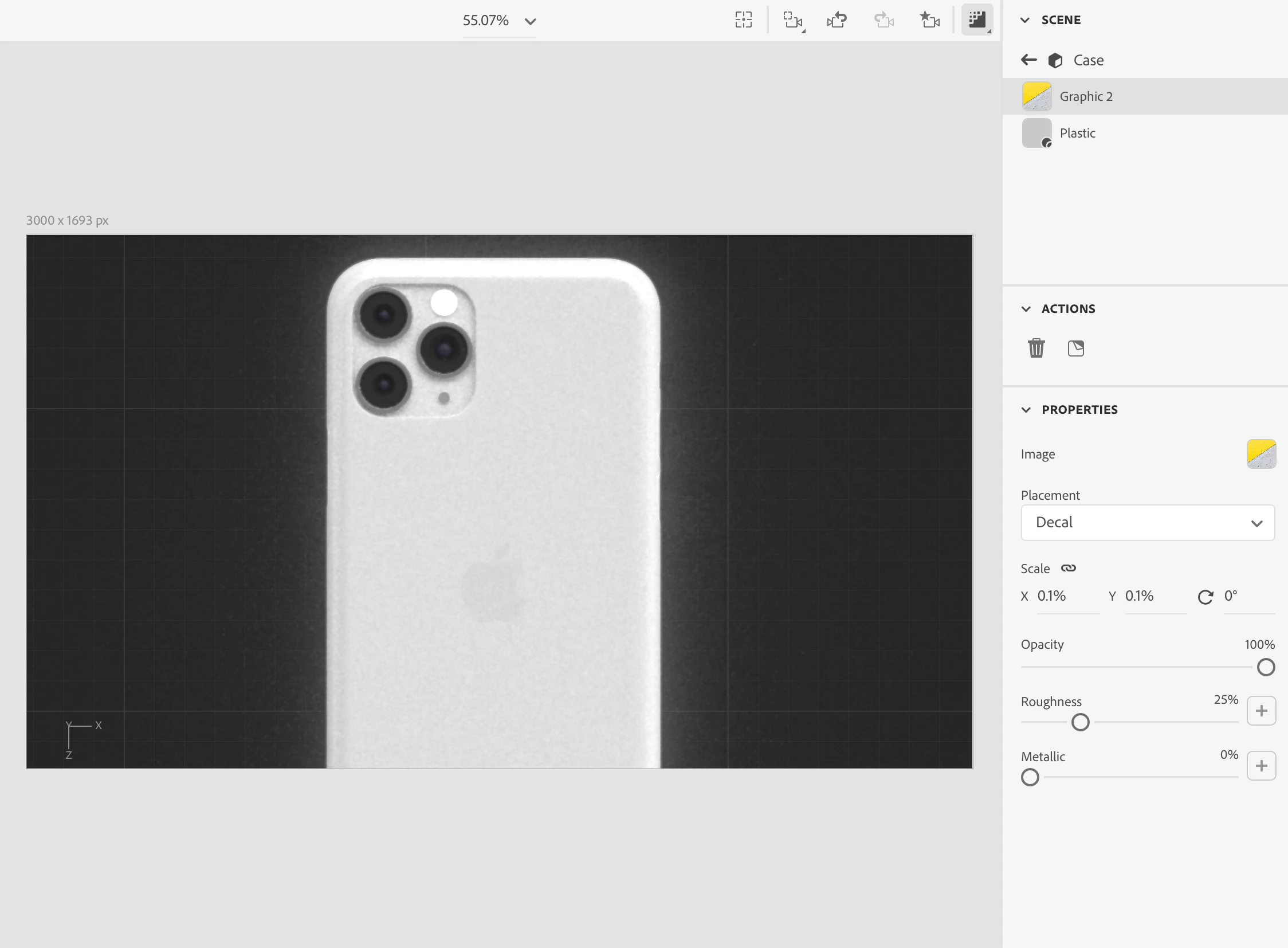
Applying graphic to the flash. It is not visible with decal or fill selected:
This is the .PNG I want to apply:

 AdChoices