


Acrobat X & XI add-in Word 2010 32-bit cause macro error messages
When I enable Acrobat COM add-in in Word 2010 32-bit, when I close Word and re-open Word, I receive the following
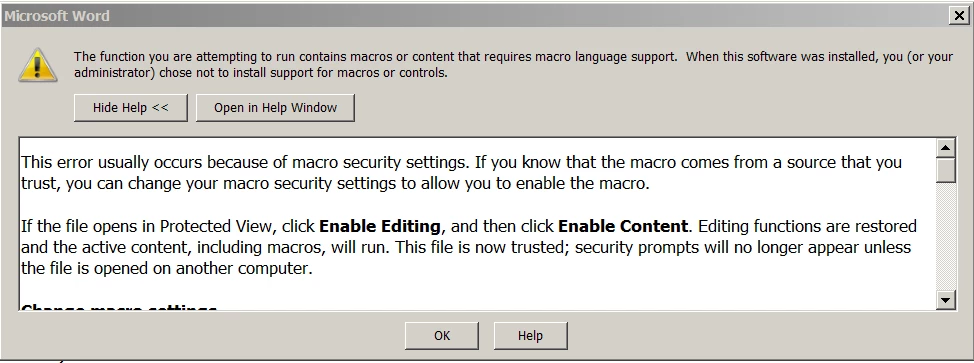
This dialog screen pops up three consecutive times after I click on "OK" three consecutive instances.
The add-in works great in Outlook 2010, Excel 2010, but not in Word 2010. I manually installed the Trusted Pulisher Certificate for the add-in the the Trusted Publisher store as shown with no success either.
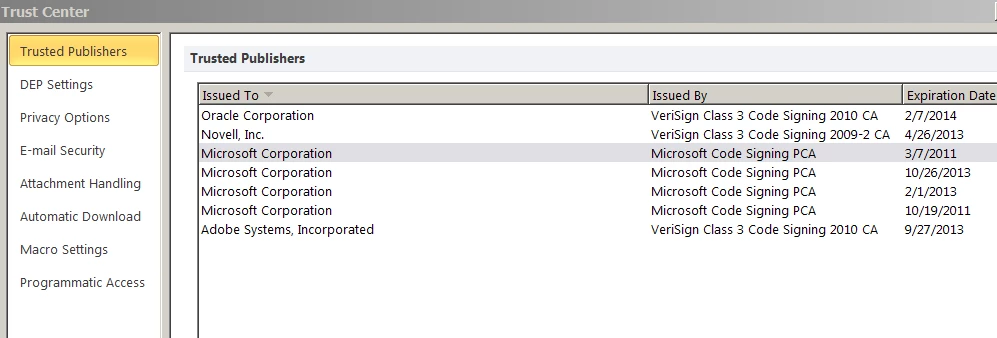
I went to Word options to the Trust Center and enabled anything pertaining to macros or scripts and still was NOT successful. This worked at one time before, prior to Office 2010 updates from Microsoft. I suspect a Microsoft update may have broken this add-in and may require Adobe to put out an update to fix this. This worked in January 2013 thru Feb 2013 but now fails with Microsoft Office updates after March 2013.
Any help would be appreciated!
 AdChoices