
Question
Adding fonts [to Adobe Spark]
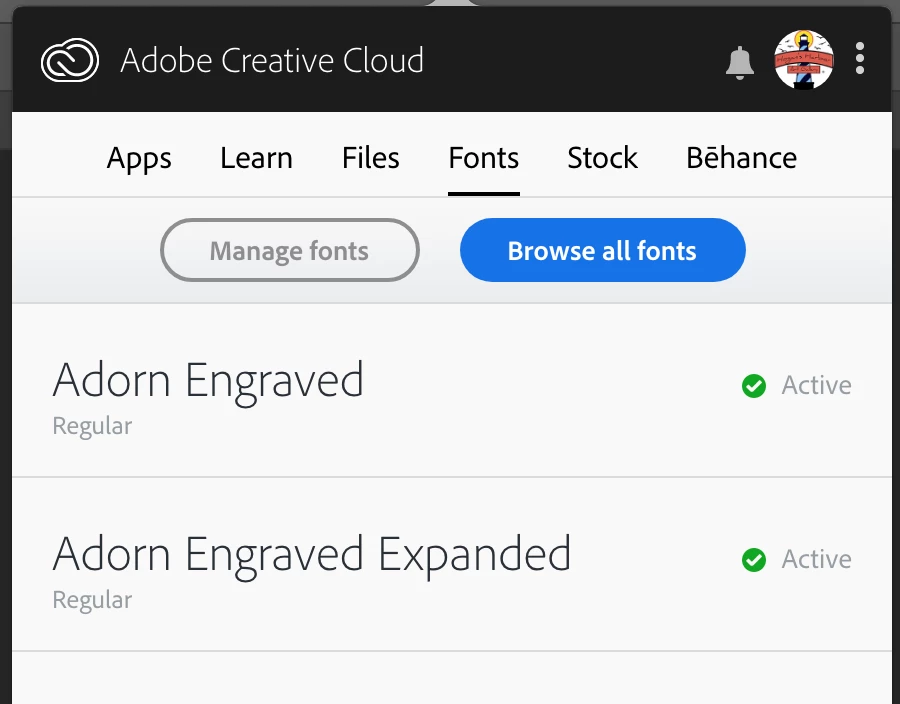
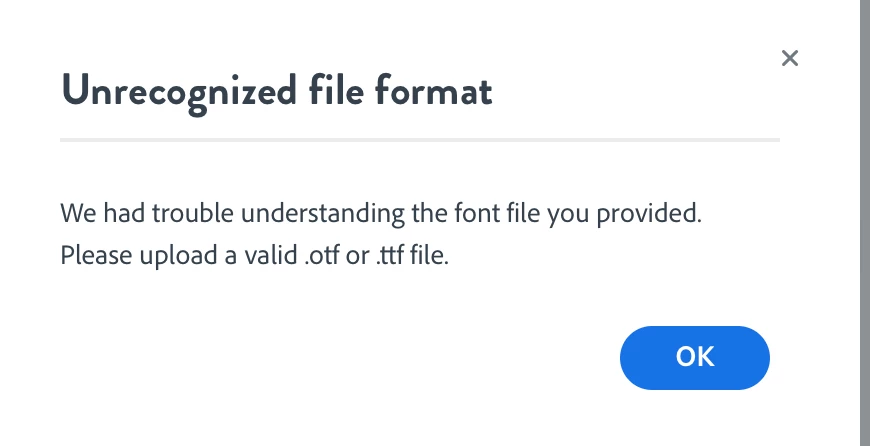
I use a Mac. Started using the font !Adorn Enhanced in Portfolio and decided to switch from Apple Chancery. Clicked on the Creative Cloud icon and then on Fonts. Clicked on activate fonts. The Standard and the Expanded are now showing as Active. I can open Photoshop CC and the font is listed. However, when trying to do branded work in Spark, I cannot find it. Clicking on Add fonts brings up a window with dozens of fonts, but the two new ones are not listed. If I click on Apple Chancery.ttf to at least stick with my current scheme, it tells me it is not a valid file, but works fine in Photoshop and all other programs. Why can't I find the font files using Spark?
Thanks for any help,
Jim Hogan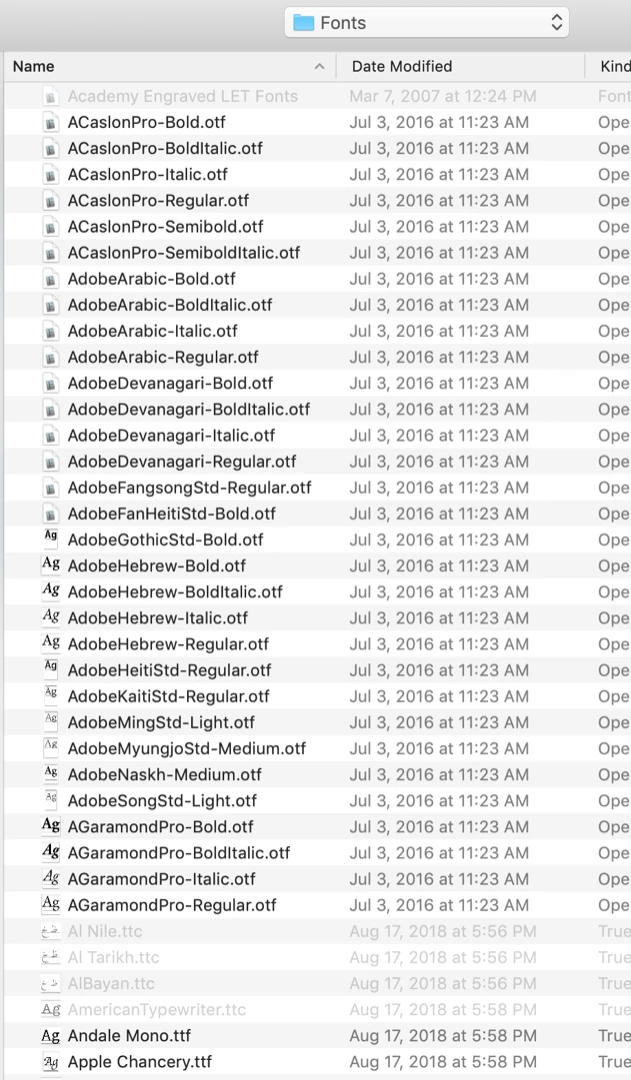


 AdChoices