


Question
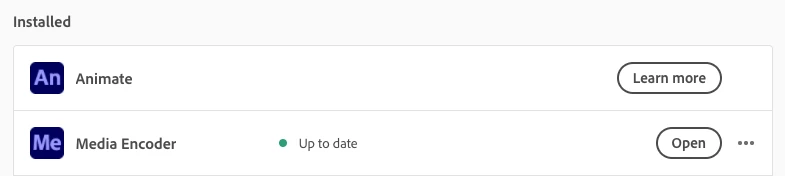
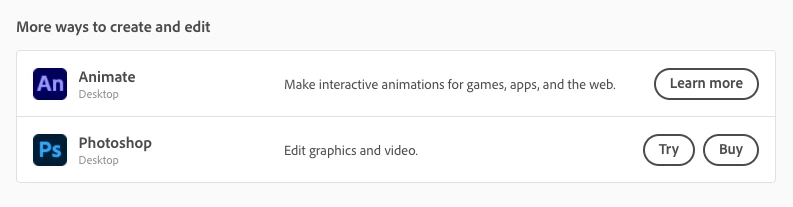
Adobe Animate showing "Learn more" in Creative Cloud
I've been struggling to uninstall or download older versions of Animate. When Creative Cloud opens, it shows as installed, but only has a "Learn more" button that shows me information about it. The button shows everywhere I can see Animate, which means there is no way I can disable it in the application. I can still open Animate through clicking the icon on my dock and in Finder, however.
I can't find anything to solve this problem, which means it might just be an issue with Creative Cloud 5.6.0.788.2.
What do I do?
IT'S ANNOYING LIKE A DAMN RAGE GAME!!!

 AdChoices