Participant
December 13, 2019
Question

Adobe Apps Crashing

  • December 13, 2019
  • 1 reply
  • 253 views

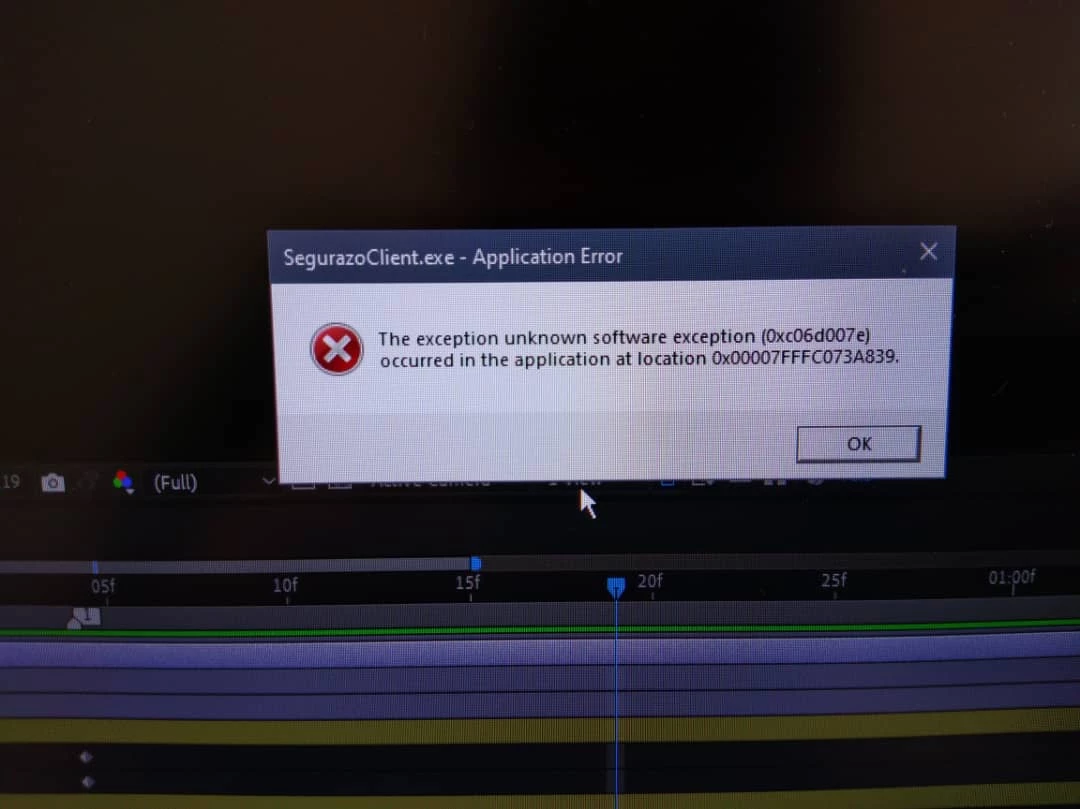
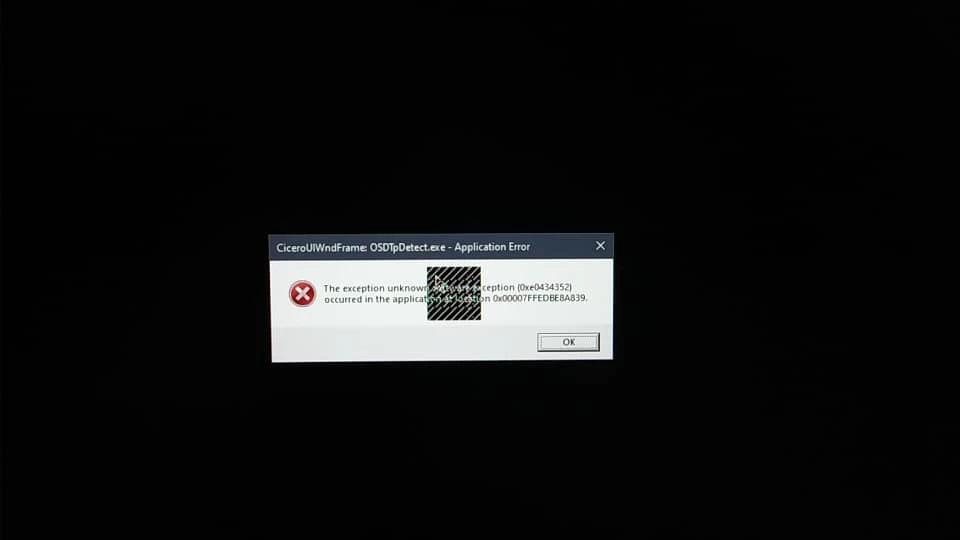
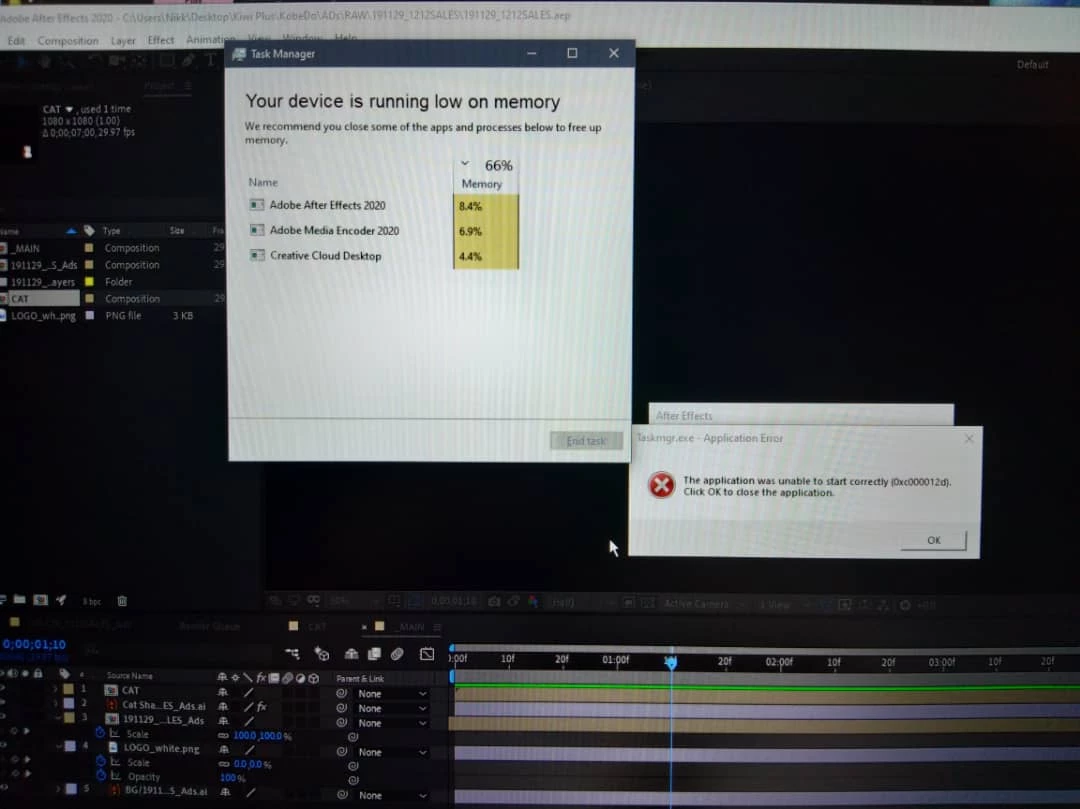
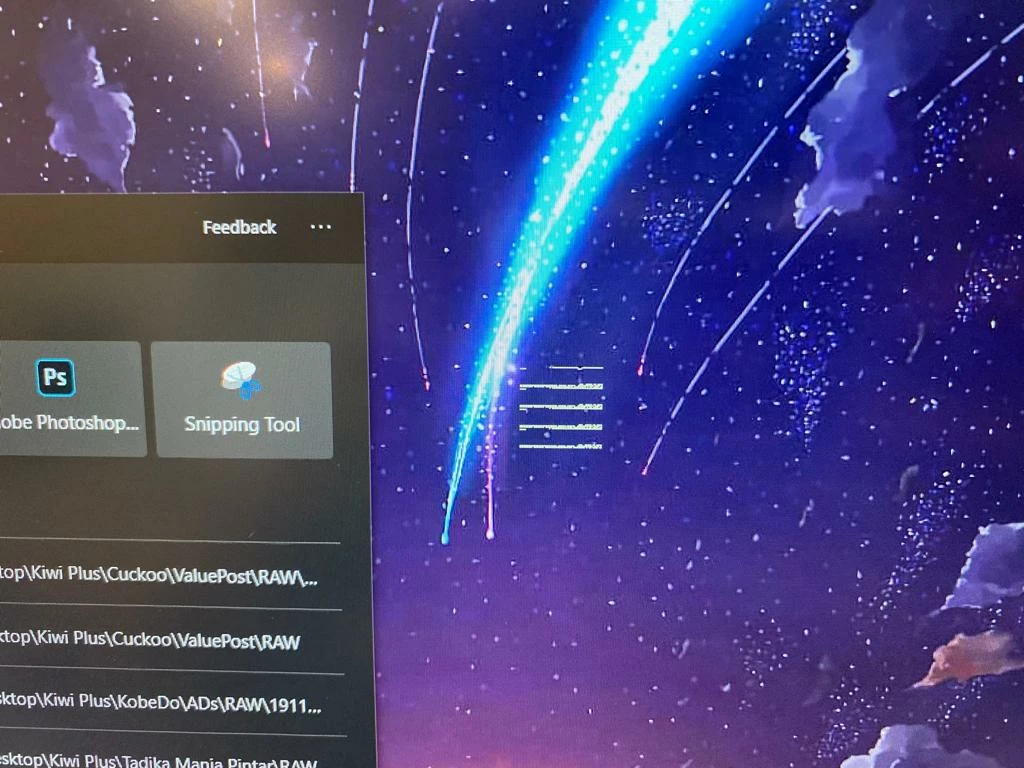
I have been using adobe apps for a while on my mac and it was fine. after  getting my new Illegear Raven SE-R and installing some creative cloud applications (specifically after effects, Photoshop. Illustrator, media encoder and XD) all of the applications run and crashes very often while i was halfway thru my projects. There are also some weird naming files appearing in the same folder i saved my files. After it crashes, my screen would go black and everything starts to lag. When th screen is back on, there will be a weird square appear on the middle of the screen. 
 

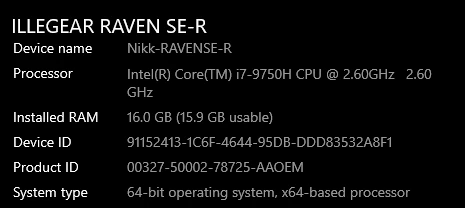
This is my laptop spec.
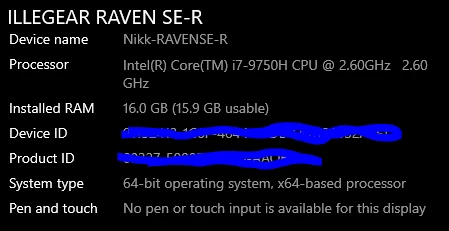

Using Windows 10 Home single Language
version : 1909
 Anyone can help with this issue?? Thank you in advance!!!!
This topic has been closed for replies.

1 reply

Nancy OShea
Community Expert
Community Expert
December 13, 2019

You need a computer that meets or exceeds the system requirements to run Creative Cloud desktop app + Photoshop + After Effects + + + +. 

https://helpx.adobe.com/creative-cloud/system-requirements.html


Open Windows Event Viewer.  What is the faulting module that's causing crashes?


Nancy O'Shea— Product User & Community Expert
Nikk7090Author
Participant
December 17, 2019

Hi, Thanks for the reply. My computer spects meets all the requirements to run Creative Cloud desktop apps (thanks for the link).

I have tried to use Event Viewer although i m not familiar with it (i saw quite a few errors). However, i went to search on one of the error message which is error: 0xC0000188 and have tried the solution suggested. Will have to use the app and check if the problem still occurs. 

Thank you. 🙂