https://forums.adobe.com/people/Jeff+A+Wright wrote
Davidd66287341 thanks for the update. If you are not able to establish a chat session at Contact Customer Care then I would recommend using a different browser, phone, or tablet. The current browsers settings may be blocking the chat experience.
It's nothing to do with browser settings, when you select "Creative Cloud All Apps: Lightroom CC" and "Download and Install" the "Would you like to contact us" Chat option is greyed out. That seems like an Adobe support policy, not browser settings.
This happens from different browsers and on both PC and Android phone.
Have you been visiting torrent sites on this computer? Was an alternate release for Adobe applications previously installed on this computer? If you previously did have an alternate version of Adobe software installed then I would recommend reviewing Resolve connection errors with Adobe Creative Cloud, and Creative Suite applications as the same connection errors will block that chat experience.
Nope. No previous Adobe software installed. I've tried the solutions in the "resolve connection errors...." link above and there is no issue...I can see the 2 Adobe images just fine.
For the current error, please see Apps panel doesn't show installed Adobe Creative Cloud apps for steps you can take for Lightroom Classic CC to show as installed in the Creative Cloud desktop app, Davidd66287341.
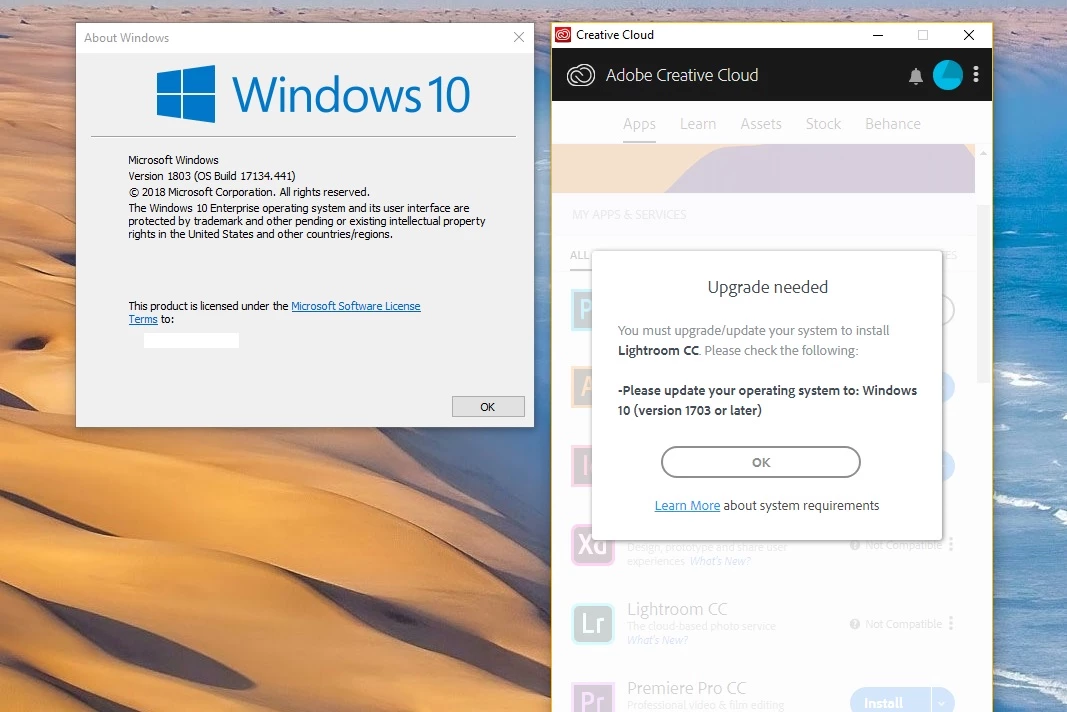
Also tried this. No difference. The CC Desktop App is still prompting me to install the already installed program.
Ok, I am sorry, Davidd66287341. I don't have any additional suggestions to offer at this time. Support is still provided for Lightroom Classic CC; if you can establish a chat session, under any topic, then it is possible to transfer the interaction to someone who can assist you directly.



 AdChoices