Participant
February 3, 2017
Answered

Adobe CC updated failed

  • February 3, 2017
  • 1 reply
  • 402 views

Hi, everyone

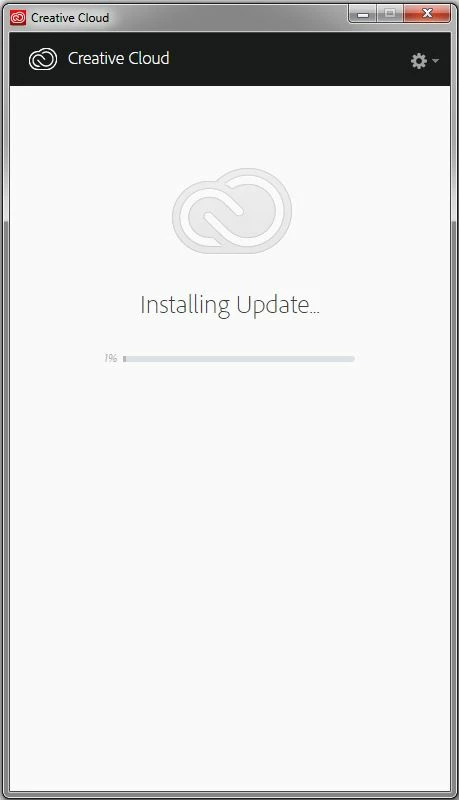
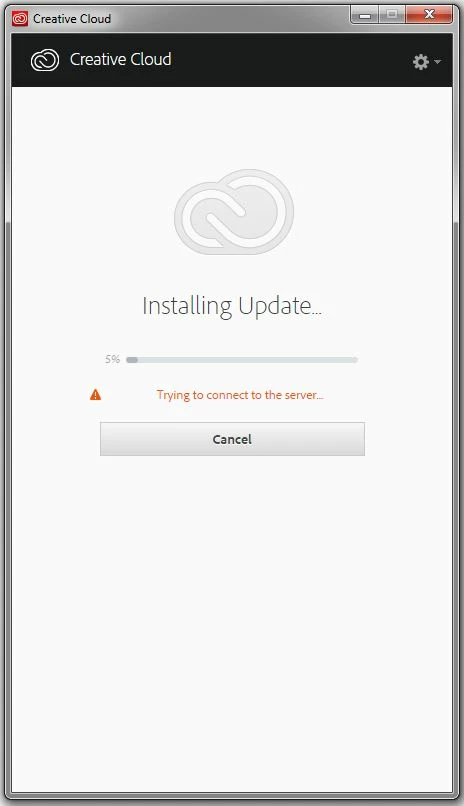
I have been trying to update my Adobe CC suite for a few months. But the question always appears as "it can't connect to the server" after one or two minutes. I have searched for solutions online and tried those I can find, such as check my computer anti-virus settings, check my internet proxy settings, uninstall and reinstall everything, delete OOBE files and etc. But still the update fails for some reason. I would really appreciate if someone can help me out.

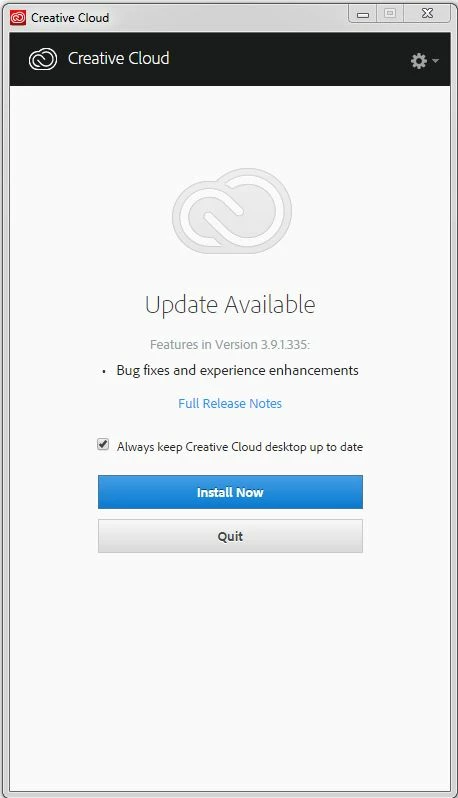
Here are the screenshots of my Adobe CC manager. And pretty all the screens I can see. 😞
This topic has been closed for replies.
Correct answer kglad

confirm that you can connect to the secure adobe servers.

for help with that and other common secure adobe.com connection problems read, http://helpx.adobe.com/x-productkb/policy-pricing/activation-network-issues.html

if you've already done all that and confirmed you can connect (using the link on the network-issues page), can you sign out and then back in to your cc desktop app:  http://helpx.adobe.com/creative-cloud/kb/sign-in-out-creative-cloud-desktop-app.html

1 reply

kglad
Community Expert
kgladCommunity ExpertCorrect answer
Community Expert
February 3, 2017

confirm that you can connect to the secure adobe servers.

for help with that and other common secure adobe.com connection problems read, http://helpx.adobe.com/x-productkb/policy-pricing/activation-network-issues.html

if you've already done all that and confirmed you can connect (using the link on the network-issues page), can you sign out and then back in to your cc desktop app:  http://helpx.adobe.com/creative-cloud/kb/sign-in-out-creative-cloud-desktop-app.html

Participant
February 6, 2017

Hi, there

Really appreciated your answer. It seems the connection to server has no issue and after resetting the host files it works.

Thanks a lot for your help.

Cheers,

Joyce

kglad
Community Expert
Community Expert
February 6, 2017

you're welcome.