Participant
October 14, 2021
Question

Adobe Creative Cloud and InDesign can't reach server, internet works, Illustrator works fine as well

  • October 14, 2021
  • 2 replies
  • 889 views

I need help!

Since today InDesign and Creative Cloud refuse to connect to the server, Illustrator works fine though. It doesn't matter what Wifi connection I use, they both won't work.

I cannot deinstall them, as they need a connection to the servers and of course that ain't working.

Also, they both cannot reach/connect any licensing? I don't understand why they both won't work but Illustrator is fine.


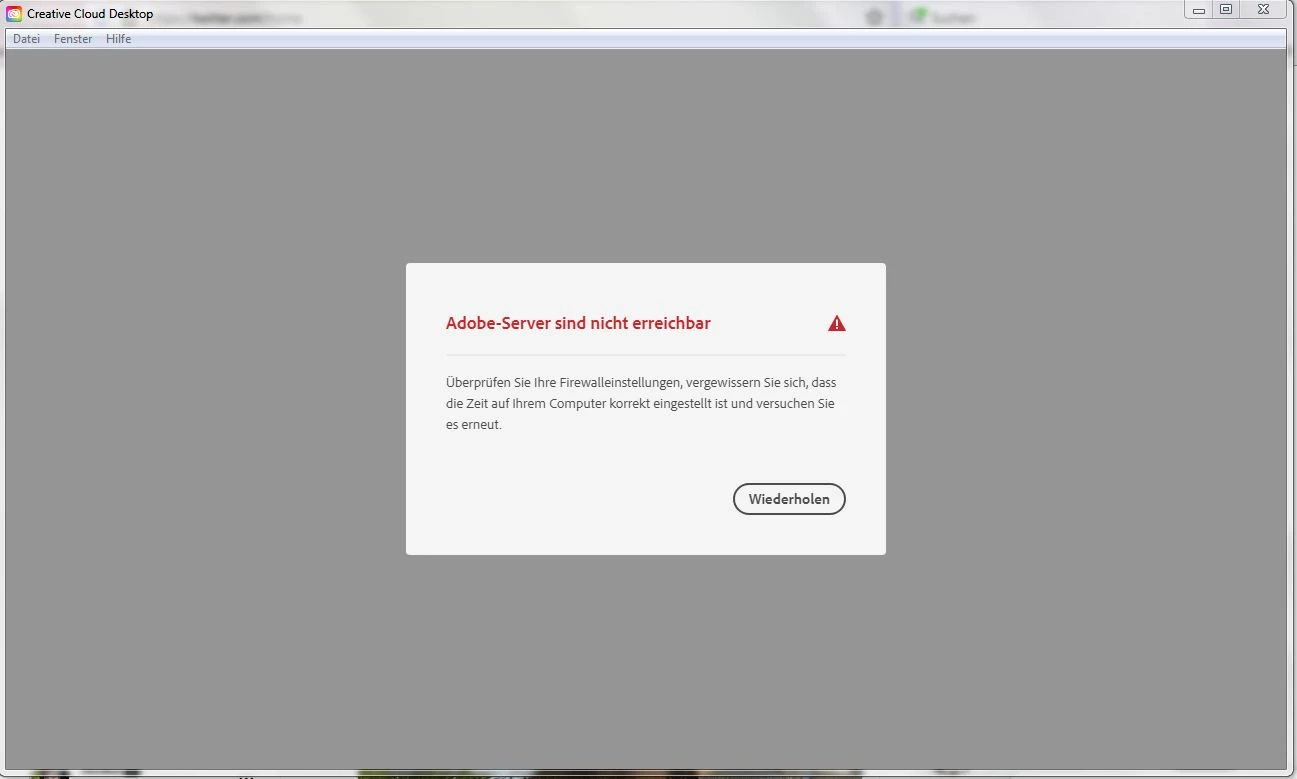
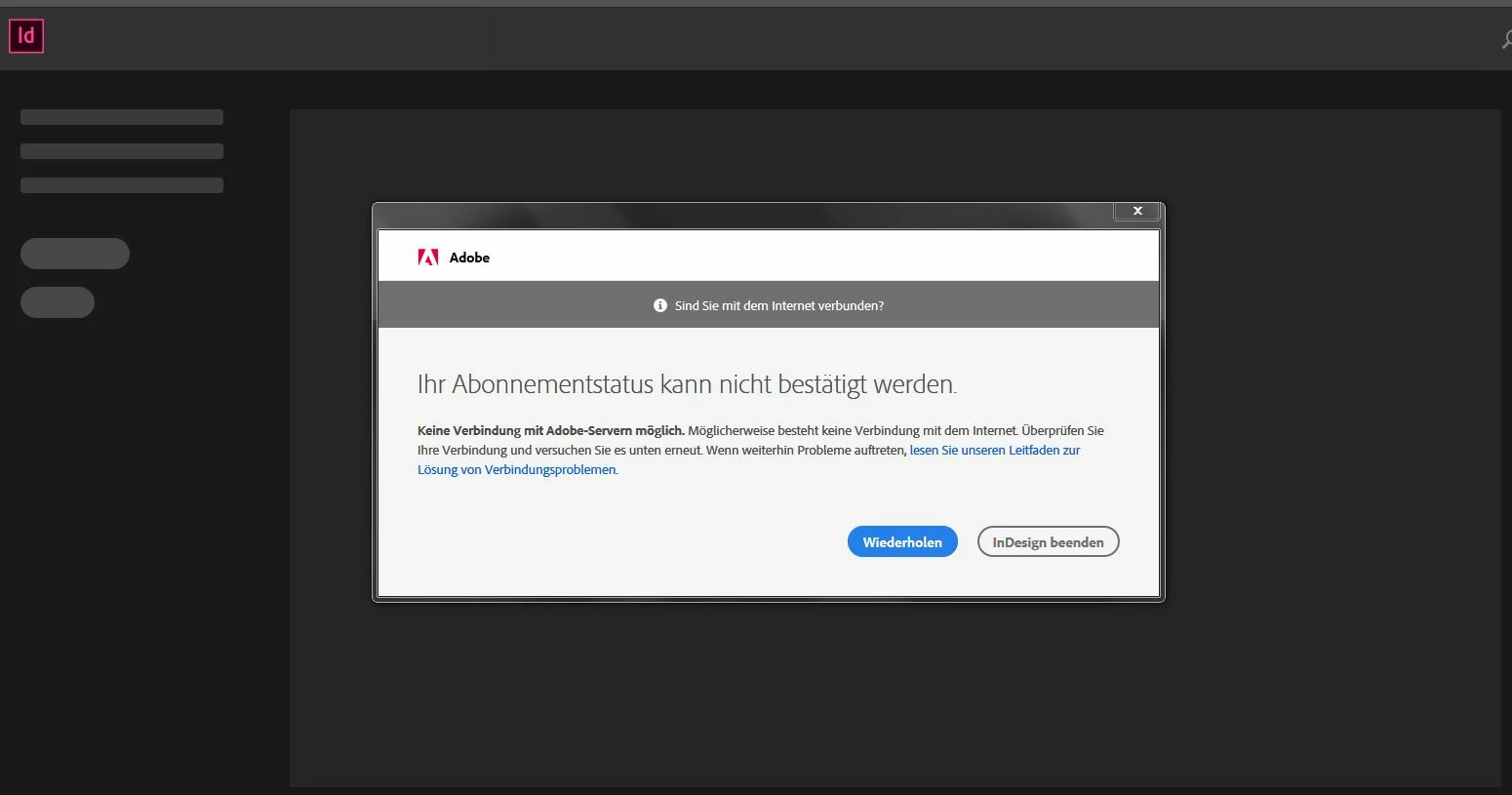
I know those screenshots are in German, but the first one says: Your subscribtion cannot be confirmed. (I can log into the website, Illustrator still works, I don't know why... and no, the tips from Adobe's helpdesk don't work. None of them.)

Second screenshot reads: Adobe-Server cannot be reached.

Yet, Internet works. I am currently accessing this website through the exact same wifi-connection I would use for the programs.


If anyone knows any solutions, I would be forever grateful. I use these two programs daily for my side business. Also, I am, obviously, a computer noob, so don't be too harsh!

Thank you!
This topic has been closed for replies.

2 replies

Nancy OShea
Community Expert
Community Expert
October 14, 2021

Update your Creative Cloud desktop app.

1. Open CC Desktop App.
2. Click your Avatar (top right image) > Preferences > General tab > Settings. Select "Always keep Creative Cloud up to date."
3. Click on your Avatar again.
4. Sign-out of Creative Cloud.
5. Close all apps.
6. Restart your computer.
7. Open CC Desktop app.
8. Click your Avatar.
9. Sign-in with your paid ID and password.


Nancy O'Shea— Product User & Community Expert
Participant
October 14, 2021

Cannot do that as I cannot open the Creative Suite App. It doesn't connect to the servers.

Nancy OShea
Community Expert
Community Expert
October 14, 2021

How to Resolve Connection Errors -  See solutions 1 & 2.

https://helpx.adobe.com/x-productkb/policy-pricing/activation-network-issues.html


Nancy O'Shea— Product User & Community Expert
John T Smith
Community Expert
Community Expert
October 14, 2021

TLS 1.2 is now required to connect https://helpx.adobe.com/x-productkb/multi/eol-tls-support.html
-on Windows be sure to do the EASYFIX.MSI in step 2

Participant
October 14, 2021

Doesn't work unfortunately 😞