
KStevenson
Participant
April 22, 2017
Answered

Adobe Creative Cloud App won't work...

  • April 22, 2017
  • 3 replies
  • 576 views

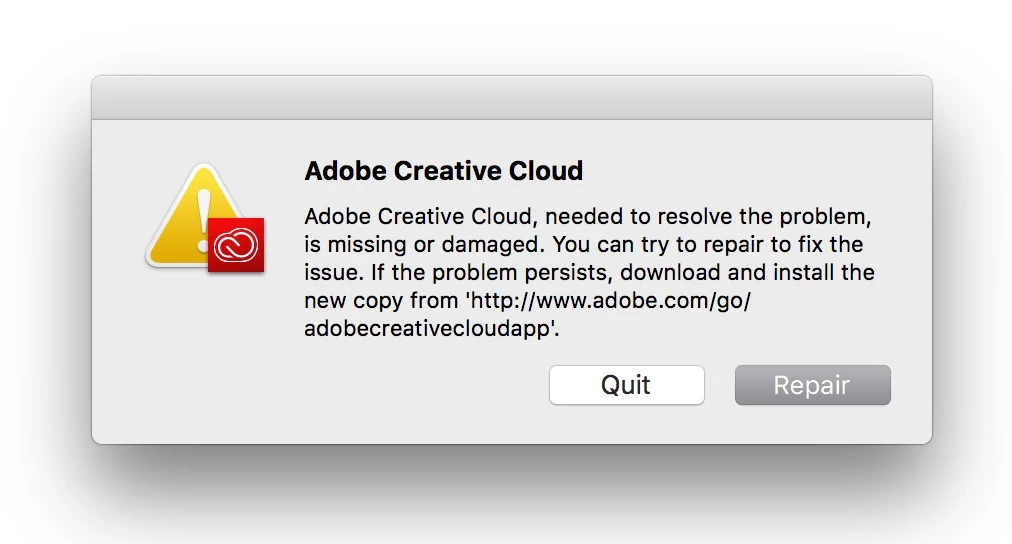
I have all the Creative Cloud Applications stuck at older versions because every time I try to update them the Creative Cloud app present's with this...
When I click "Repair" it goes all the way past 99% to a full "Repair"...
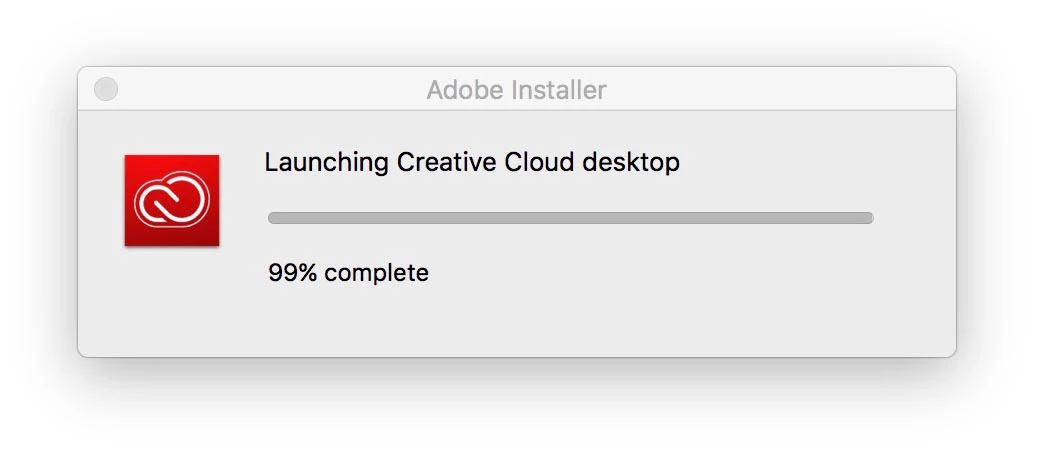
And then the cycle restarts. I try update my CC Apps. It reports the first problem, I click "Repair", etc etc etc...

When I try Uninstall Adobe Creative Cloud I get this...
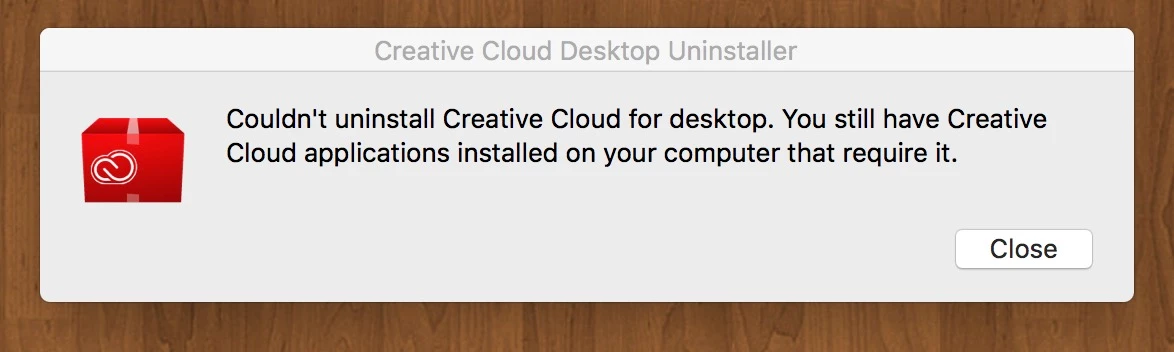
That's going to take Hours. Is there any way of deleting the Preference files of the Adobe Create Cloud App that seems to be the bad manager for all the good employee apps here?

I want the updated apps and the horrible manager is preventing me from doing that.

This topic has been closed for replies.
Correct answer Kanikas

Hi Kevin,

Since you are getting this error, please see the help document below:

Error: "Adobe Creative Cloud is needed to resolve this problem"

Feel free to update the thread if the issue still persists.

Moving to Creative Cloud Download & Install

3 replies

Laith Bisher
Participating Frequently
April 22, 2017

No problem man, thanks you too

Laith Bisher
Participating Frequently
April 22, 2017

Ah, sorry i dont use ios     

KStevenson
Participant
April 22, 2017

No problem, thanks for your response Laith. I should have been more specific.

Kanikas
Community Manager
KanikasCommunity ManagerCorrect answer
Community Manager
April 24, 2017

Hi Kevin,

Since you are getting this error, please see the help document below:

Error: "Adobe Creative Cloud is needed to resolve this problem"

Feel free to update the thread if the issue still persists.

Moving to Creative Cloud Download & Install

Laith Bisher
Participating Frequently
April 22, 2017

Go to

Local Disk(C:) programfile(x86) > adobe > adobe creative cloud > utils > Creative cloud uninstaller

I think the problem is solved

KStevenson
Participant
April 22, 2017

Sorry, I should have specified that I'm on an Apple Mac.