


CHEN!
Participating Frequently
November 1, 2018
Answered

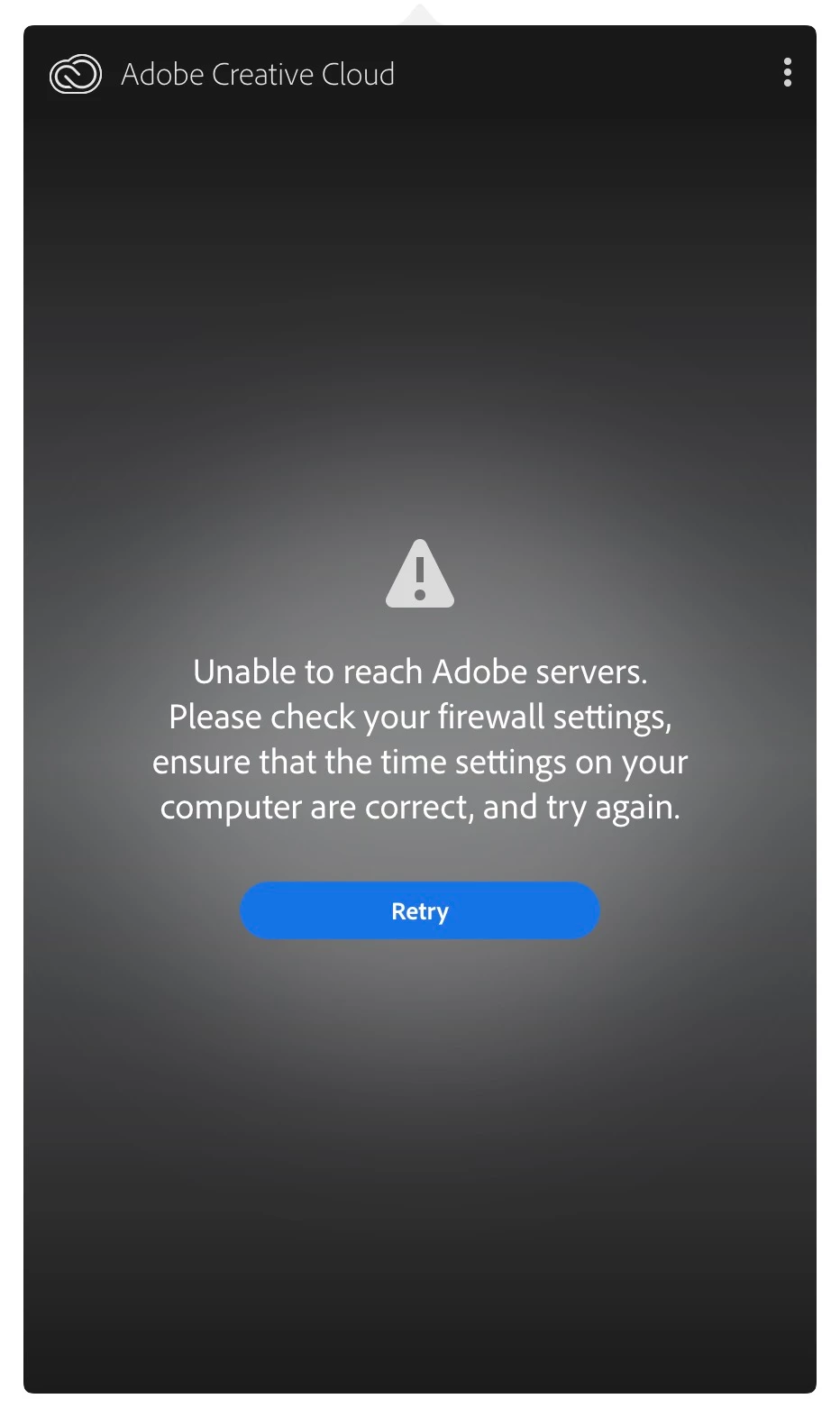
Adobe Creative Cloud can't connect to server

  • November 1, 2018
  • 8 replies
  • 22018 views

Don't know what happened, creative cloud app just can't connect to server since 2 days ago. I have never set any firewall and it is turned off. Quitting and relaunch doesn't solve the problem. Please help.
I

This topic has been closed for replies.
Correct answer arij2010

Hi:

Check your Hosts file as explained here :

Resolve connection errors with Adobe Creative Cloud and Creative Suite applications

8 replies

Participant
May 24, 2022

Well I've been through all of the online fixes multiple times and ONLY have a problem connecting to Adobe Servers.  It is my opinion that they are don't really care what paying customers experience.  All other software connects trouble free.  Creative Cloud Desktop is almost constant problems.  It's sad right?

Participant
August 26, 2022

Hi All


Yes this is still happening. It is a regular constant issue for me. At least once a month I get to waste my time debugging Adobe crap. If the Creative Cloud launcher app can access my account and I launch Illustrator or Photoshop from there, then surely it should "know" I have authenticated.


But No!

So I am obviously "not connected to the internet"  which I convert to "Adobe are idiots" and the troubleshooting guide is all about "this is a USER problem with the USER's computer and internet".

When in FACT, it is an ADOBE problem with their server authentication system failing to accept that an already authenticated account means that the Internet IS connected and it must be an issue with Adobe servers.

A point highlighted by the fact that to enter this post into the community for Adobe, I had to a) be connected and b) authenticate with my account, to do so.

Adobe just need to do 1 small thing.

Make the Creative Cloud launcher application the single source of truth for internet access and authentication. Each of the applications should not need to access the internet independently. If the local computer can access the users account from the CC Desktop App, then ALL applications licenced to that account should automatically be accessible.

Same stuff, year after year. It has not changed or improved. If there was an alternative that did not require me to unlearn all my Adobe training I'd not be paying for this sub-standard service. The Apps are fine, it is just this rubbish of having to waste time accessing what I have paid for. My only solution is full shutdown and reboot. Which I am now heading off to do yet again.....

Bah humbug!

Tony


Participant
October 3, 2022

I have been getting this same error on and off and its been making me crazy. I fixed it by going into my Avast Cleanup app and "waking up" all of the Adobe processes that I long ago put to sleep. It fixed the problem immediatly! Hope this is helpful to someone. 

CHEN!
CHEN!Author
Participating Frequently
November 1, 2018

Now It is connecting!

I just click "Retry" and it connect!

Participant
November 22, 2019

I just had the same issue when updating to Catalina.  Apparently I had Norton on the machine at one point and I then ran the utility at this page: https://support.norton.com/sp/en/nz/home/current/solutions/kb20080427024142EN


Once I did that, all worked with my adobe account.

arij2010
Inspiring
November 1, 2018

All Adobe servers seems to be on green :

Adobe Status

聡佐87911307
Participant
November 1, 2018

same issue here too. no firewall issue. does adobe announce any server issue?

Participant
November 1, 2018

I have the same problem.

please rosolve this problem

Participant
November 1, 2018

I have the same problem.

please rosolve this problem, adobe!!

arij2010
arij2010Correct answer
Inspiring
November 1, 2018
CHEN!
CHEN!Author
Participating Frequently
November 1, 2018

I already reset the hosts file by using Limited Access Repair tool​ but the problem still doesn't solve.

Participant
November 1, 2018

I have the same problem.