


jonathanb73994982
Participant
April 13, 2021
質問

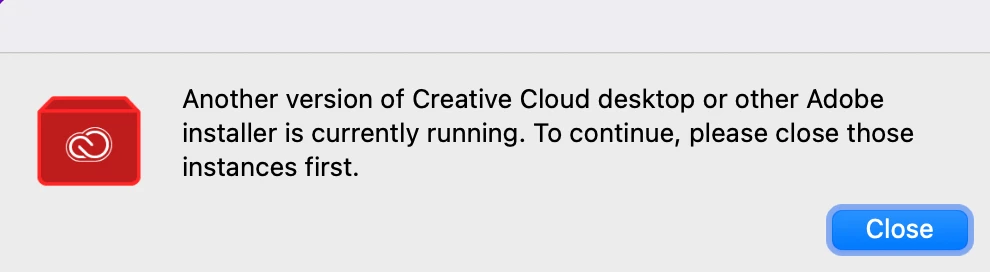
Adobe Creative Cloud Can't Install due to Another version of Creative Cloud or Adobe Installer
  • April 13, 2021
  • 返信数 1.
  • 194 ビュー

This is all the Adobe applications I have left- I can't quit these at all and the uninstaller is not working at all. I have no adobe applications other than this at all. Help please.

このトピックへの返信は締め切られました。

返信数 1

kglad
Community Expert
Community Expert
April 13, 2021

open your activity monitor (mac) or task manager (win) and shut those down.  then clean and reinstall.


clean your computer of cc files per http://www.adobe.com/support/contact/cscleanertool.html
check for, and if available, update your os
repair all ms visual c++ versions that can be repaired.
update your ms visual c++, if it can be updated
restart your computer (don't skip this)
reinstall the cc desktop app, https://creativecloud.adobe.com/apps/all/desktop?action=install&source=apps&productId=creative-cloud
if you're unable to install the cc desktop app at this stage, use the link at the bottom of the page at https://helpx.adobe.com/download-install/kb/creative-cloud-desktop-app-download.html
use the desktop app to install your cc programs/trials
