Participant
August 28, 2016
Répondu

Adobe Creative Cloud Desktop App quits without any error message in the middle of install

Hi All.

I've been having some struggles since this morning...

Building a 30 GB Photoshop file for a big project and couldn't open the file or any other PSB I've built in the last 5 weeks - went down the trouble shooting rabbit hole...

now I'm here...

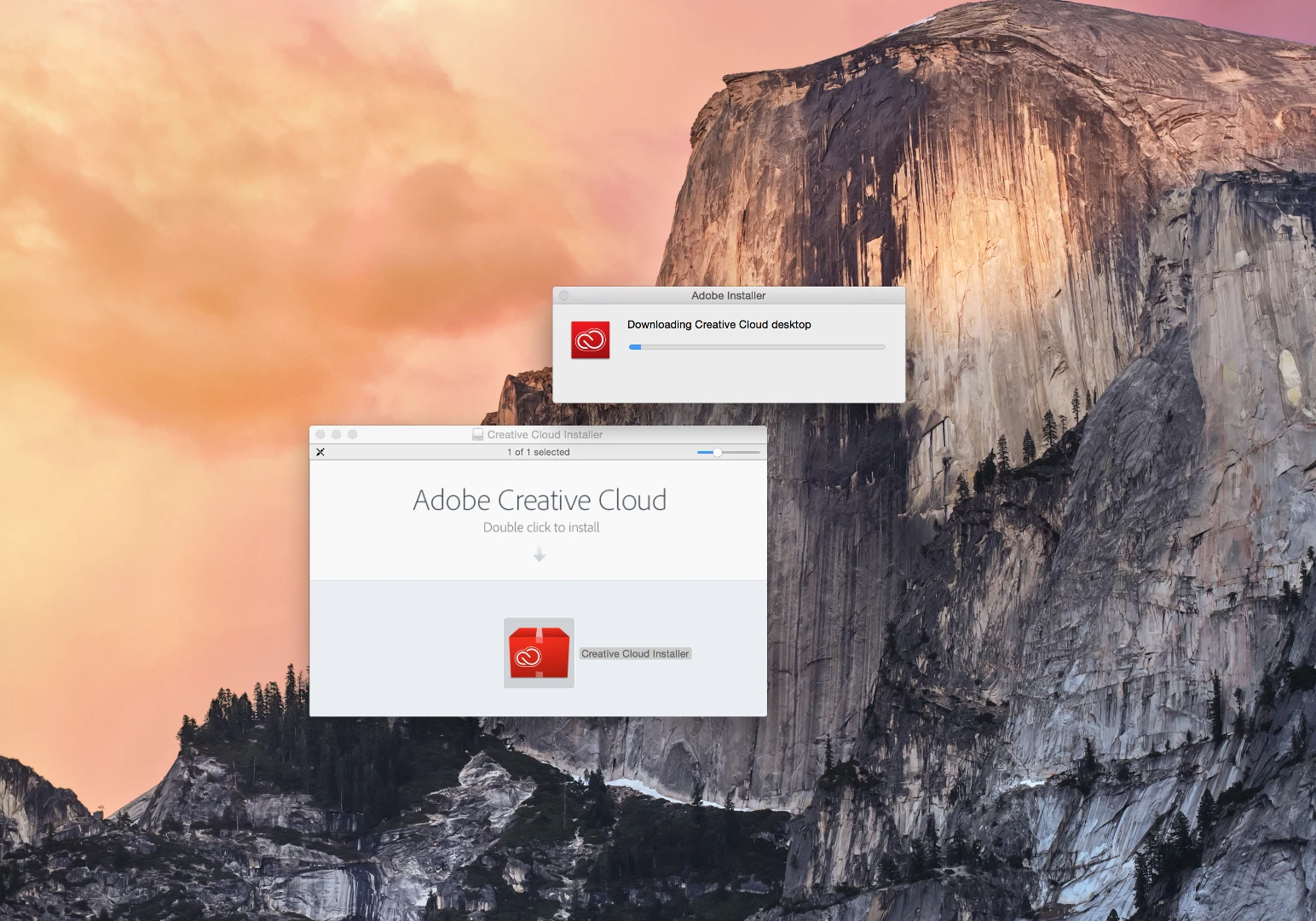
Can't even install the adobe Creative Cloud Desktop App to start anew. The installer quits without so much as an error message. The screen shot is right before the moment the adobe installer disappears. Very annoying. Anyone know anything about this problem?

I can give more context for how I got here and all the problems I ran into along the way/steps I took to fix them if no one has an immediate answer.

I need to get this project finished up by tomorrow .

Ce sujet a été fermé aux réponses.
Meilleure réponse par cticompserv

Nope, doesn't work. I already tried these steps, this time and the two previous times the update failed.

Please provide a direct download for the recent release.


FYI, ProDesign Tools has updated their site. The new installer, ACCCx3_8_0_310.dmg, can be downloaded here, Adobe CC 2015 Direct Download Links: Creative Cloud 2015 Release | ProDesignTools

Kent

4 commentaires

jimmingin
Participating Frequently
September 2, 2016

Adobe - Please provide the direct link for the update.  I have spent too many hours over the last year with this issue and it happens every single time you send out a CC app update.  For software that I am spending 600.00 dollars a year to rent, I expect it to work.  The only way I have been able to get it to work with with a direct download link.

Thank you - I anxiously await the link...

Running Mac OS 10.9.5

Participating Frequently
September 2, 2016

An option to NOT install the update would be good also.

Kent

Jeffrey_A_Wright
Legend
September 2, 2016

If you are facing difficulty applying the most recent update please utilize the steps listed in "Failed to install" error received when installing Adobe Creative Cloud desktop app .   If you can update this discussion with the results it would be appreciated.

Participating Frequently
September 1, 2016

I've had the same problem since Monday of this week and another user just came to me reporting the same thing. I've completely uninstalled all CC apps on my Mac but now can't install the CC desktop app. When this happened in June I downloaded the ACCC app directly from ProDesignTools: Adobe® Developments in Focus but they don't have a newer version yet.

Kent

Sheena Kaul
Legend
August 30, 2016
Govardhan.V
Participating Frequently
August 28, 2016

Step1)

Click on the Finder and look for the options listed next to Apple Icon located at the top left corner of the Desktop screen and click on "Go" menu button and select "Utilities" option.

(Applications>Utiliites)

(If present) Locate Adobe Creative Cloud and Adobe Application Manager folder under Utilities window and trash both folders.

Step 2)

If present Trash Adobe Creative Cloud from Applications as well.

Step 3)

Click on the below link and download & run Adobe Cleaner tool :

Select the option "Adobe Application Manager for Mac OS X 10.6" or "Creative Cloud desktop " and then click on "Clean up Selected" .

  http://download.macromedia.com/SupportTools/Cleaner/mac/AdobeCreativeCloudCleanerTool.dmg


Step 4)

Click on the below link and download Creative Cloud Installer file and use the same to install the Creative Cloud Desktop application.

https://ccmdls.adobe.com/AdobeProducts/KCCC/1/osx10/CreativeCloudInstaller.dmg

Participant
August 29, 2016

I have the exact same problem as above. The 4 steps did not solve my problem. Tried installing in safe mode without luck. I have also tried other troubleshooting related to the issue without success. Could this be an adobe server issue?

Inspiring
August 30, 2016

Hi,

See that thread  CreativeCloudInstaller keeps crashing during install (OS/X) for a possible solution. I have (as usual) the same problem on Windows and I have described a workaround that could possibly be adapted to the Mac.

--Patrick