
Answered
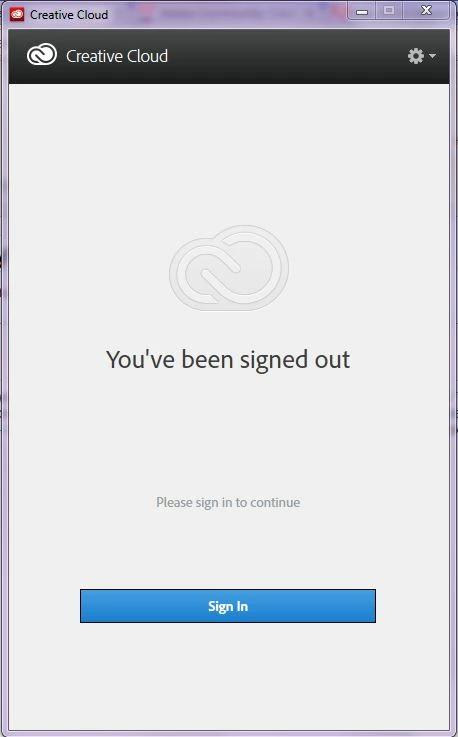
Adobe Creative Cloud desktop says "You've been signed out Please sign in again to continue"
I just got a 1 year subscription to Creative Cloud earlier today to work on my college class at home. When I try to log in I get the message "You've been signed out" immediatly after signing in. I downloaded the applicaiton on a Macbook Pro to see if I get the same result, but I logged in flawlessly. I have tried the IMSLibReplacer (http://helpx.adobe.com/creative-cloud/kb/unable-login-creative-cloud-248.html) a couple times, but nothing changes. I have attached a picture of the application. Any advice would help!
Thanks!
 AdChoices