Tomasz_Stepien
Participant
January 17, 2020
Answered

Adobe Creative Cloud installation problem

  • January 17, 2020
  • 1 reply
  • 5552 views

I warmly welcome
My name is Tomasz Stepien and I am a happy user of Adobe programs. I also have an active account (ID: (removed by moderator for privacy)).
I purchased the LaCie product yesterday and got the free, monthly use of Adobe Creative Cloud as a bonus.
Following the procedure, I registered the purchased product and automatically, after entering the coupon code, I was automatically redirected to the Adobe website.

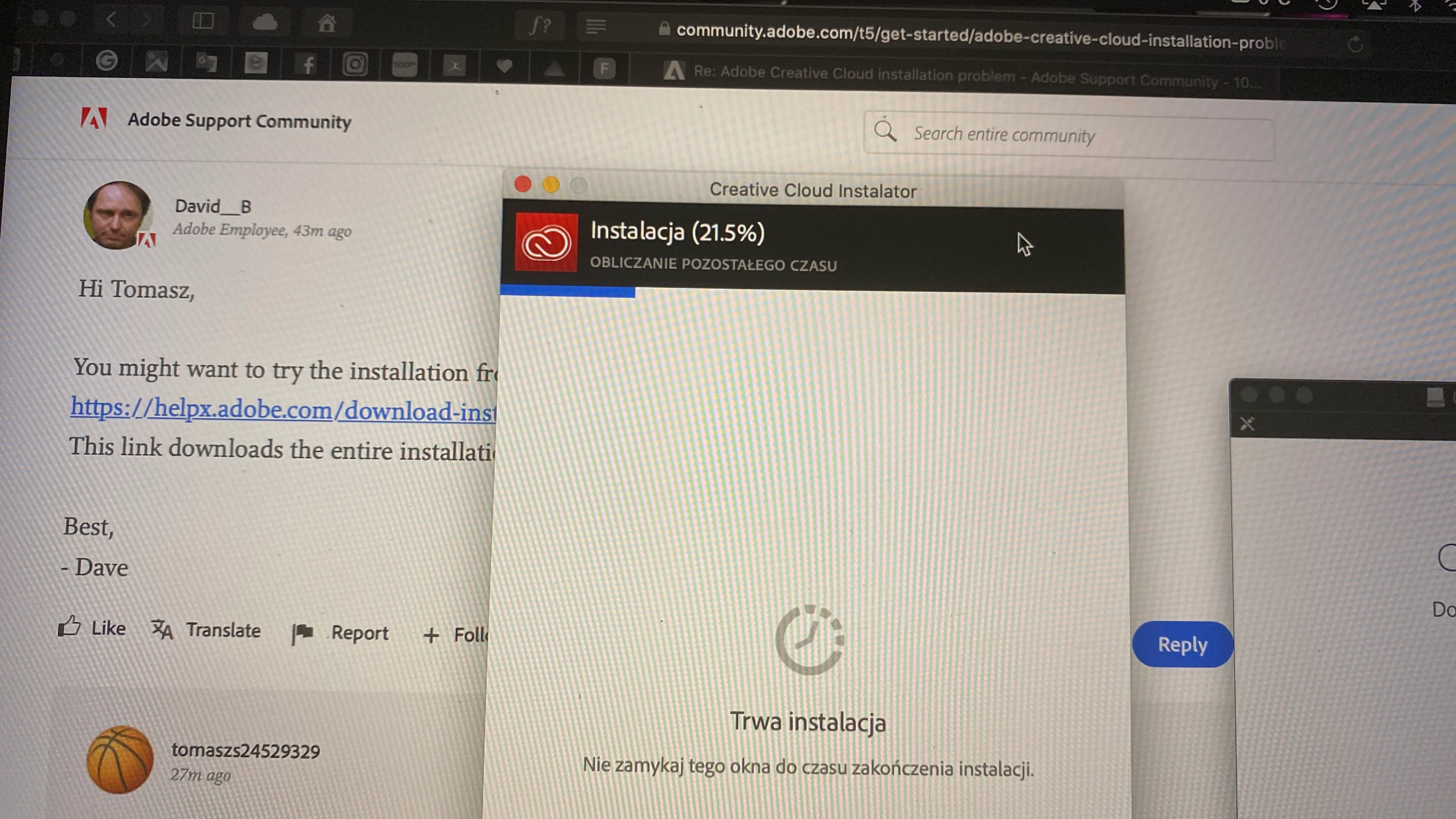
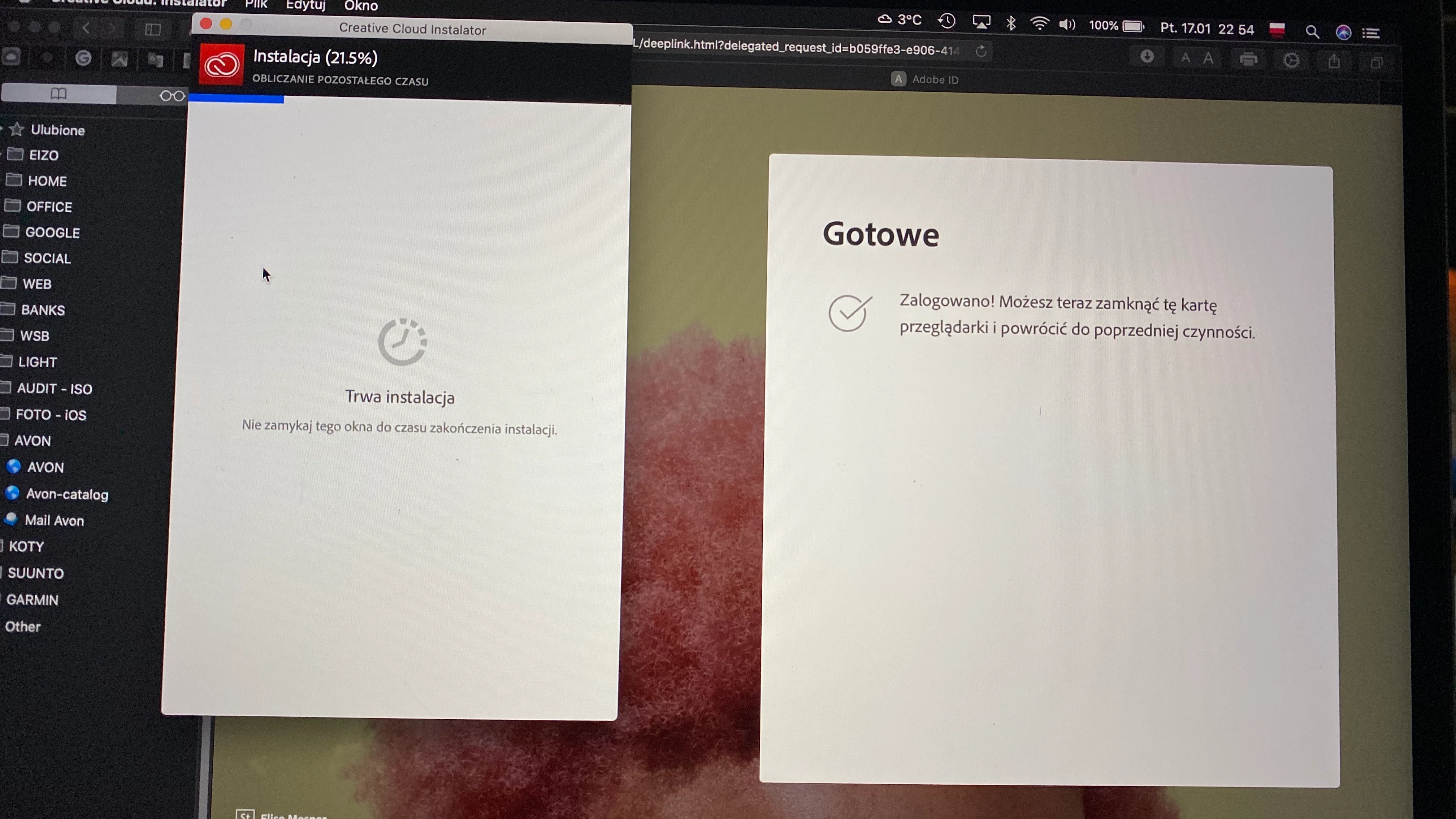
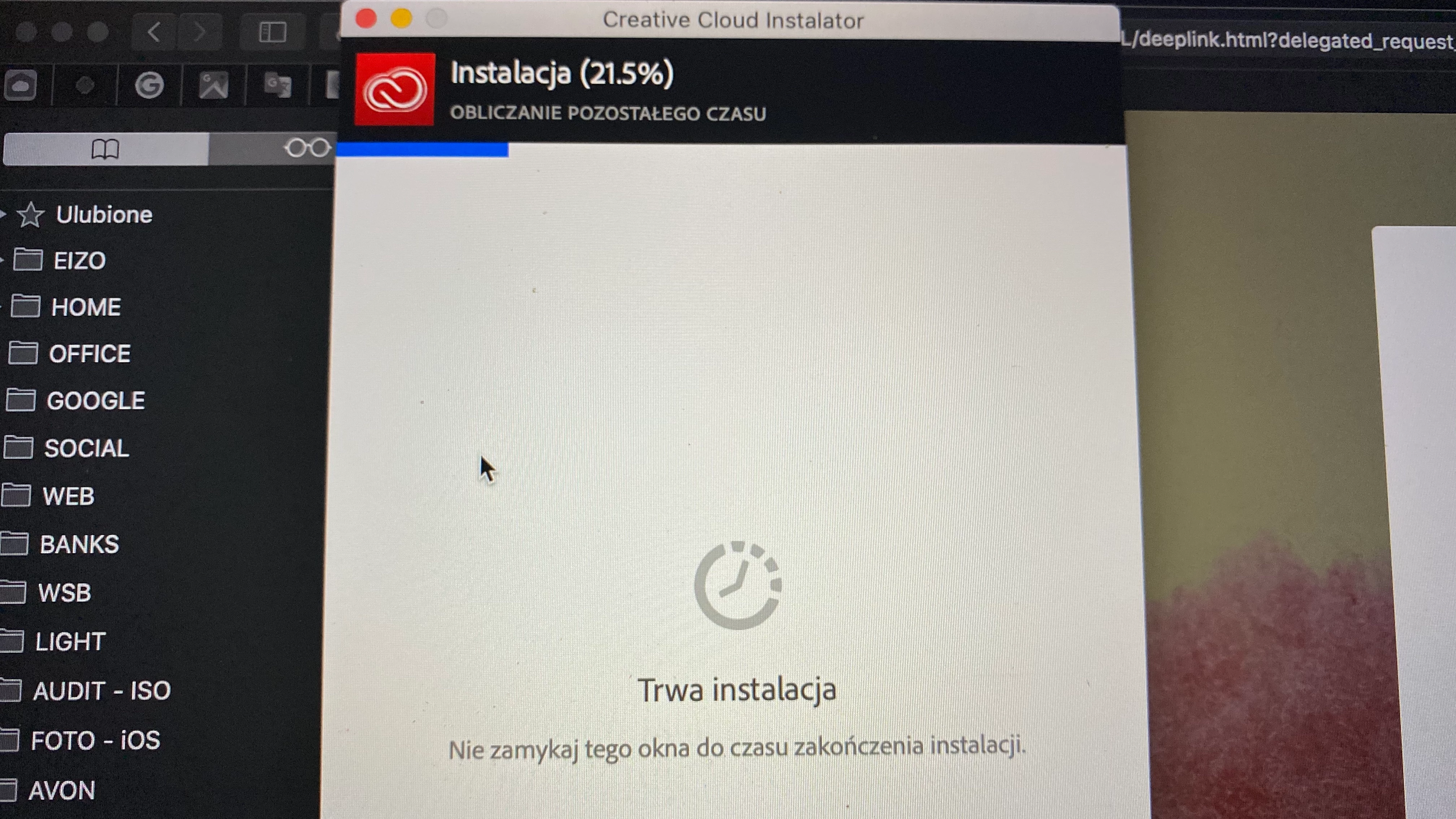
I downloaded the Adobe Creative Cloud installer (I'm using Mac OS Catalina) and started the installation. Unfortunately, when the installation status reached 21.5% (screenshots attached), the system stops further installation. I have tried several times and still the same. I restarted the system and nothing ...!
I also tried supporting ACC directly from the Adobe website but there is information about non-existent downloads at the moment.

Please help because my monthly free ACC period started yesterday and the clock is ticking ... and I can't download any program.
It is true that I use Adobe photoshop CS 6 version for windows but I wanted to take this opportunity to try ACC and how PS works on mac OS.
I am definitely thinking about Premiere Pro but first I have to get to ACC packages.

 From a web browser and my account, I can't download either PS or Premiere Pro.

I am asking for urgent help in this regard

Regards
Tomasz Stepien
This topic has been closed for replies.
Correct answer Tomasz_Stepien

Dave
As I thought ... You see the screen ...
I'll wait a few more moments, but I don't see it as a solution. I also wrote to Adobe Support before. I will see what they answer.
Thanks for your interest and help.


Dave


There is success. I installed the Adobe Creative Cloud cleaner tool. It worked.
Then instant installation and I am already working
Thanks for the help


TS

1 reply

David__B
Legend
January 17, 2020

Hi Tomasz,


You might want to try the installation from the alternate download link here:
https://helpx.adobe.com/download-install/kb/creative-cloud-desktop-app-download.html

This link downloads the entire installation versus using a built-in downloader


Best,

- Dave

Tomasz_Stepien
Participant
January 17, 2020

Hi Dave 


Thanks but read what I wrote. It is not a problem to download the installation package (because I have already downloaded it) The problem is the installation on my mac OS.
After installing 21.5%, the installation stops and is over. (screen attached)
It looks like there is a problem on the software provider's side. The installation cannot achieve a higher status.

Greetings

TS

David__B
Legend
January 17, 2020

Hi Tomasz,


I did and would still recommend you trying my suggestion if you haven't yet, the link to the installer I referenced is different than the standard one. The first 50% is the download and the second 50% the installation. The full installer circumvents download portion which you're saying it is getting stuck half-way approx (21.5%) through for you.