

Adobe Creative Cloud not Installing, Cannot clear Deactivated Devices in Admin Console
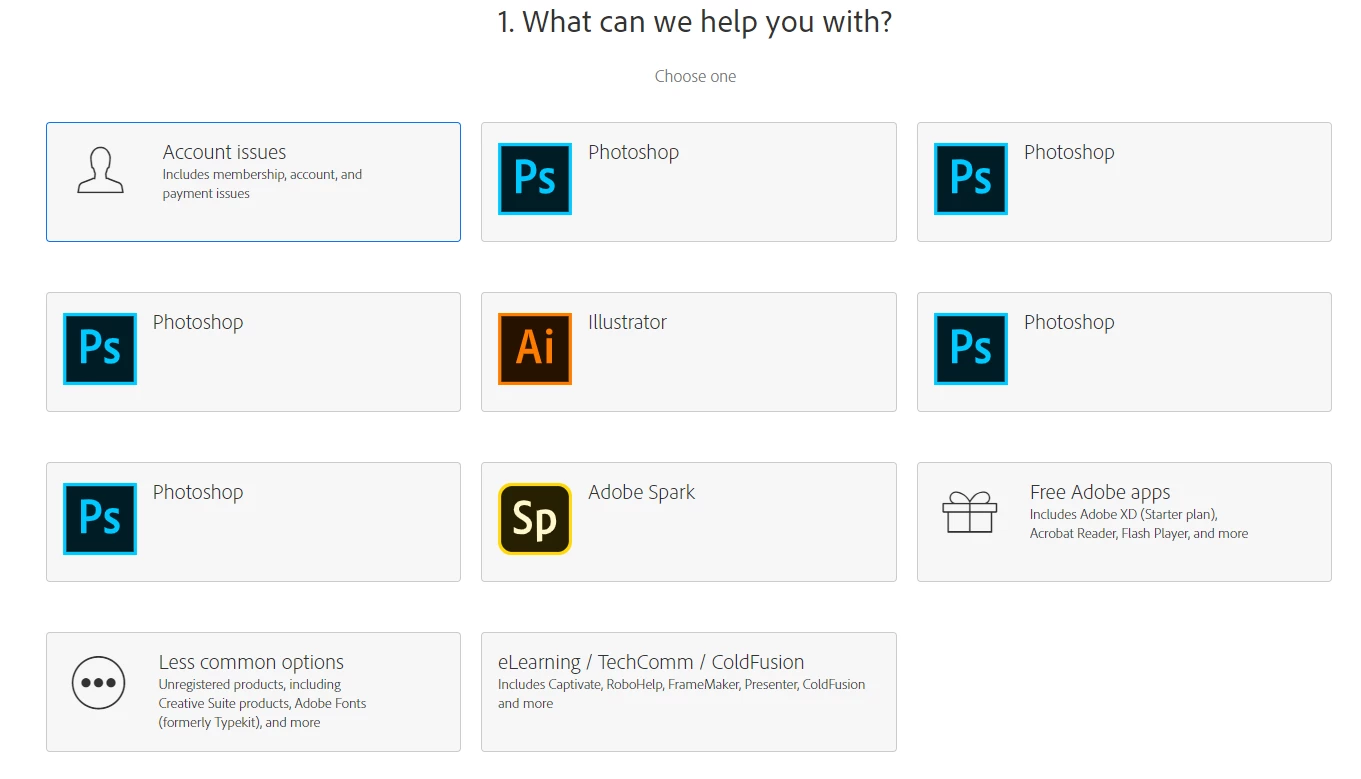
Looking for Community assistance, as I've been on hold for 2 hours trying to contact Adobe by phone and their Online Chat only has options as shown in the attached image. Additionally, their "Click here for support" just loop around back to admin console over and over.
Now onto the actual problem. I am unable to install Adobe CC products on my domain devices. They previously had products, but licensing had expired. We bought new licenses, but the devices did not automatically detect them. I deactivated the devices in admin console in an attempt to then reactivate them. However, I've now realized there is no way to remove them from the deactivated devices list myself. Beyond that, the packages I built in admin console will not install. Neither the MSI or EXE install correctly. The MSI fails immediately. The setup runs, installs 4 or 5 apps, then restarts explorer.exe and fails. Failing causes it to uninstall all the products it did install correctly except it leaves Creative Cloud. The setup errors I've received are both related to bootstrapper. I've gotten (81) which implies another process is causing a conflict. I have received that even with no adobe, coresync, node, or cc* processes running. If that does not happen, I get (-1) which implies it did not run as admin. I've received (-1) even after setting the EXE to always run as admin, after running it from powershell after starting powershell in admin, and when running it from the login screen using PDQ Deploy. I have successfully installed the 2017 versions, from packages again created on the admin console, on 5 machines after over 20 hours of trying, only to have it tell me they are trial versions which will be inoperable after 7 days. I believe this relates back to my "Deactivated Devices" issue. Any help would be appreciated since Adobe has essentially made the forums the only place to get assistance.


 AdChoices