


Adobe Creative Cloud Won't Load after Installation.
Hello Adobe Community 🙂
Maybe you guys and gals can help me with my issue. I had to reinstall a fresh copy of Windows 10 on my PC last night due to the blue screen of death, and it was caught in an endless loop of repair and restart. After reinstalling Windows 10 and all other programs, I reinstalled Adobe Creative Cloud and it would not load.
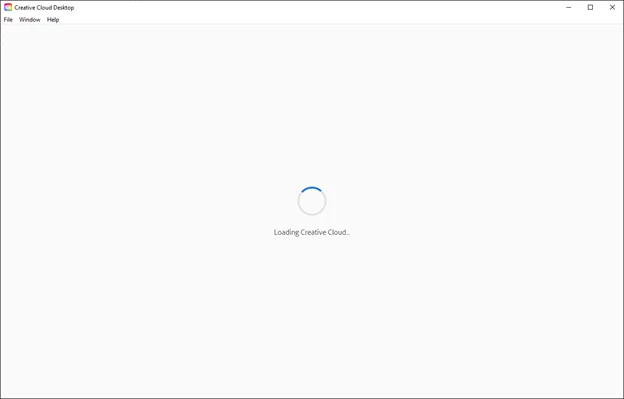
After awhile, it would come up with this dialog box:
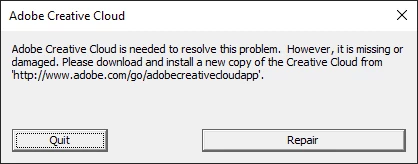
I would then select repair and got this:
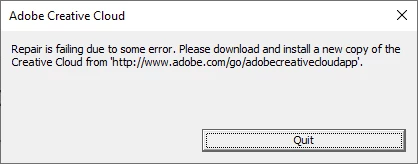
I have tried all the suggestions within this article: https://helpx.adobe.com/ca/creative-cloud/kb/creative-cloud-app-doesnt-open.html but to no avail. I tried to unistall using the tool: Creative Cloud Uninstall and have reinstalled it, still nothing. And then tried the Creative Cloud Cleaner Tool, and nothing.
I have a paid subscription and I need this for College. Please can anyone help?
 AdChoices