
Adobe Desktop Service shows hundreds of "Security Alert" dialog boxes
When I don't use my machine for a few minutes, it shuts off its monitor. When I wake it up again, I will find many "Security Alert" messages waiting on my desktop. If I've been away for a few hours, there might be hundreds of these messages.
They make my desktop look like this:
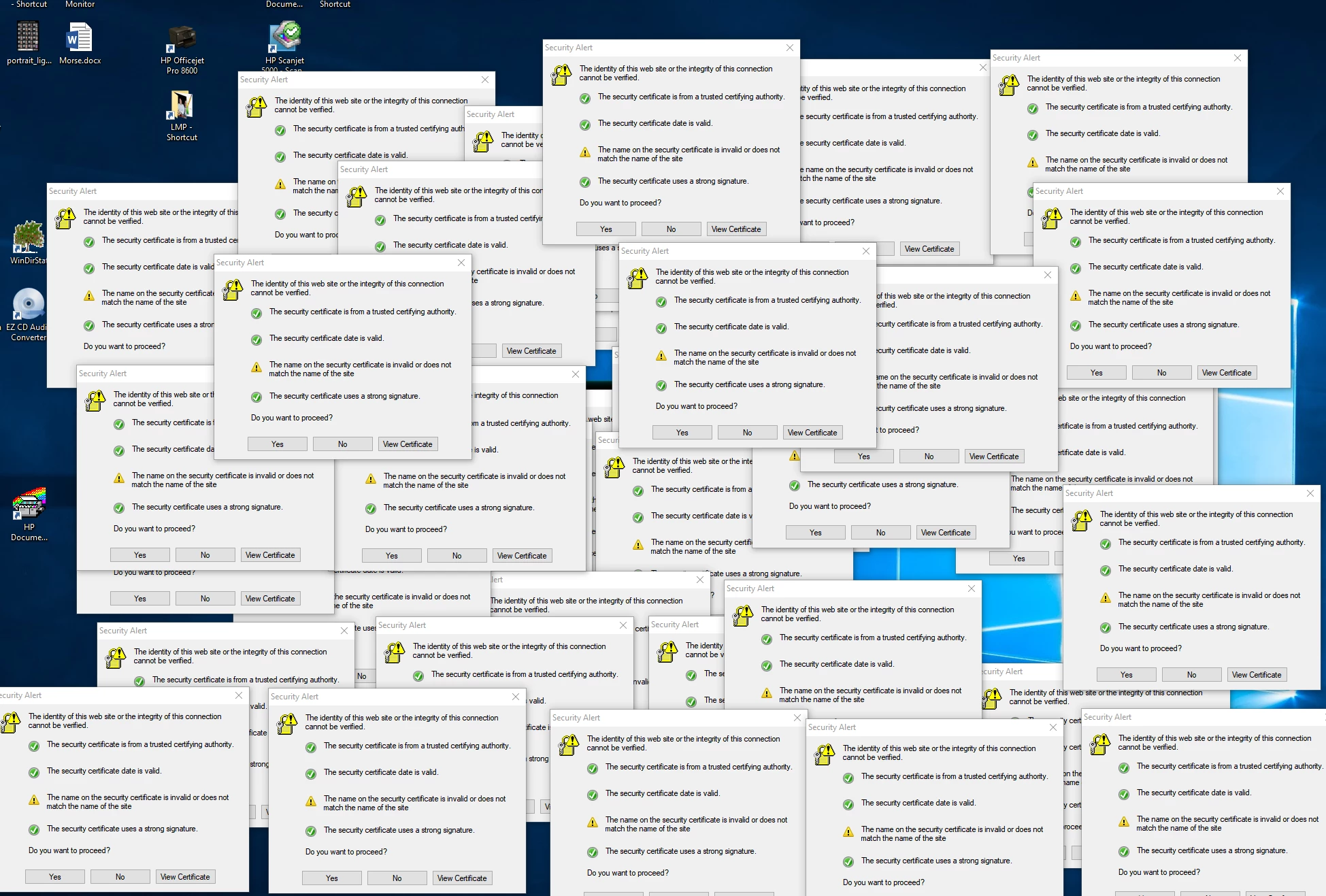
I used Spy++, which is a tool in the Windows Software Development Kit, to find the process that's displaying these messages. That process is "Adobe Desktop Service.EXE" from the Adobe\Adobe Desktop Common\ADS directory in Program Files (x86).
The certificate looks like it's for *.jamfcloud.com, but the error message means that the site trying to use the certificate doesn't actually have a domain name matching "*.jamfcloud.com".
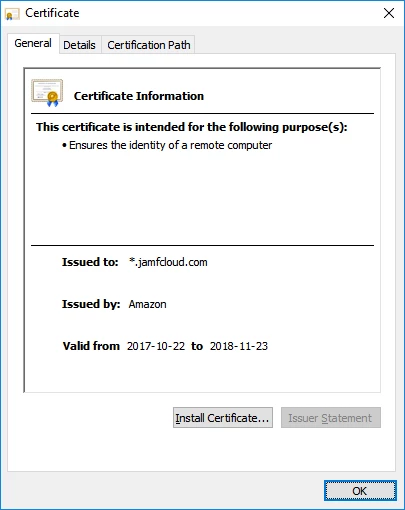
Why Adobe Desktop Service.EXE show this error message? What is it trying to do? Why does Adobe think it's acceptable to create hundreds of dialog boxes when their customer isn't looking?
 AdChoices