Participant
December 29, 2020
Question

"adobe illustrator"

  • December 29, 2020
  • 2 replies
  • 178 views

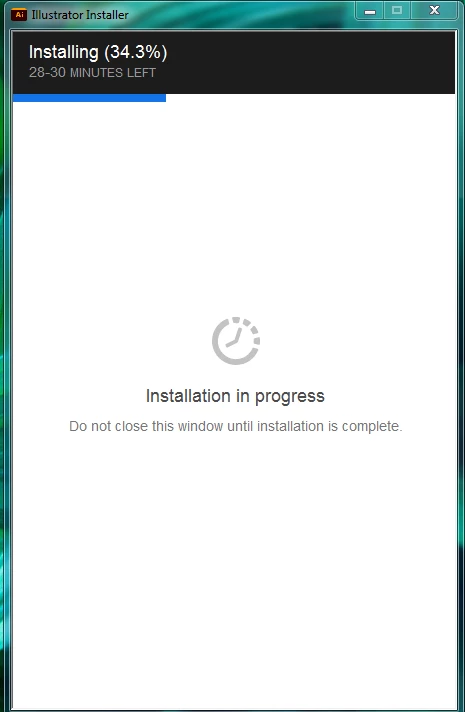
my application "adobe illustrator" stop suddenly while installing
This topic has been closed for replies.

2 replies

Peru Bob
Community Expert
Community Expert
December 29, 2020

See here:
https://helpx.adobe.com/creative-cloud/kb/creative-cloud-desktop-app-installation-stuck.html
https://helpx.adobe.com/creative-cloud/kb/stop-responding-downloading-apps.html
https://helpx.adobe.com/creative-cloud/kb/troubleshoot-install-logs-cc.html
https://community.adobe.com/t5/get-started/updating-adobe-creative-cloud-stuck-at-39/m-p/10916241?page=1
https://helpx.adobe.com/creative-cloud/kb/creative-cloud-app-doesnt-open.html
I had a similar issue.

Make sure that you have all Windows updates that are available.

The one thing that was causing it for me, believe it or not, was that I needed to do a clean installation of the latest Studio graphics driver from the NVIDIA website. After doing that and restarting, all was OK.

AxelMatt
Community Expert
Community Expert
December 29, 2020

uninstall everything cc including preferences, https://helpx.adobe.com/creative-cloud/help/uninstall-remove-app.html

then uninstall the cc desktop app, https://helpx.adobe.com/creative-cloud/help/uninstall-creative-cloud-desktop-app.html

clean your computer of cc files per http://www.adobe.com/support/contact/cscleanertool.html

restart your computer (don't skip this)

reinstall the cc desktop app, https://creative.adobe.com/products/creative-cloud.

if you're unable to install the cc desktop app at this stage, use an administrator account (solution 4 here, https://helpx.adobe.com/creative-cloud/kb/creative-cloud-missing-damaged.html)

use the desktop app to install your cc programs/trials

My System: Intel i7-8700K - 64GB RAM - NVidia Geforce RTX 3060 - Windows 11 Pro 25H2 -- LR-Classic 15 - Photoshop 27 - Nik Collection 8 - PureRAW 6 - Topaz Photo AI