

Adobe Photoshop CS4 Error on New macOS (Sierra)
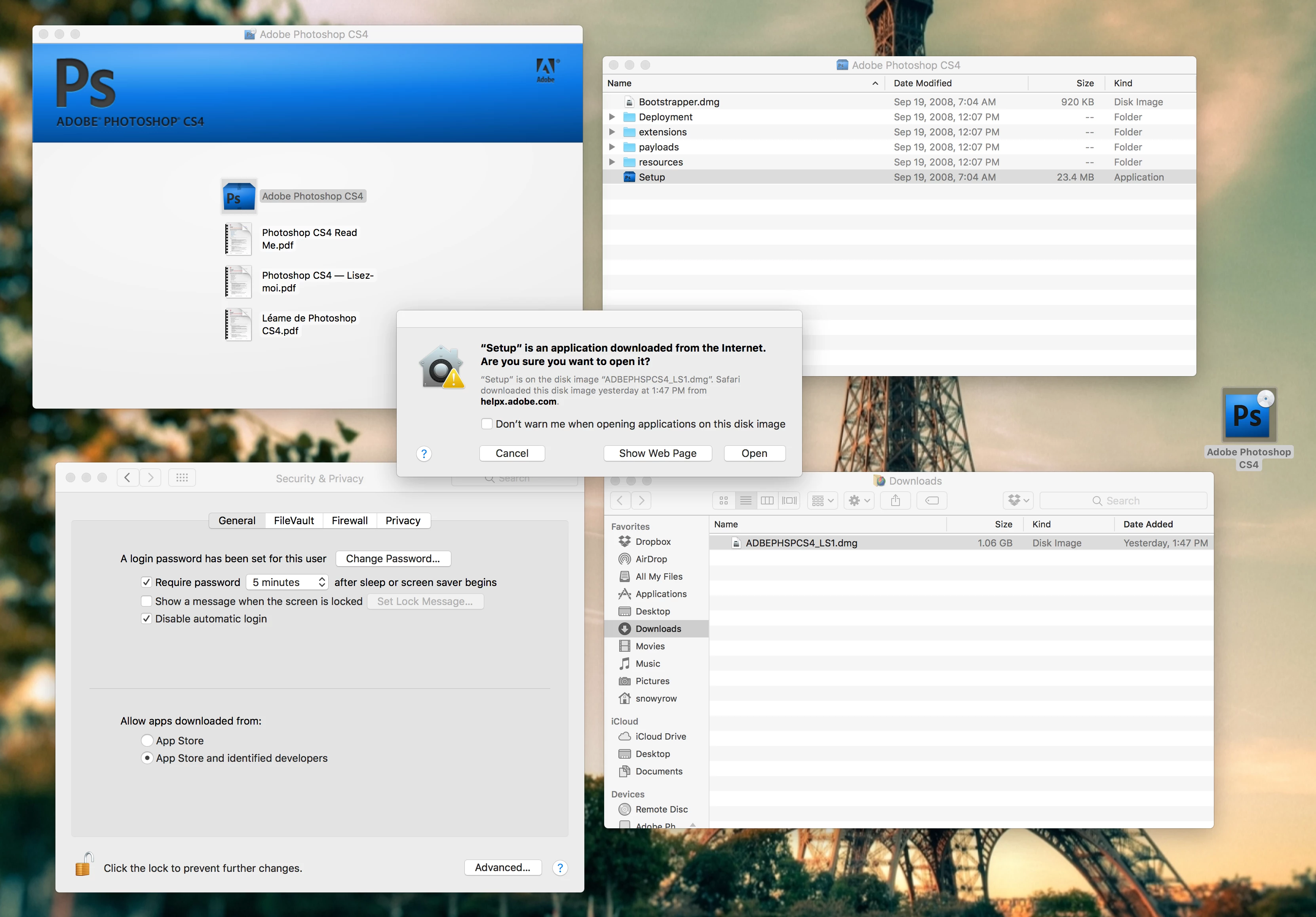
I am attempting to download and install on my new macOS. My product is Adobe Photoshop CS4. I've gone to the page for that install file, downloaded and launched it. I come up with a Folder that leads to another with a "Setup" application inside of it. When the "Setup" application is clicked, I get a pop-up window saying: "System Requirements Error - This software cannot be installed because the file system of the Setup volume is not supported."
Am I screwed now with the new OS? I'm going to be pretty upset if I can't use my program anymore. I'd gladly update to a newer CS program that doesn't require a subscription - but since Adobe has gone the way of the too-expensive subscription option, I am forced to stay with this program.
Please tell me there's a way to get around this error issue.
 AdChoices