


Inspiring
July 1, 2023
Answered

Adobe plan not recognised on iPad

  • July 1, 2023
  • 2 replies
  • 1934 views

I got a yearly plan recently (already fully paid for the next 12 months) and it's been fine on all my devices (iPad and macbook air).

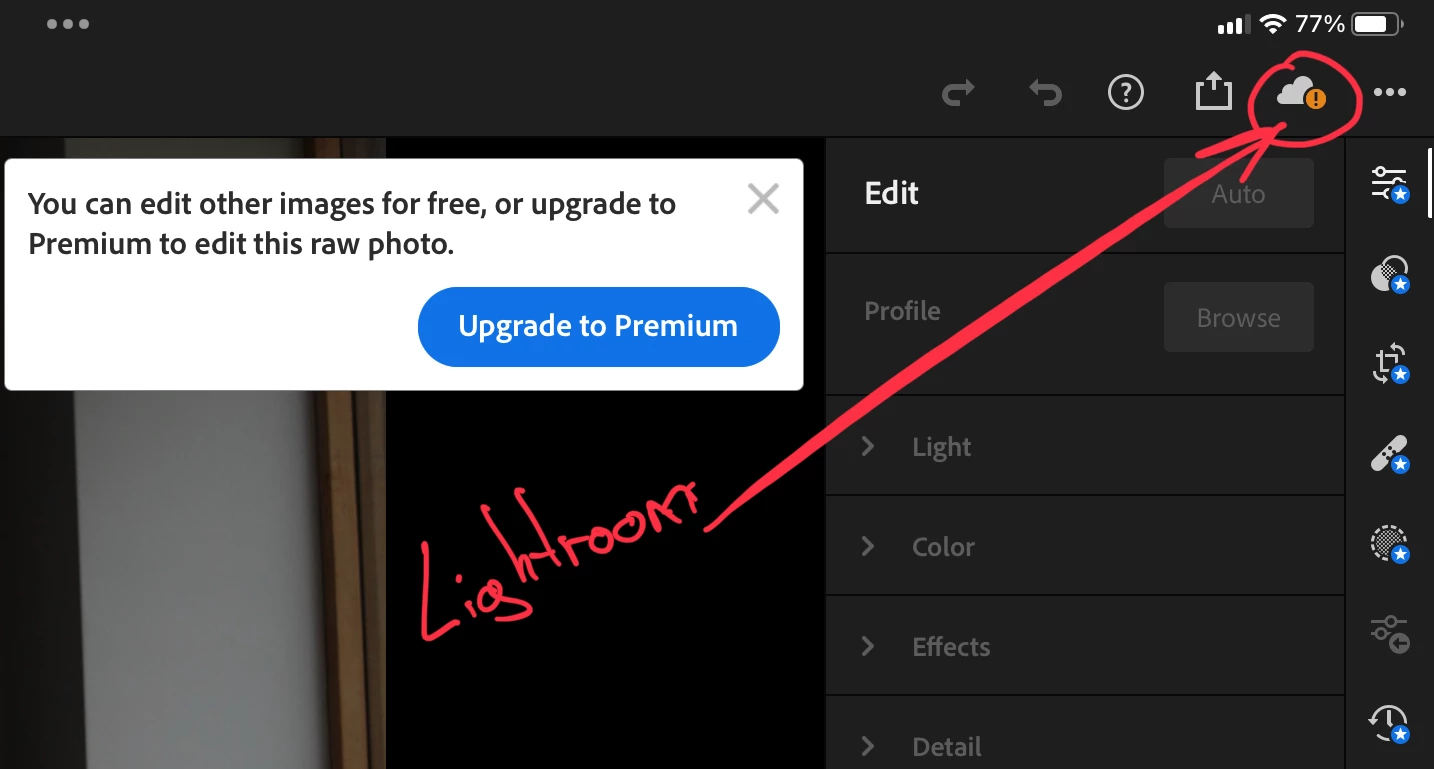
Today I can't do any editing on my iPad because it says I need to upgrade to premium but it continues to work fine on the macbook.

I've signed out of my creative cloud and signed back in, same thing. I only use one account so there's no chance of a mix-up anyway.

The adobe apps are all up to date.

I'm not sure what to try next to be honest , are there any issues with Adobe servers ?
My plan :

Creative Cloud All Apps 100GB

Get 20+ creative apps including Photoshop, Illustrator, InDesign, Premiere Pro, and Acrobat Pro with 100GB of storage
This topic has been closed for replies.
Correct answer V.photo

I am signed in on my Adobe Creative Cloud using my Adobe ID, not my Apple ID. Both on my iPad and on my macbook.

I mentioned the email being different on the off chance that there's some confusion (or cross contamination) in my (or Adobe's) system between my two accounts. Didn't mean to confuse you further.

I just got home and noticed something else.
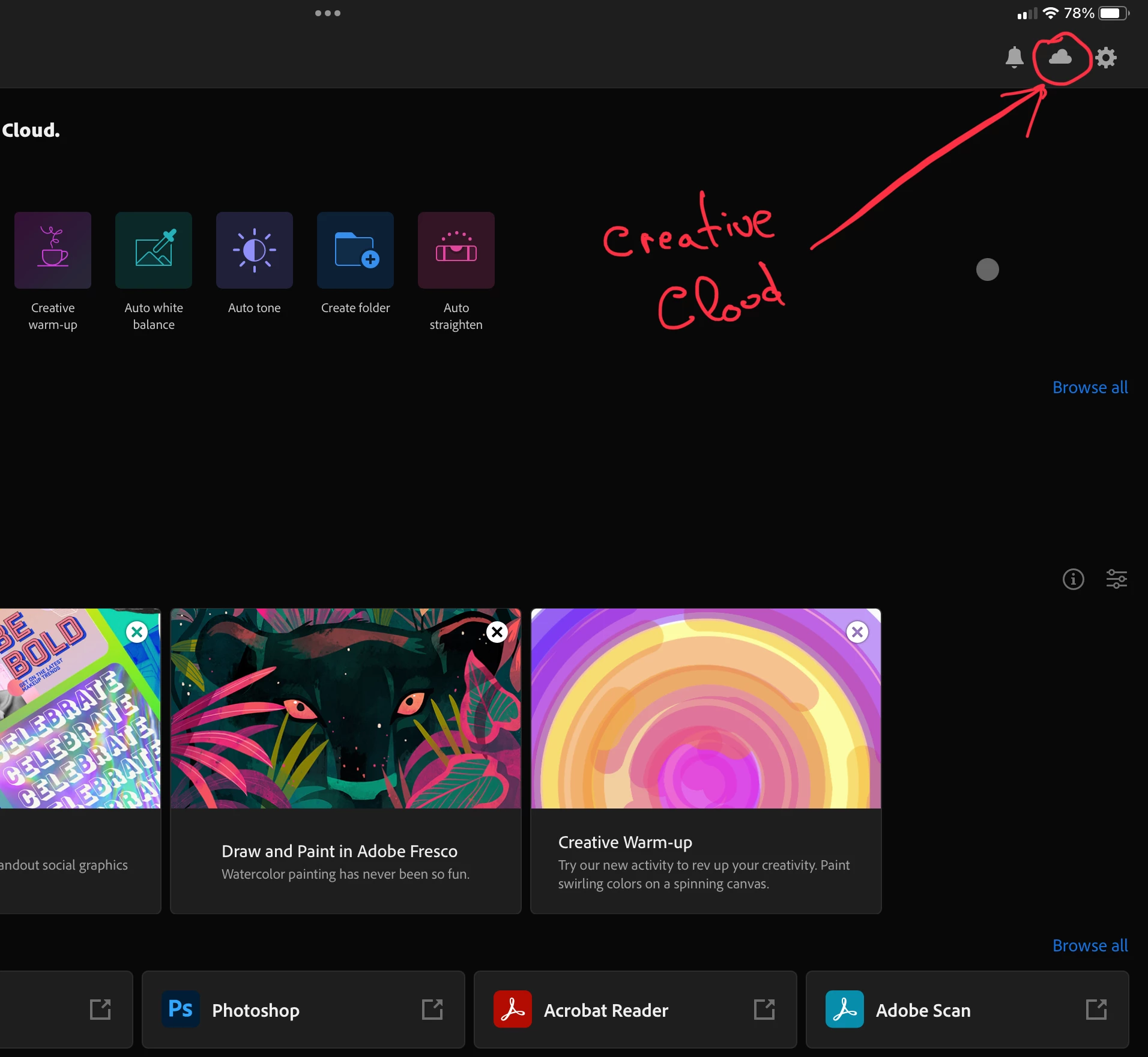
On my creative cloud , the "cloud" icon looks fine but when I open Lightroom (again, directly or via creative cloud) the "cloud" icon notifies me it's not syncing. Does this perhaps indicate some misscommunication between the creative cloud app and lightrrom ?


Photoshop looks fine on the iPad btw.

This made me think there's something wrong with Lightroom and after uninstalling Lightroom alone (not the full creative cloud suite) and installing it back, it seems to have re-synced it with my account.

Any idea what may have caused this kglad ? Thankfully it's a simple fix and I must admit I should've tried the plain old unplug & plug again but I'm too new to it to be confident that it won't lose any progress on my edits if I have to do it again.

2 replies

kglad
Community Expert
Community Expert
July 1, 2023

for how long was everything working on your ipad?


does everything still work on your macbook air?


what ipad app is triggering that upgrade prompt?

V.photoAuthor
Inspiring
July 1, 2023
Lightroom.
Gives me the notification regardless how I open it (directly or via adobe
creative cloud).

I haven’t tried opening anything else on the iPad , can post another update
when I get home if it matters.
--

*Vlad Antonio Stoica*
kglad
Community Expert
Community Expert
July 1, 2023

thanks for answering the 3rd question.  what about the other two questions?

V.photoAuthor
Inspiring
July 1, 2023

Edit : I have seen some posts about some incompatibilities with iPads. Mine is an Ipad Pro 2019 . It doesn't tell me it's incompatible, it only asks me to upgrade to premium to continue editing raw photos.