
gibeoml53548477
Participant
November 16, 2019
Question

Adobe portfolio video play button problem

  • November 16, 2019
  • 2 replies
  • 796 views

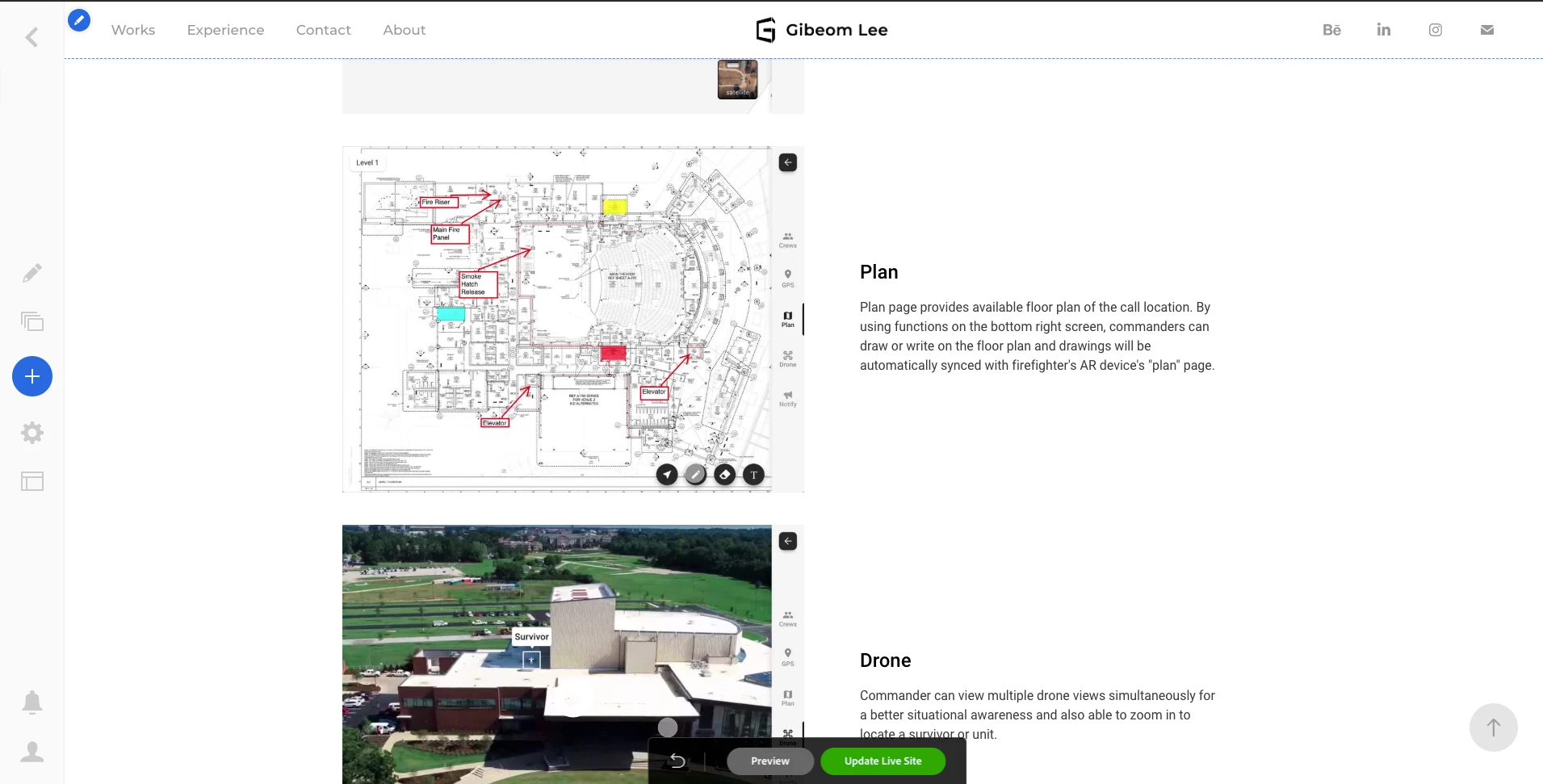
As you can see from this screenshot, the play button for videos is not visible if the thumbnail image is white. This needs to be fixed by overlaying dark colors on a thumbnail image.
This topic has been closed for replies.

2 replies

Nancy OShea
Community Expert
Community Expert
November 17, 2019

I must appologize for my colleague who is locking all Portfolio related questions out of hand.  I don't know why.  I'ts not necesary to lock a disucssion simply because it has no dedicated forum.  In fact, that's all the more reason to keep it unlocked.


Amyway,  If you're using embedded Vimeo or YouTube videos, the arrows come from those respective websites, not Portfolio.   YouTube's button is white on black bg that turns red on hover.   And Vimeo has options for customizing their player text and play bar colors show below.

https://help.vimeo.com/hc/en-us/articles/224969968-Embedding-videos-overview


Embed codes supporteed by Portfolio

https://help.myportfolio.com/hc/en-us/articles/215684818-What-Embed-Codes-do-you-support-


Nancy O'Shea— Product User & Community Expert
gibeoml53548477
Participant
November 17, 2019

Oof, I didn't organize the videos that I uploaded, I guess it will take a while to upload them all on YouTube and embed it... Too bad Adobe hasn't thought about such basic stuff while developing the product. Thank you for your reply.

Nancy OShea
Community Expert
Community Expert
November 17, 2019

You're welcome. 


I guess most people don't use white poster images for their videos because it's not dramatic.  Bold colors are usually preferred.


Nancy O'Shea— Product User & Community Expert
John T Smith
Community Expert
Community Expert
November 16, 2019

For Portfolio go to https://help.myportfolio.com/hc/en-us and log in with your Adobe account