
Question
Adobe Report Builder in Excel “a runtime error occurred during the loading of the COM Add-in”
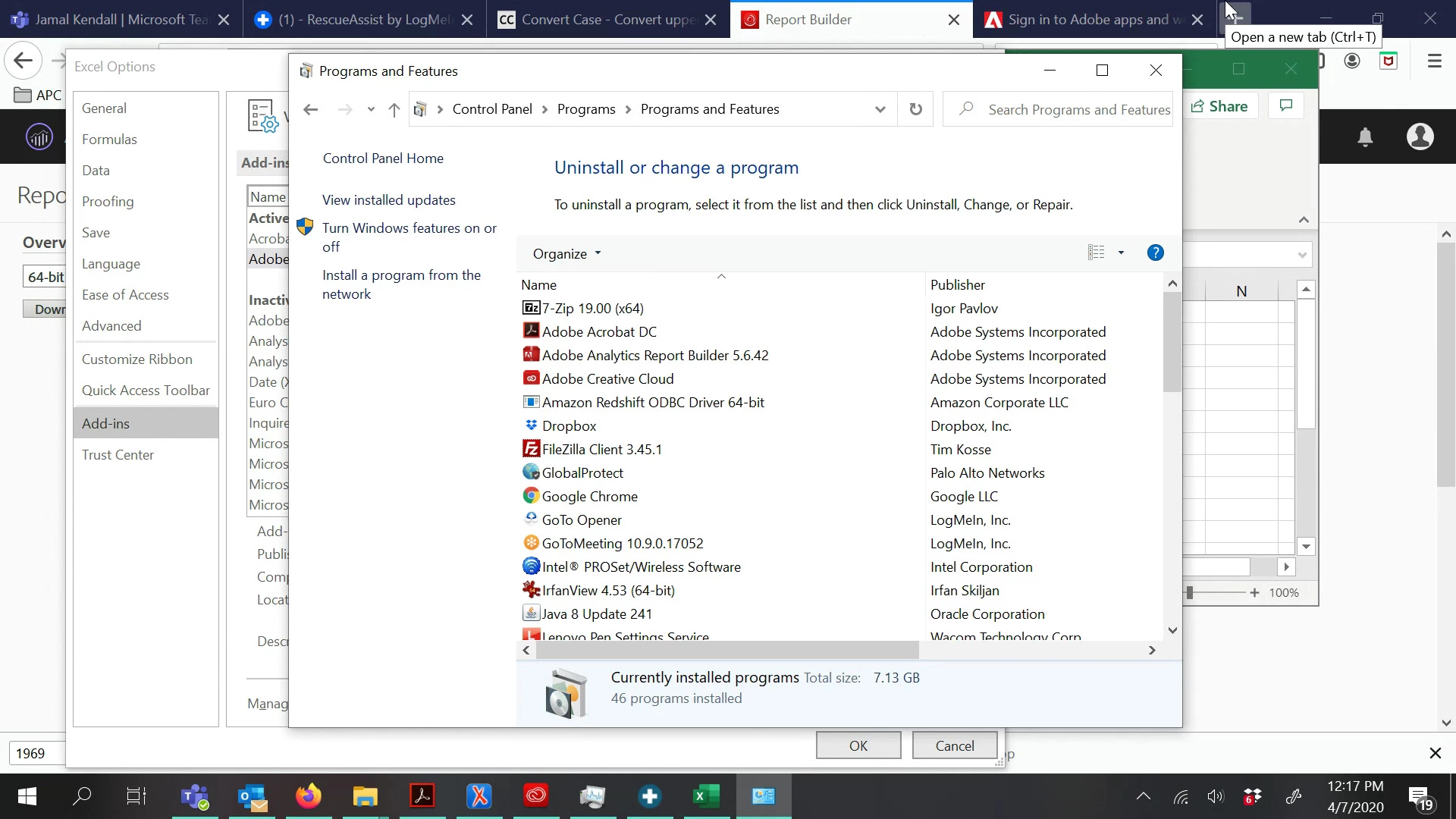
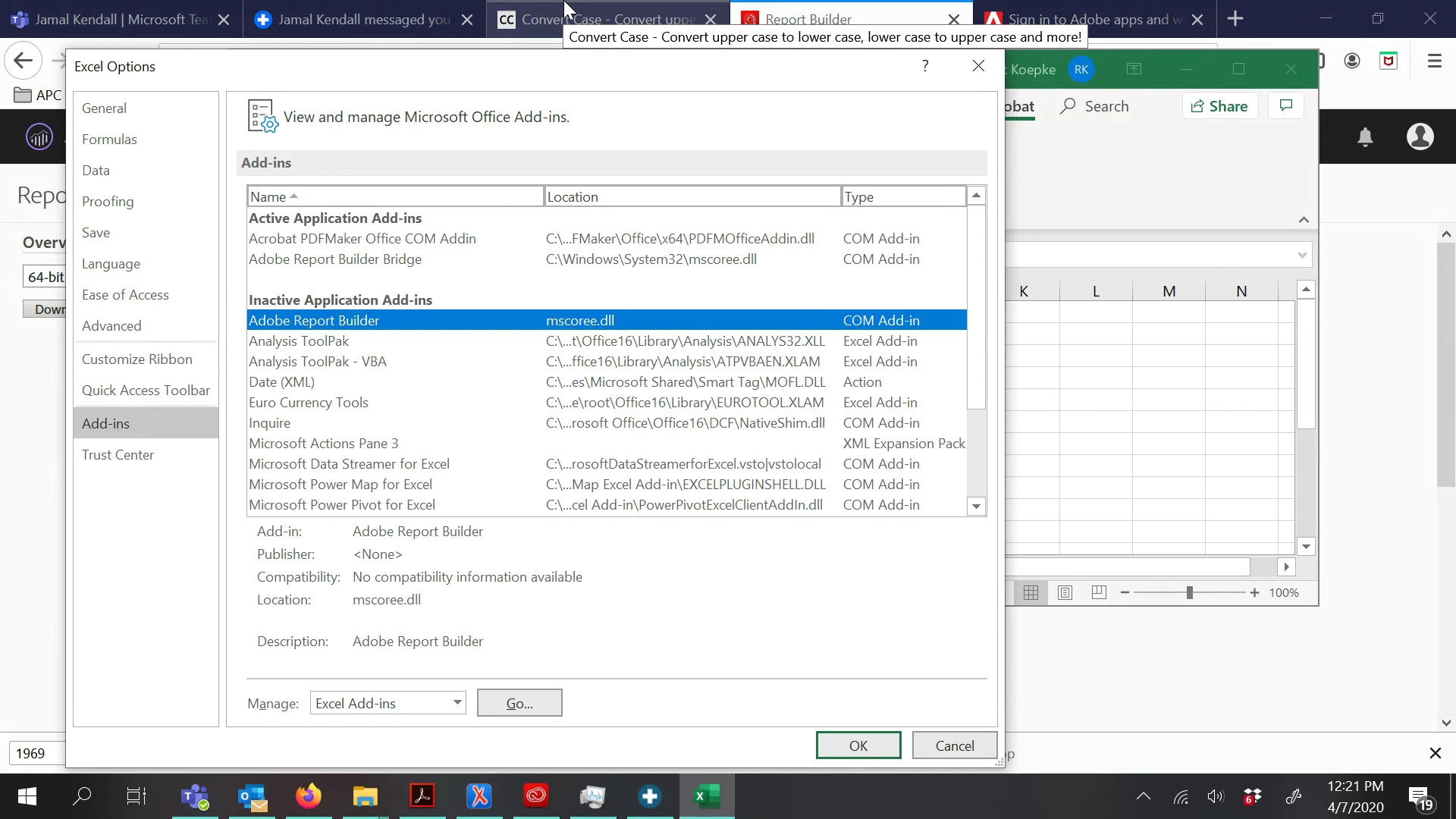
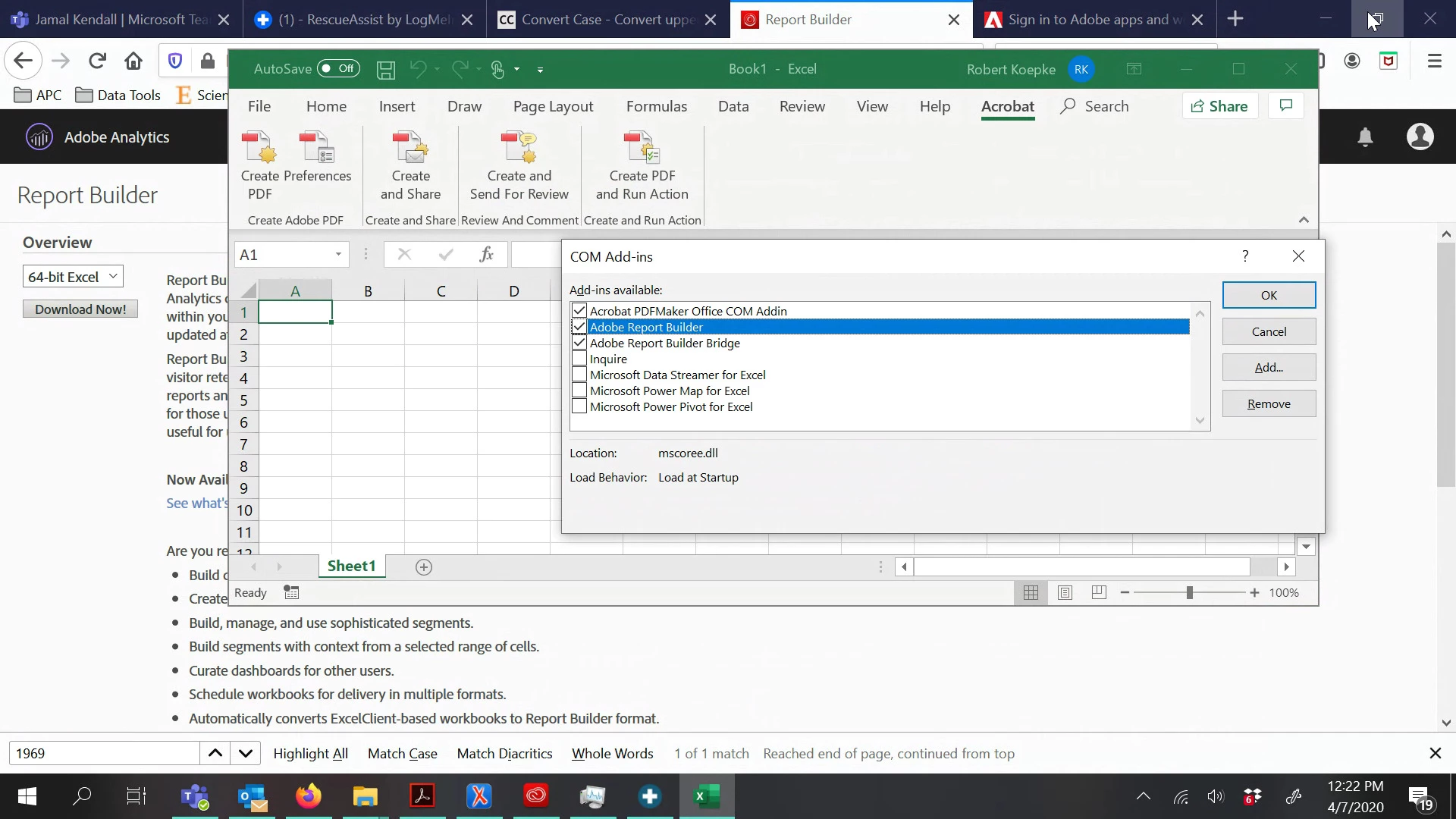
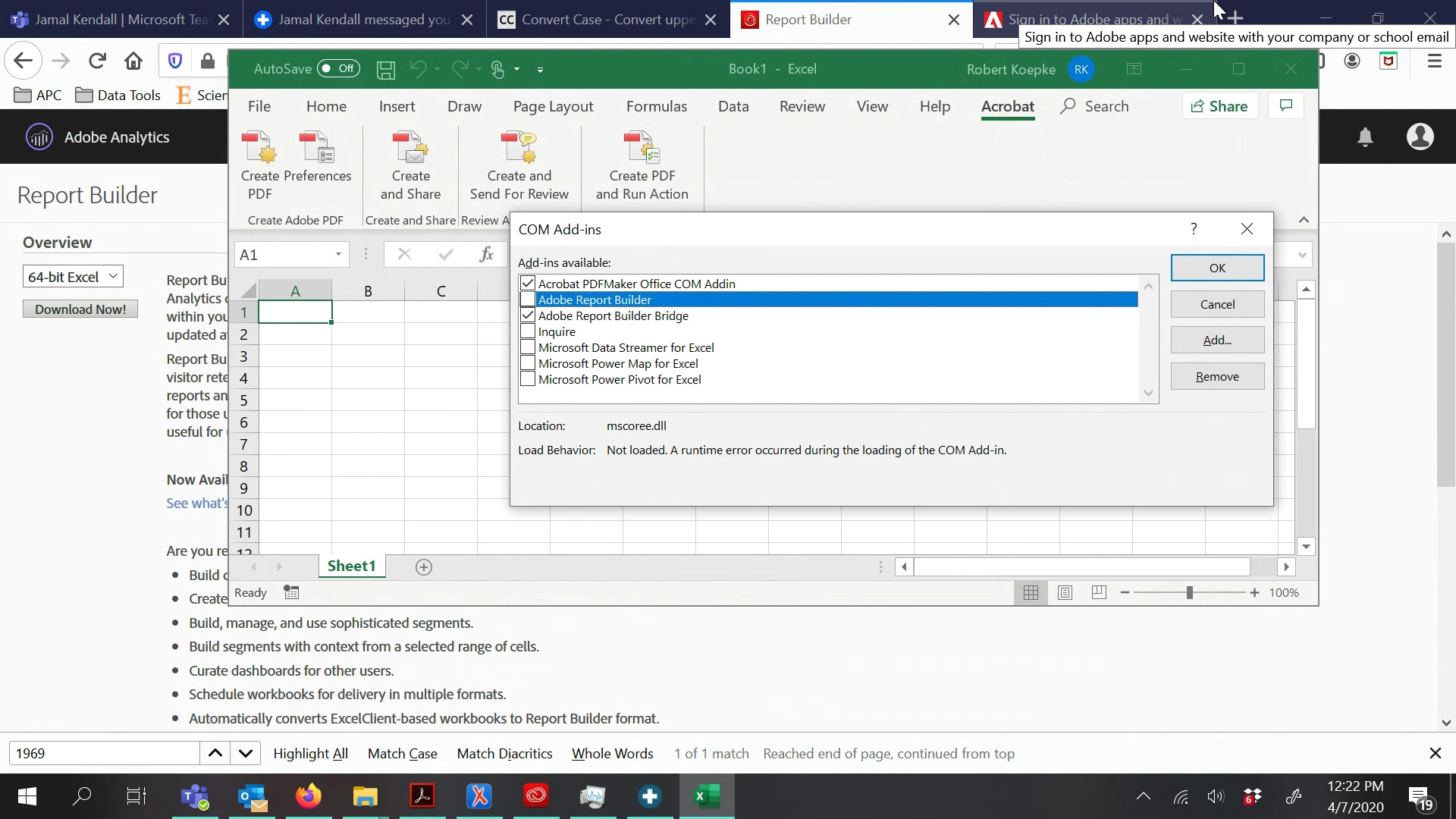 I have updated the Adobe Report Builder and installed the Office 365 updates. Neither of the previous steps resolved the issue. I performed a full repair for Office 365 and reinstalled Adobe Report Builder. The Adobe Builder Add-in was still not active. I reinstalled Office 365 and Adobe Report Builder then rebooted the laptop. I noticed an error message in Excel after checking the Add-in.
 AdChoices