This topic has been closed for replies.

2 replies

Participant
May 27, 2020
Try to press Windows key + letter "i" on your keyboard then click on Update and Security 


From there you can check the update History


Try to check if there are recent Windows update prior to this issue


Then please check the current version and build of your Windows 10, kindly press Windows key + letter R on your keyboard then type in: WINVER

AFTER ALL THAT ABOVE 

Alright. First, we'll run Windows update troubleshooter to make sure that the updates will properly install on your computer


AFTER RUNNING THAT INSTALLATION

Restart your computer
Bellumtirrus
Participant
May 27, 2020

Hello,


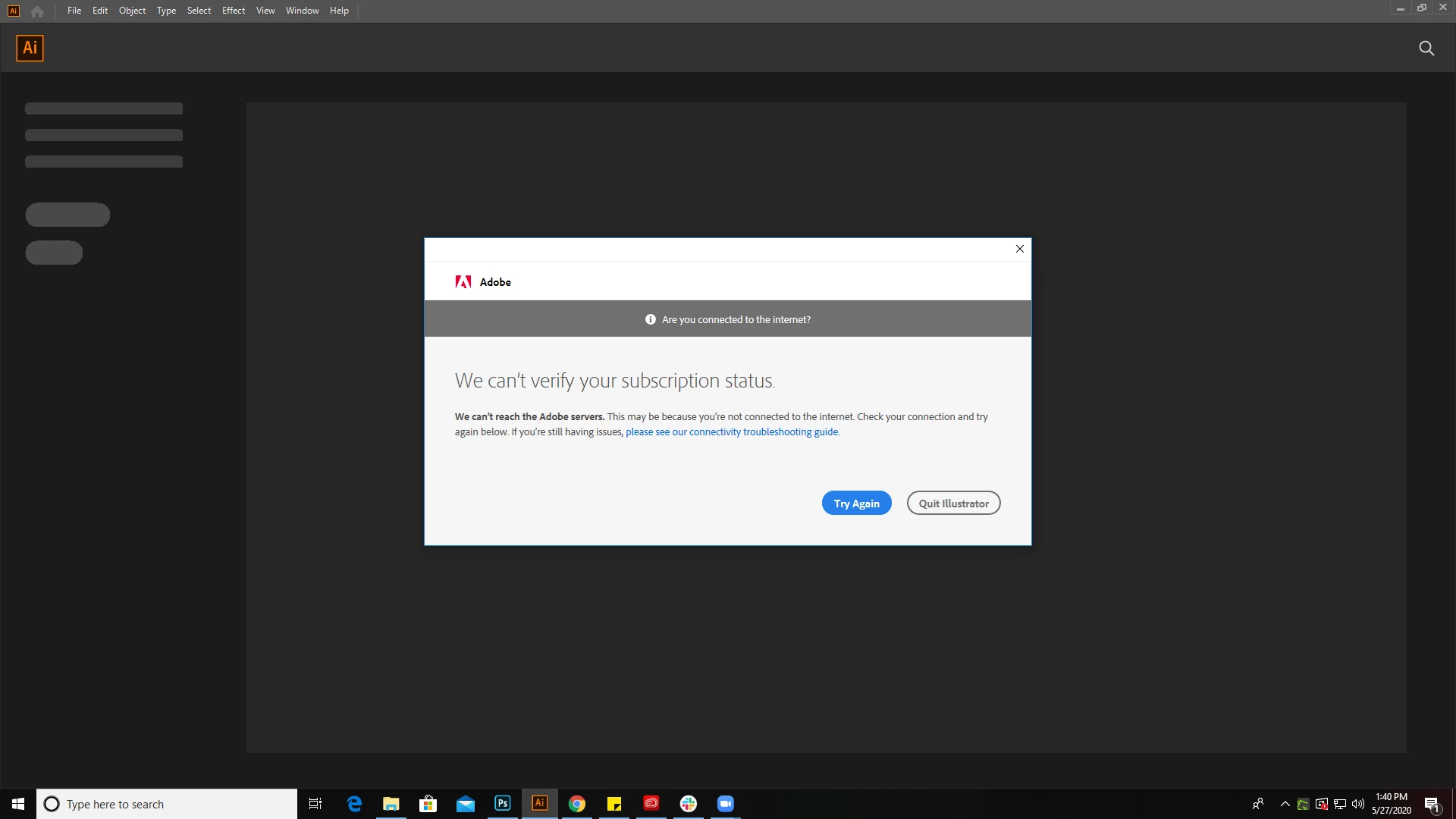
I have a windows 10 update to do. I security update. I done it and reboot the pc. After that the creative cloud application update and then no more error.


Thanks for the help.


Regards.

Bellumtirrus
Participant
May 27, 2020

Yes i can only work offline.

Participant
May 27, 2020

I can't even work online.  I shouldn't have signed out of creative cloud.  


Please Fix Adobe!  I have work to do...