amandaa41825749
Participant
December 3, 2016
Answered

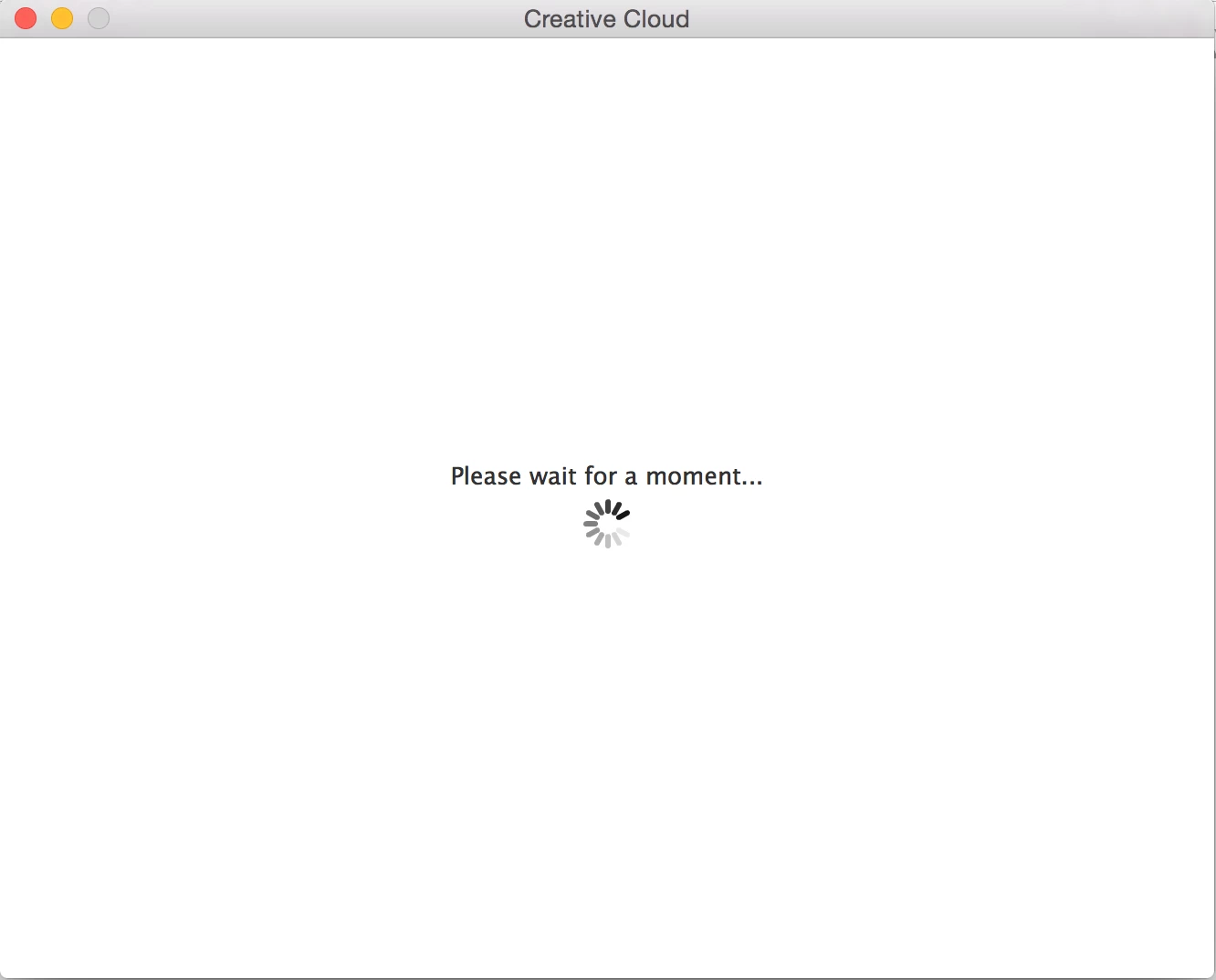
Adobe will not validate my license and just sits forever on the "Please wait a moment" screen.

  • December 3, 2016
  • 1 reply
  • 202 views

I have had creative cloud for a year before this and had no problems, but I canceled it on November 27th because it was going to renew itself and re-bought the student discount with the cyber Monday deal on November 29th and now it won't activate my license. It sits on this screen on the picture below forever. What gives?
This topic has been closed for replies.
Correct answer kglad

make sure you can connect with secure adobe servers.

for help with that and other common secure adobe.com connection problems read, http://helpx.adobe.com/x-productkb/policy-pricing/activation-network-issues.html

if you can,

Delete the entire contents of the OOBE folder (cached user login information):

1) Quit the Creative Cloud desktop app from the gear icon in the upper-right corner.

2) Browse to the following location

    A) Mac OS: /Users/<user folder>/Library/Application Support/Adobe/OOBE

        Note: The \Users\<user folder>\Library\ is hidden by default after 10.7. google enable access to hidden user library files | Mac OS 10.7 and later for instructions on accessing it or check https://helpx.adobe.com/creative-cloud/kb/unknown-server-error-launching-cc.html.

restart the cc desktop app and sign in when prompted.

1 reply

kglad
Community Expert
kgladCommunity ExpertCorrect answer
Community Expert
December 3, 2016

make sure you can connect with secure adobe servers.

for help with that and other common secure adobe.com connection problems read, http://helpx.adobe.com/x-productkb/policy-pricing/activation-network-issues.html

if you can,

Delete the entire contents of the OOBE folder (cached user login information):

1) Quit the Creative Cloud desktop app from the gear icon in the upper-right corner.

2) Browse to the following location

    A) Mac OS: /Users/<user folder>/Library/Application Support/Adobe/OOBE

        Note: The \Users\<user folder>\Library\ is hidden by default after 10.7. google enable access to hidden user library files | Mac OS 10.7 and later for instructions on accessing it or check https://helpx.adobe.com/creative-cloud/kb/unknown-server-error-launching-cc.html.

restart the cc desktop app and sign in when prompted.