
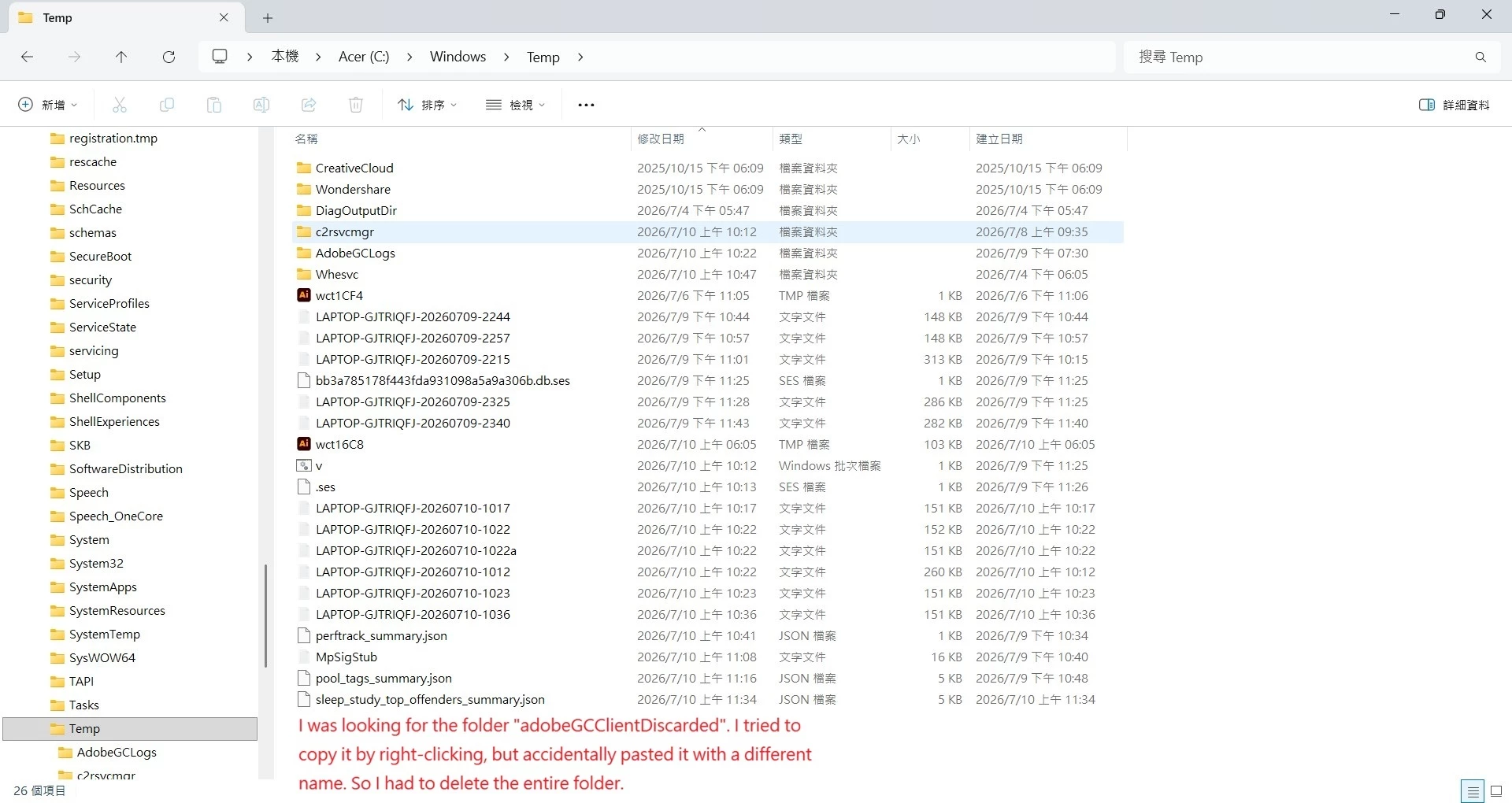
AdobeGCClient has inexplicably moved to the C:\Windows\Temp directory.
Sorry, I've switched to the English version.
My laptop hasn't been moved anywhere. I don't know why AdobeGCClient is randomly appearing in the C:\Windows\Temp\AdobeGCClientDiscarded directory, and it also contains local win32 x64 DLL files.
The C:\Program Files (x86)\Common Files\Adobe\AdobeGCClient directory only contains application files, no DLL files. I tried searching for strange folder names in C:\Windows\Temp, but I ended up pasting different names. I cleared the temporary folder using the command prompt, but I'm worried the program won't open.
An AdobeGCClog folder has appeared in C:\Windows\Temp.
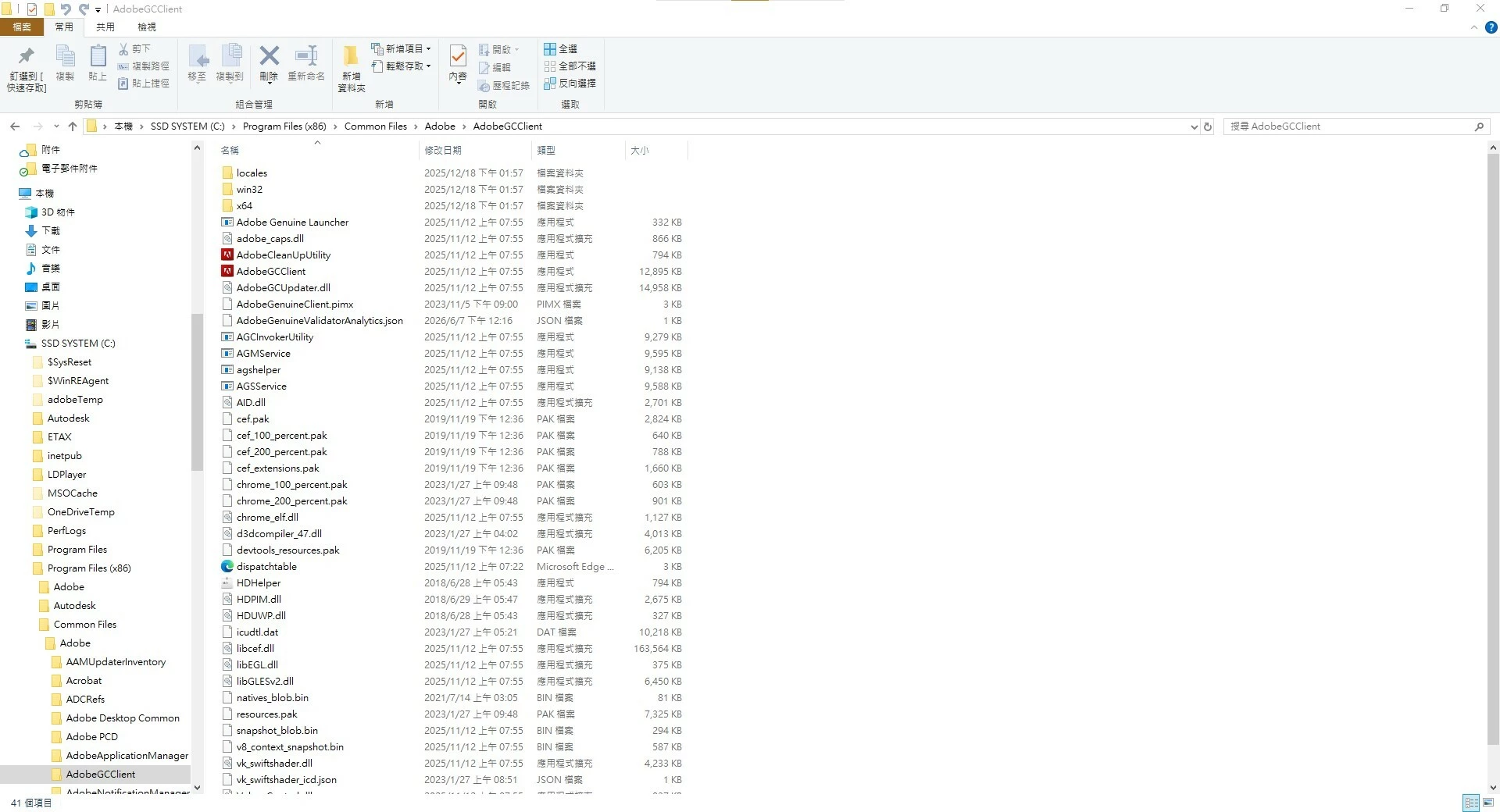
The original path was C:\Program Files (x86)\Common Files\Adobe\AdobeGCClient
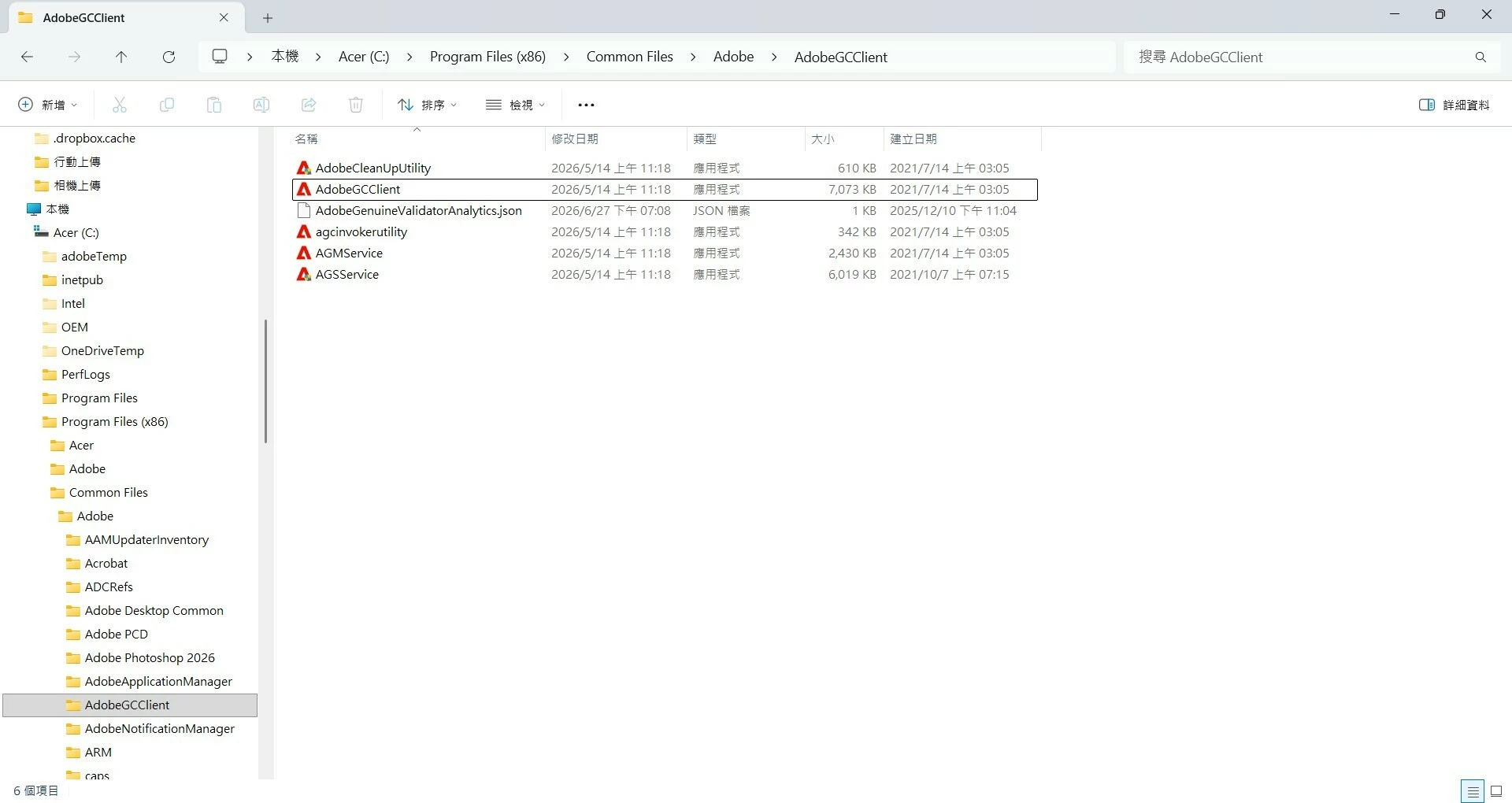
The AdobeGCClient temporary file created in the C:\Windows\Temp\AdobeGCClientDiscarded directory has been deleted. When will the dll and dat files in the C:\Program Files (x86)\Common Files\Adobe\AdobeGCClient directory be restored?


 AdChoices