
All Adobe Apps o not launch due to popups
Hi All,
I hope anyone is able to provide a solution to my problem.
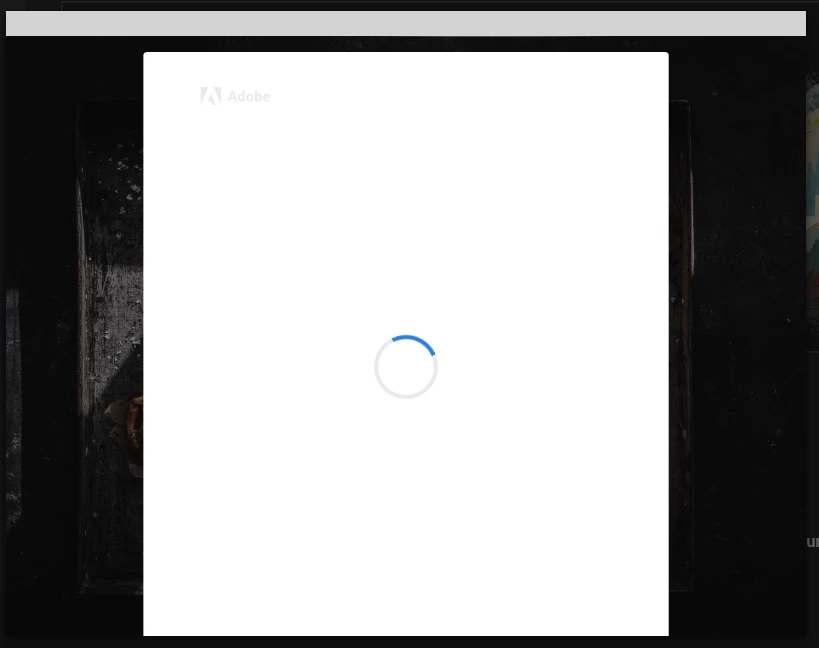
When I open any Apps (such as LR, PS, FR, etc) the App opens, but there is a popup constantly opening which prevents the Application to launch. The popup appears for approx. 2 seconds then its closing but immediately reopening. I can watch this for hours, it never stops.
The popup looks liek this:
I tried to uninstall the apps and reinstalled them, I also tried to clean the OOBE folder which also had no effect on this problem. I use Windows 10 in most recent version and all of my drivers (i.e. graphic card) are uptodate.
What is remarkable - in my Adobe account I see that many sessions are open with "Internet Explorer, Wondows 10". Microsoft Edge is of course installed in the OS as default, but I never use it and its not defined as my standard browser. I assume therefore, that this is somehow in context with Microsoft Edge....
Any ideas how to fix this issue!
Many thanks in advance
Markus
 AdChoices