



Question
All of a sudden, Photoshop 2020 will not allow me to open. Can't uninstall, can't download older.
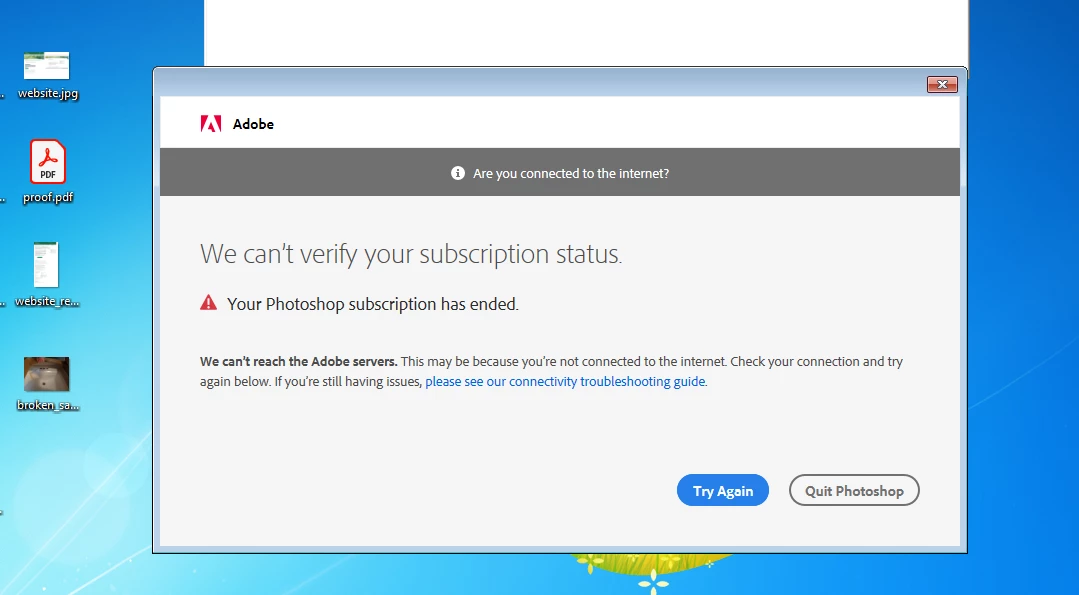
I got this popup when I went to use photohop for the first time in a few months. My work has renewed my license, but there is no way to enter that information. The application will not launch.
I am using a PC with Windows 7. I understand that is too old to run the newest version of photoshop but this version I have installed has worked fine. I don't understand what has changed or how to fix it.
 AdChoices