


Participant
November 25, 2021
Answered

All words of my adobe software became question marks

  • November 25, 2021
  • 2 replies
  • 365 views

May I know what happen to my adobe account? When I open all the Adobe app, (Ai, PSD, AE, ID), all of the launch page appear like this. (Pic attached). Hope could get help to solve this. Thanks.
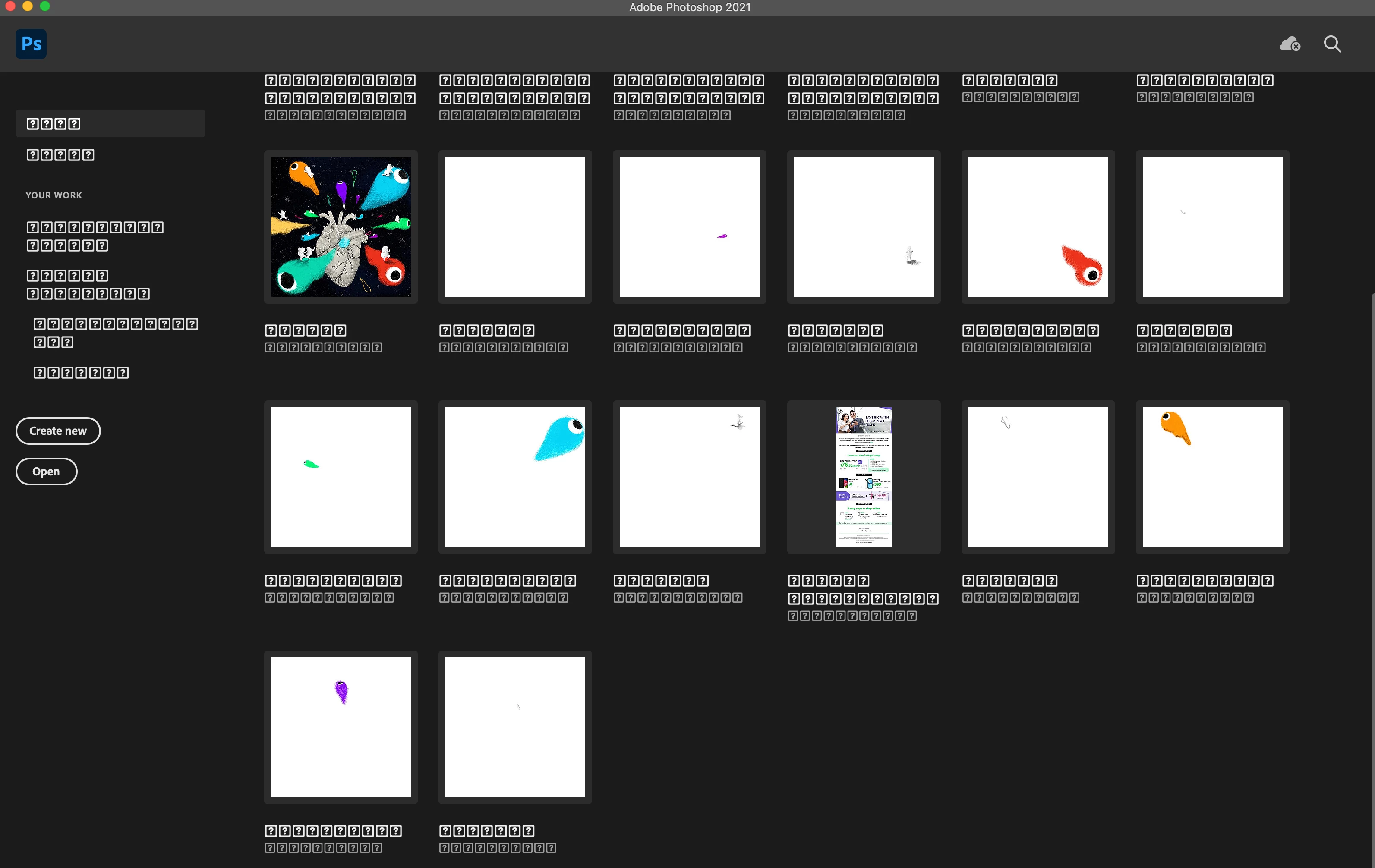
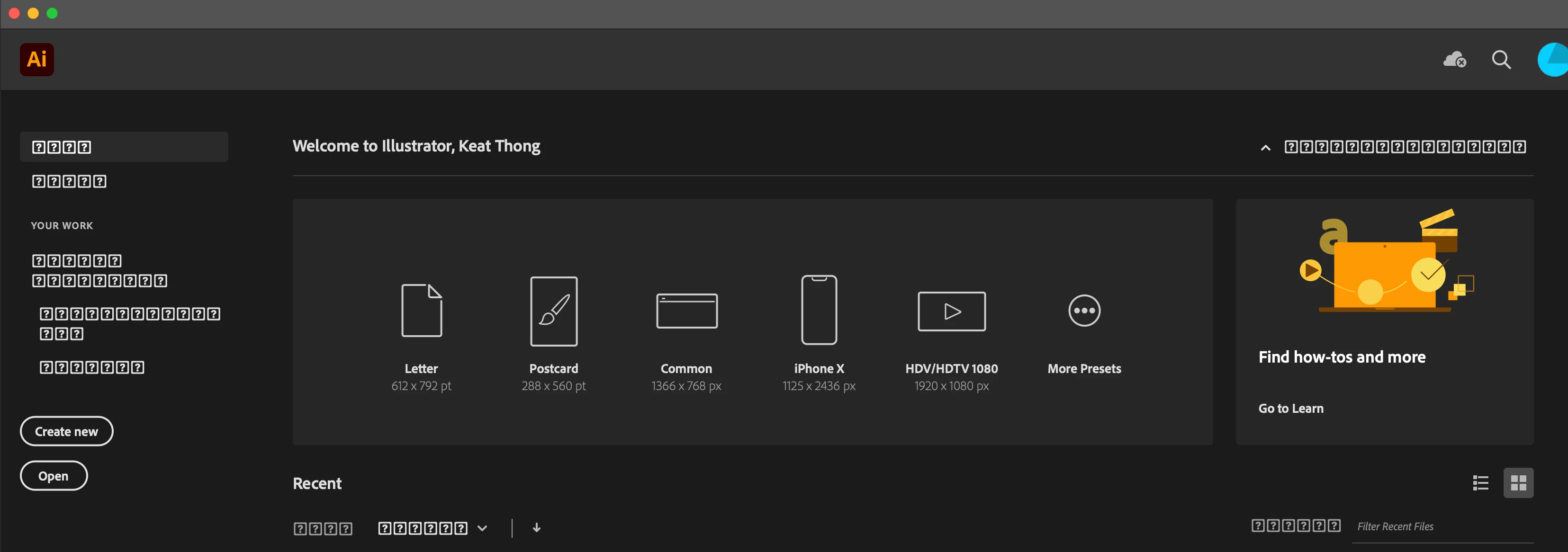
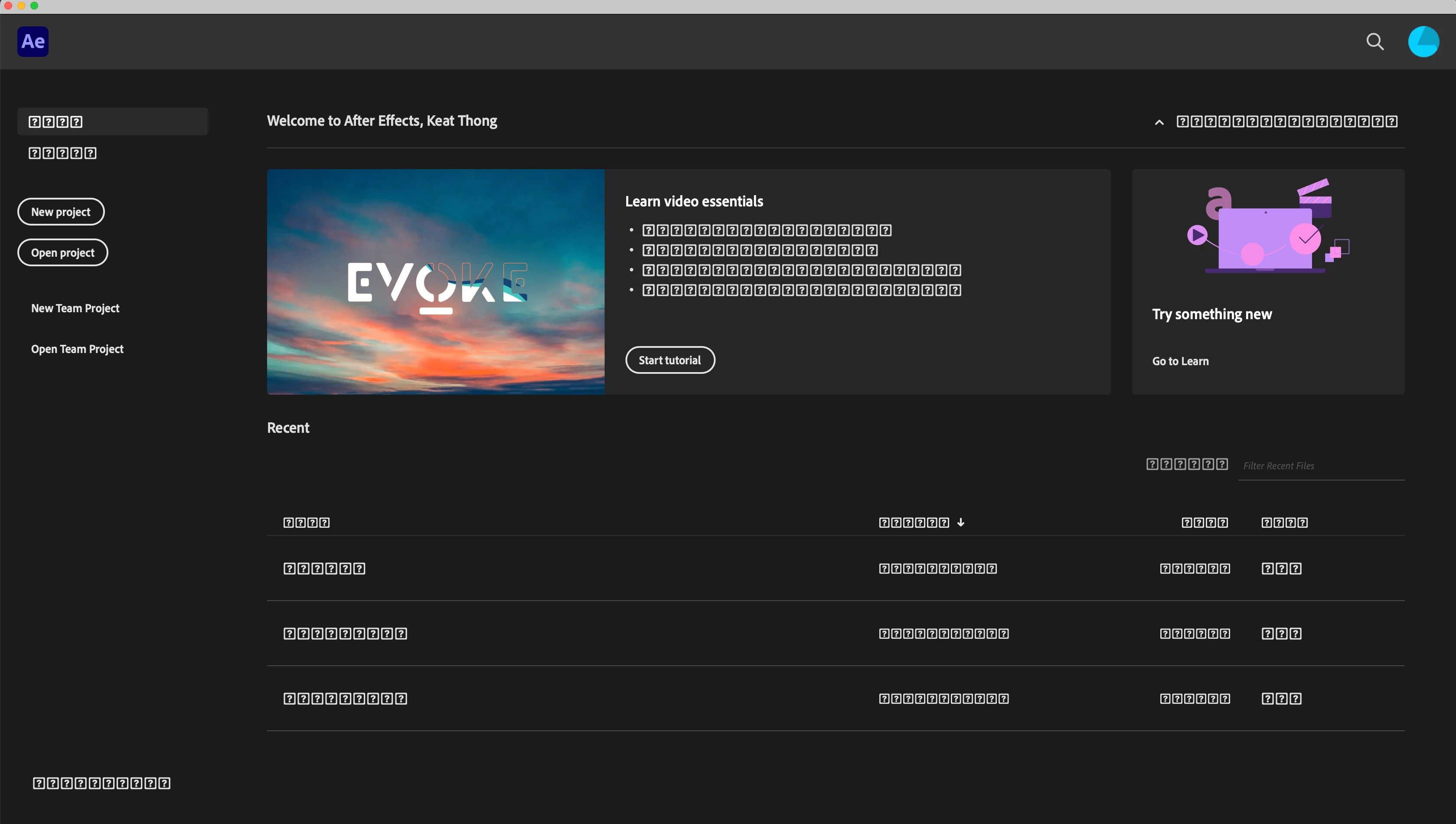
    This topic has been closed for replies.
    Correct answer John Waller

    Could well be a corrupt system font.


    To reset fonts, see https://setapp.com/how-to/mac-default-fonts

    2 replies

    Participant
    November 25, 2021

    Thank for the reply. Is ystem font is it under
    Macintosh HD  >  system  >  Library  >  Font
    I had checked, there is no Segoe UI inside, but i checked my iMac (another computer), there is no Segoe UI as well, but this problem doesn't occur in my iMac. 

    I also tried to install the Segoe UI font after that, then restart my laptop. But still the same, alot of question marks....

    Legend
    November 25, 2021

    Very sorry, Segoe UI is a Windows font used for many things. I did not look closely enough at your screen shot. The same applies for Mac, but I don't know the likely font. Maybe it is possible to compare the lists of fonts in the two Macs (especially if they are the same macOS version).

    Legend
    November 25, 2021

    It looks to me as if you may have removed some system font. How many Segoe UI (not Segoe) fonts does your system show?

    Participant
    November 25, 2021

    Thank for the reply. Is ystem font is it under
    Macintosh HD  >  system  >  Library  >  Font
    I had checked, there is no Segoe UI inside, but i checked my iMac (another computer), there is no Segoe UI as well, but this problem doesn't occur in my iMac. 

    I also tried to install the Segoe UI font after that, then restart my laptop. But still the same, alot of question marks....