
And the CC update mess is starting again...
Hi,
Today an update for Creative Cloud was proposed. I clicked on Install and the process failed at 2% because the installer could allegedly not access a critical folder (don't know which one since the message was not very informative). OK. Tried again and this time, as very often observed in the past, the installer window suddenly disappeared and that was it. But I have a lot of experience now with this calamitous installation process and I immediately had a look at the C:\Program Files (x86)\Adobe folder. And as usual, I found this :
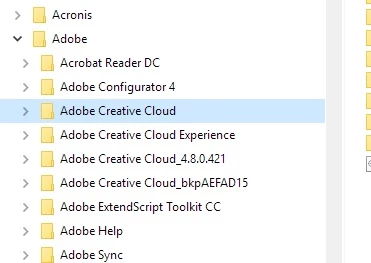
The new version was installed but the folder could not be renamed and the old one could not be deleted. So, as usual again, I killed all Adobe related processes, restarted a new Windows session, renamed (as quickly as I could) C:\Program Files (x86)\Adobe\Adobe Creative Cloud to C:\Program Files (x86)\Adobe\Adobe Creative Cloud.old and C:\Program Files (x86)\Adobe\Adobe Creative Cloud_4.8.0.421 to C:\Program Files (x86)\Adobe\Adobe Creative Cloud. And I could eventually run the Creative Cloud desktop app... just to see that the Files and Fonts tabs were showing a never ending spinning wheel and after a while, a well-known error message was displayed :
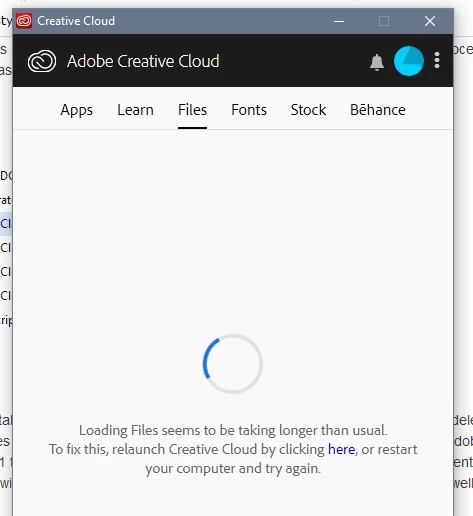
Of course, clicking "here" or restarting the computer doesn't help.
I'm really fed up with these unending problems with the CC Desktop app installer that are lasting since years. Time to send the developers of this nuisance back to school.


 AdChoices