Participating Frequently
February 25, 2019
Question

Bitmaps in Photoshop then imported into InDesign

  • February 25, 2019
  • 2 replies
  • 325 views

Hi all,

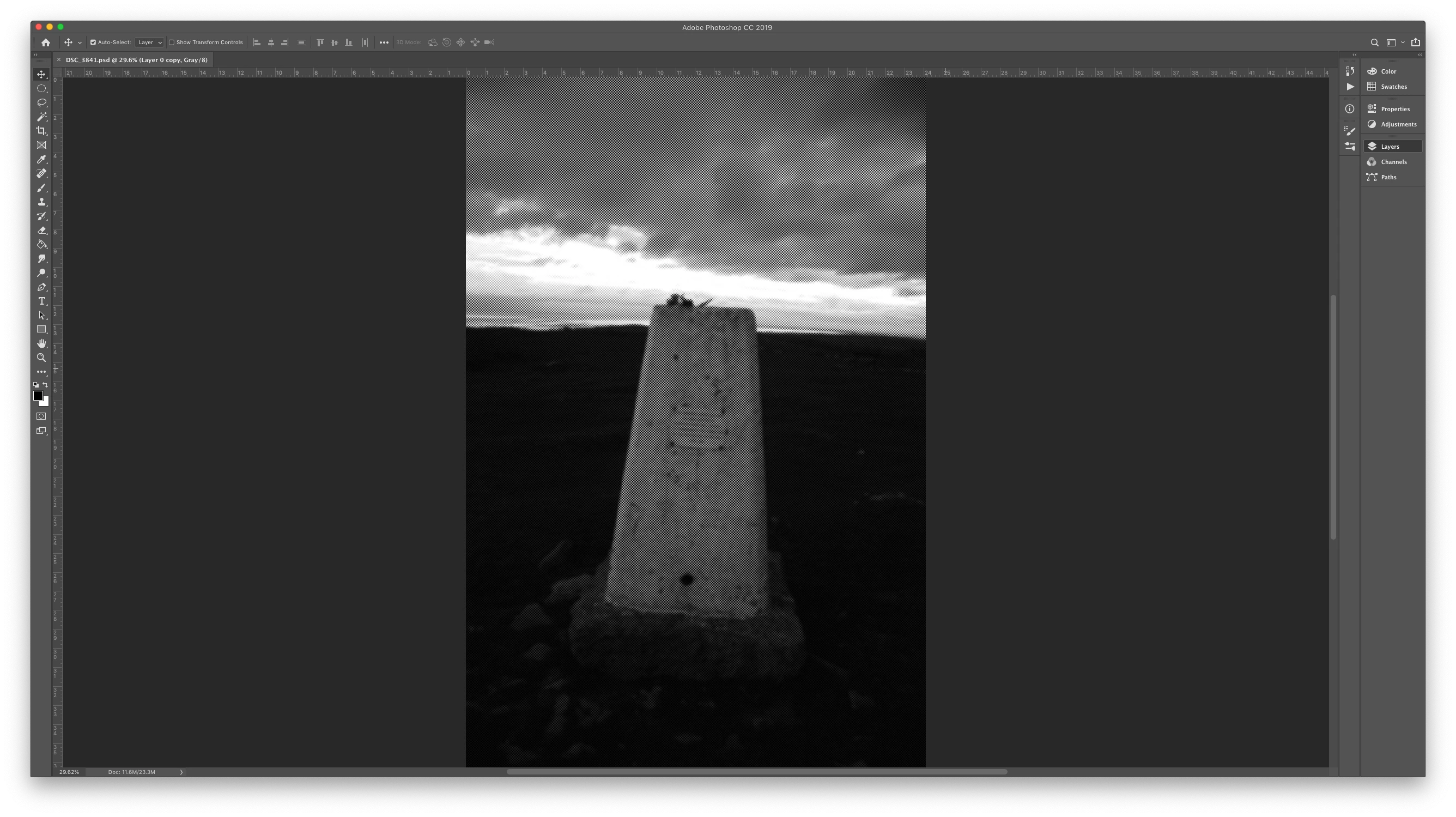
I have a question concerning Bitmaps in Photoshop, that are then taken into InDesign.

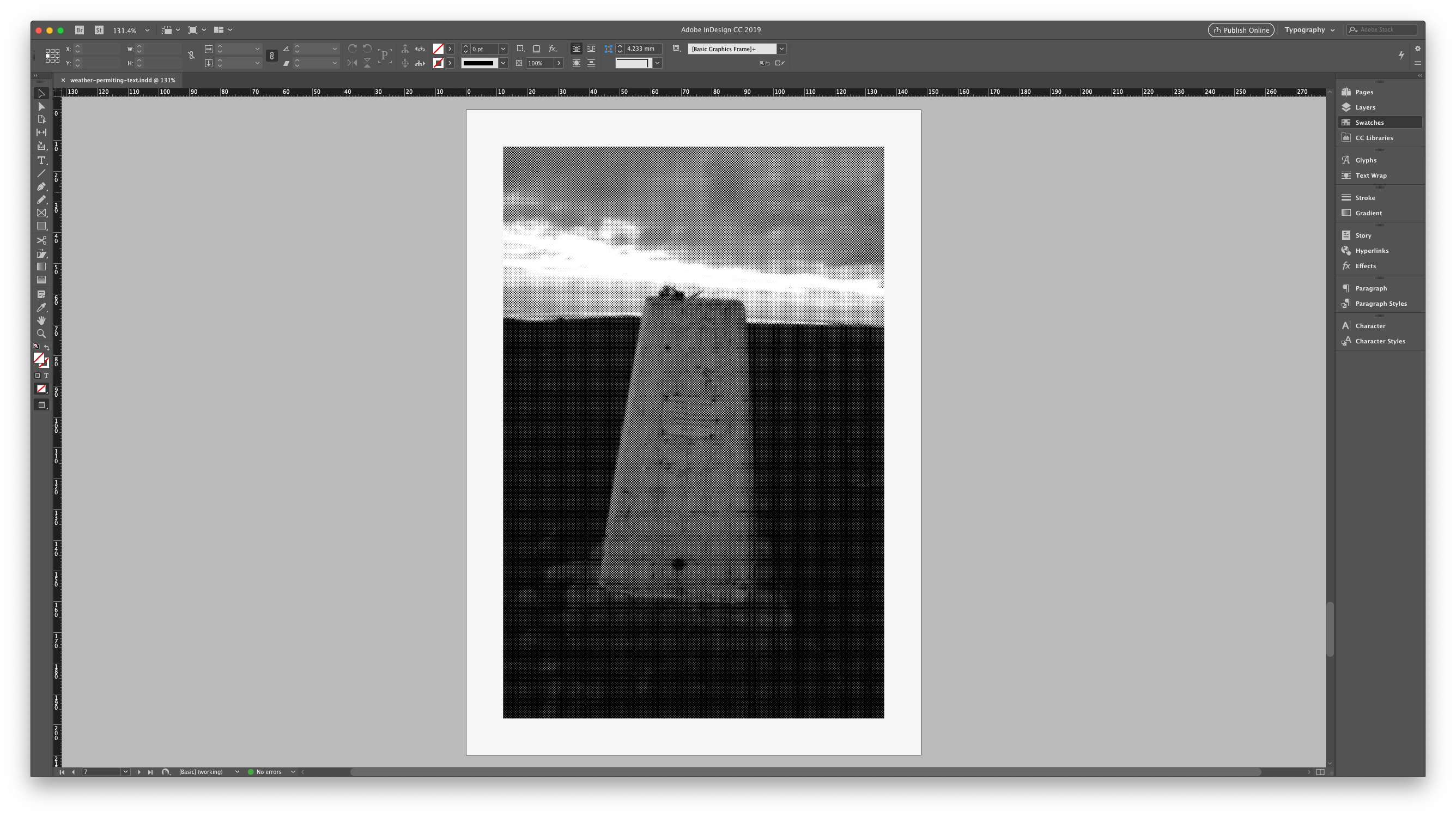
I need to show a client how the Bitmaps will look when printed, however whenever I place the Photoshop file into InDesign, it looks very different (has grid like dot formations, weird lines etc.)

Does anyone have any suggestions?

Best,

Dan
This topic has been closed for replies.

2 replies

Abambo
Community Expert
Community Expert
February 25, 2019

As a standard Indesign shows only a low res proxy. You can change that with the "Display performance" setting.

And last but not least: you need also to consider the preview mode tool:

A different option is go to "view->oveprint view". The Overprint view shows "high res" pictures and simulates the overprint settings.

For customer exchange use PDF which is a much better tool, except if your customer is looking over your shoulder. I have customized my export settings to my preferences, so I only to need the correct one: Screen view, Print, ProPrint.

ABAMBO | Hard- and Software Engineer | Photographer
rayek.elfin
Legend
February 25, 2019