
Participant
April 12, 2020
Question

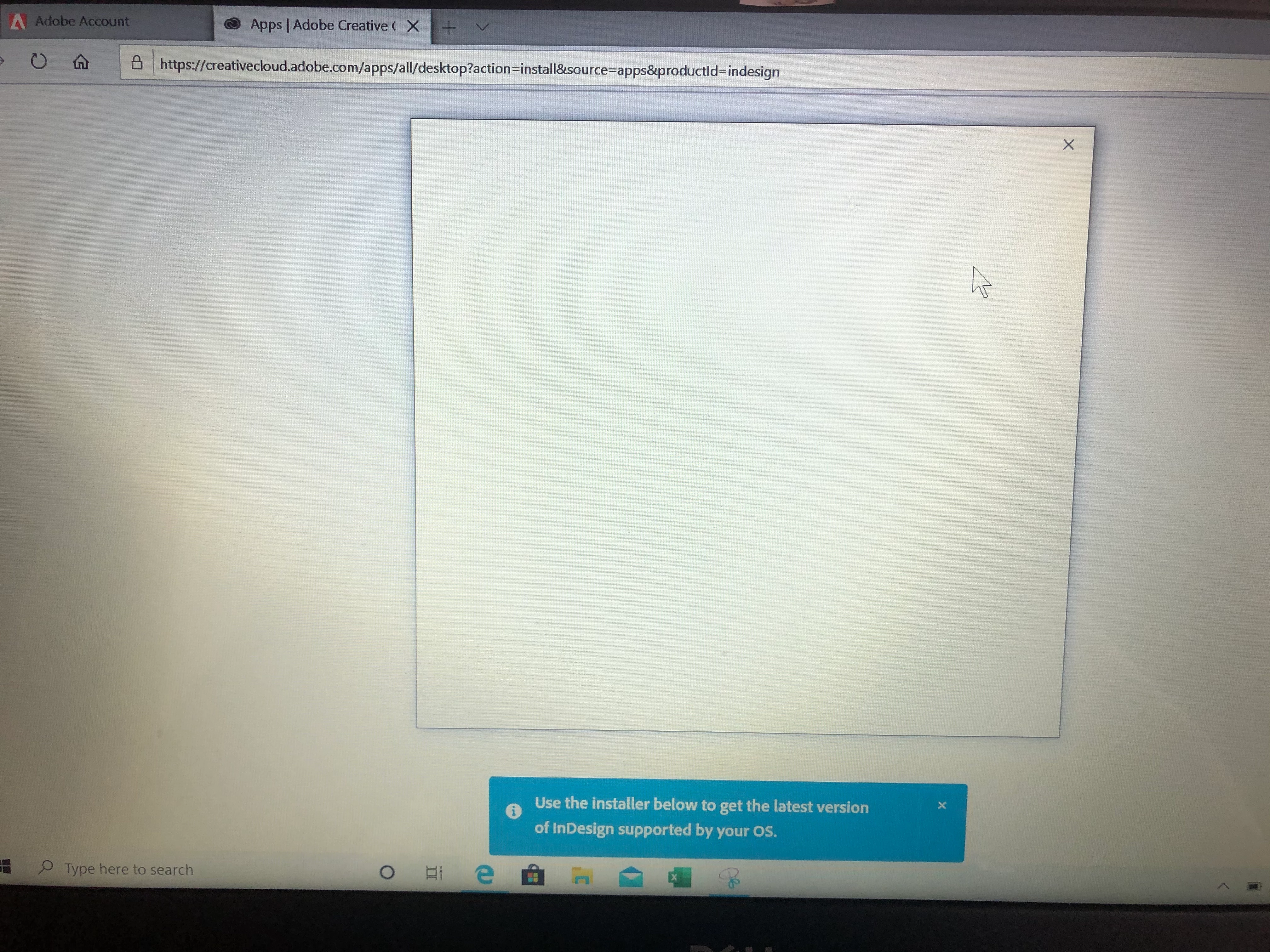
Blank screen when installing InDesign windows 10
  • April 12, 2020
  • 2 replies
  • 625 views

When running the .exe to run/download InDesign, a blank screen pops up which I assume is the window to run the program. It is completely blank and the only function is the 'X' at the top right hand corner that exits the window.  I am on Windows 10. Please advise

This topic has been closed for replies.

2 replies

BobLevine
Community Expert
Community Expert
April 12, 2020
Sounds like you're trying to run an old version of InDesign on Windows 10. Only Creative Cloud is supported.
Nancy OShea
Community Expert
Community Expert
April 12, 2020

NOTE: You must disable script blockers from your browser settings or add-ons.


1. Please ensure your computer meets or exceeds the minimum system requirements to run Creative Cloud + all other apps you intend to use.  They vary by product.
https://helpx.adobe.com/creative-cloud/system-requirements.html


2. Log-in with your paid Creative Cloud plan ID and password.

3. Download and install the Creative Cloud Desktop App.  You will use this app to access your other CC apps & services.

https://helpx.adobe.com/download-install/kb/creative-cloud-desktop-app-download.html


()__()
(='.'=)
(")_(")


Nancy O'Shea— Product User & Community Expert
Participant
May 11, 2020

Has this issue been resolved?