


Participant
September 13, 2019
Question

Browser authentication hangs installer
  • September 13, 2019
  • 3 replies
  • 5040 views

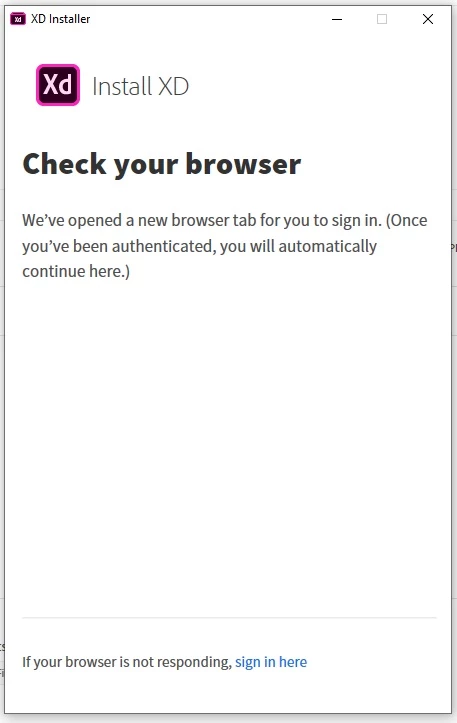
I've tried several apps and the main Creative Cloud installer (I have the all apps plan) and it hangs here every time. I get taken to the browser window (in Chrome, regardless of my default browser settings) and it says:
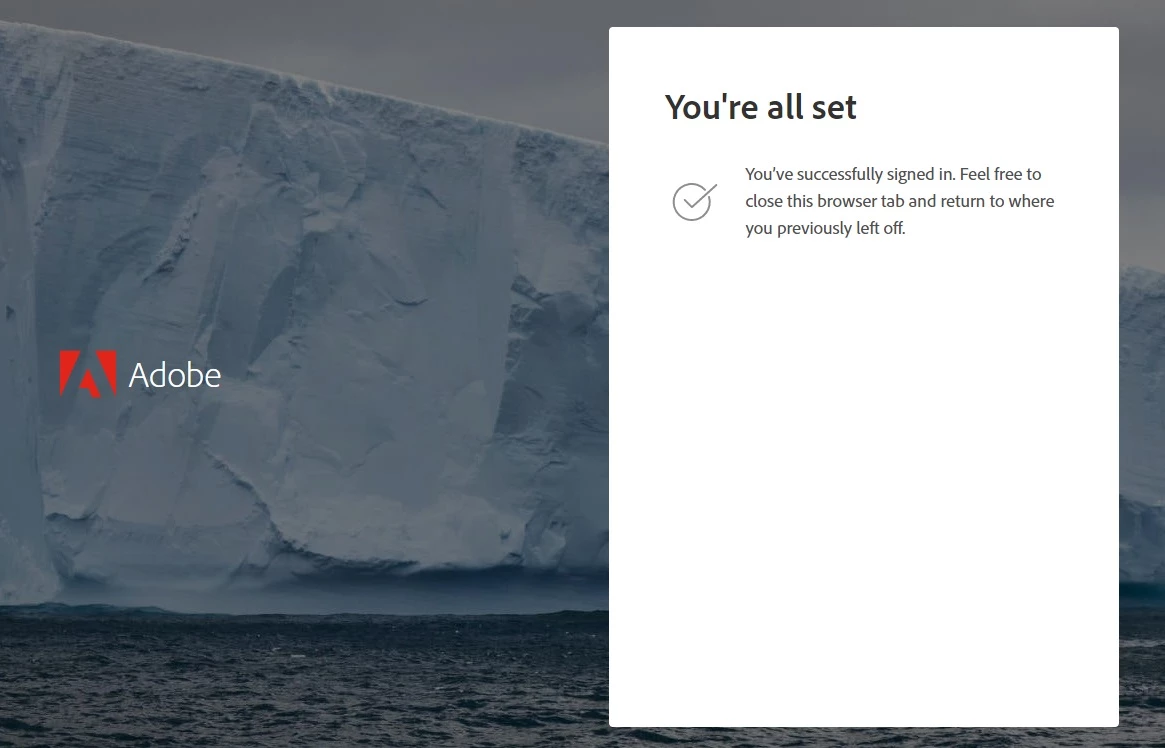
But the installer does not proceed. If I click on "If your browser is not responding, sign in here" nothing happens. I've uninstalled, tried again, then used the Adobe CC cleaner tool and removed everything, tried again, I've gone into the registry and deleted all Adobe keys, I've run as admin and as not, I've restarted and tried installing in Safe Mode with networking. Same results. I've also tried signing out before being taken to the browser, then signing in, then getting the "You're all set!" screen again. I've tried doing that with a different account. Nothing has worked.


Prior to this I had only Photoshop installed, and it worked fine. The issue started when I switched to the 'all apps' plan and tried to install acrobat. The installer hung 1/2 way through the Acrobat install. I quit, tried again, and got the above. Then tried all the steps I mention above. I also tried installing other apps, which is why the screengrab above shows my attempt to install XD.

This topic has been closed for replies.

3 replies

toma66542851
Participant
September 25, 2020

I had a fresh Windows Server 2016 install and this happened. I had to install Google Chrome and disable Internet Explorer Enhanced Security.

Participant
December 30, 2019

This is the issue:


https://community.adobe.com/t5/get-started/creative-cloud-authenticating-proxies/m-p/4206667#M369253


I can't find the answer that works for me. There are suggested workarounds in the thread.

Post if you find something that works for you, please.

Happy New Year!

Participant
January 8, 2020

I have this same issue for the past 2 months. I was able to get it to finally install in late december but then replaced the HDD to an SSD due to age of the drive. Once again having the issue. The last time I was able to get it to actually pass tha authentication page when i removed all other sign ins.... Unfortunately i dont remember how I did that. I have a fresh drive so obviously adobe cc software has not touched this one ergo there is no software to delete for it. Will post more as I find more information but I am also having this issue and have had it on 2 other devices


Govardhan.V
Participating Frequently
September 13, 2019

Does the instllation from Adobe Creative Cloud app hangs? 


Screenshot :


Participant
September 13, 2019
I cannot get to that point, that's the problem. It stops the process at the authentication screen I posted above.
Govardhan.V
Participating Frequently
September 13, 2019

If installed , uninstall Adobe Creative Cloud desktop app.

Navigate to C:>Programfiles(x86)>Adobe .

Open Adobe folder and if listed delete Adobe Creative Cloud folder.


Download and install Adobe Creative Cloud desktop :


https://ccmdls.adobe.com/AdobeProducts/KCCC/1/win32/CreativeCloudSet-Up.exe