Participant
January 2, 2021
Answered

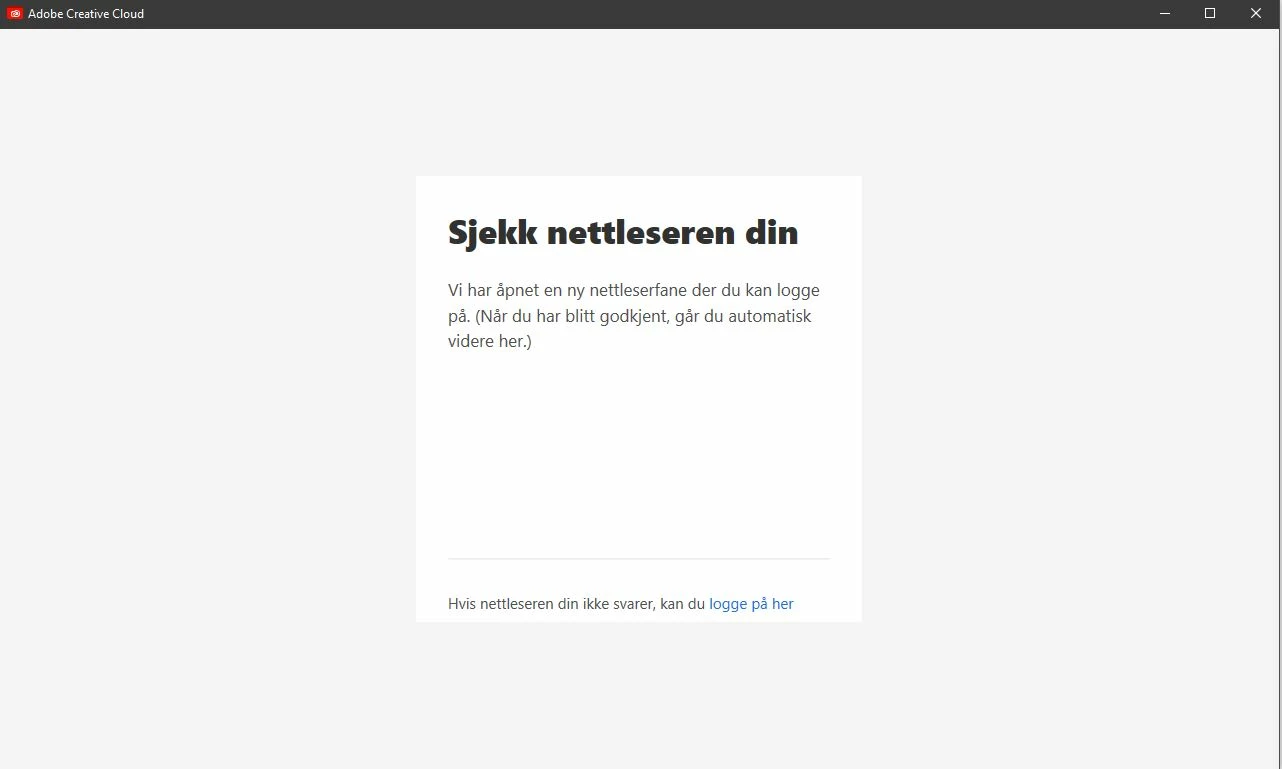
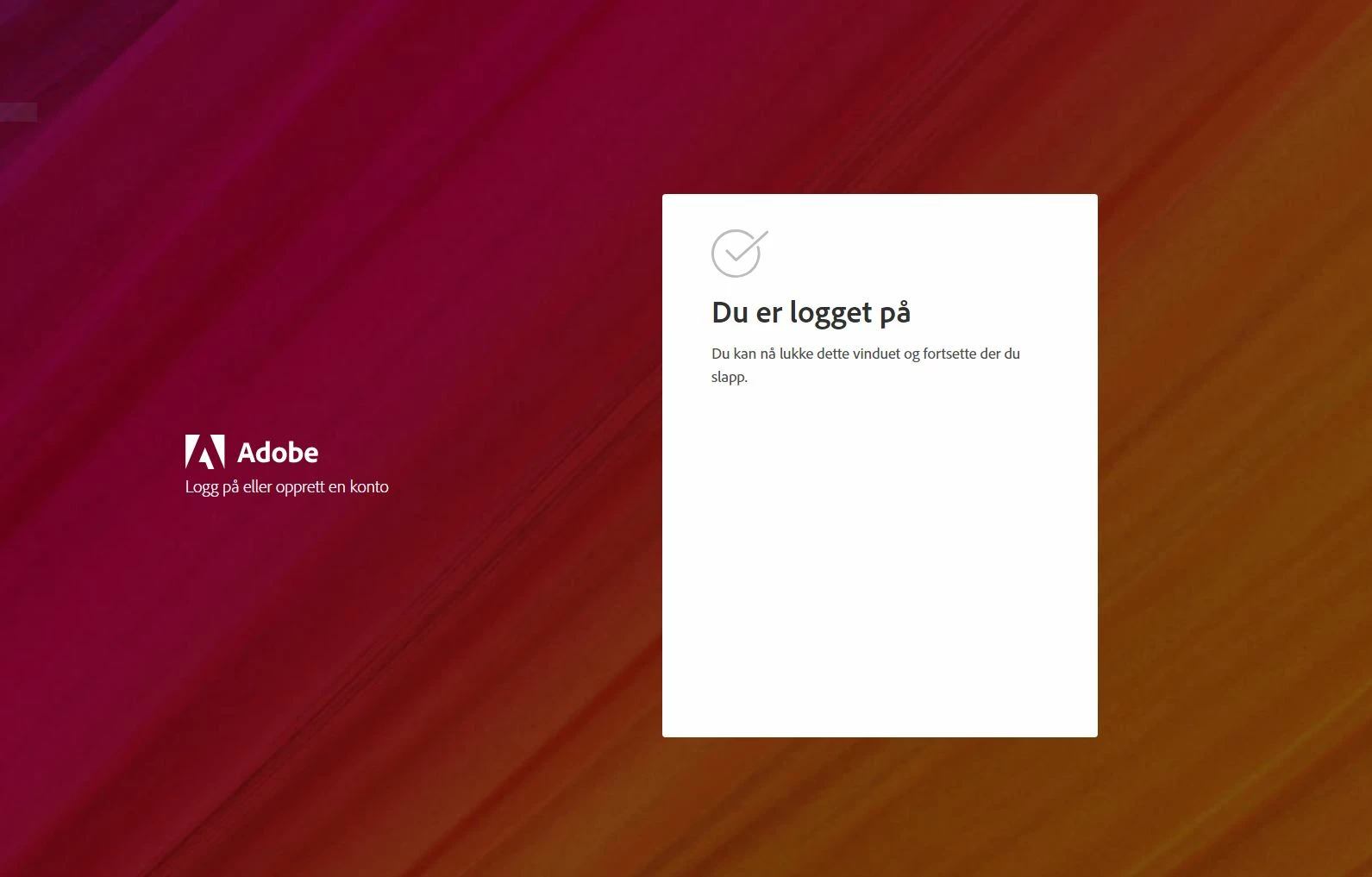
Browser login saying im logged in but im not

  • January 2, 2021
  • 2 replies
  • 951 views

-----------------------------------------------------------------------------------------------------------------------------

I'm trying to login into the adobe photoshop setup thing BUT when it opens a new browser window and says I'm logged in, I'm not. it still says "check your browser" even though my browser says I am.

the alternative login button doesn't work either. it does absolutely nothing

------------------------

Things I have tried:

-Clearing browsing data and enabling cookies

-Tried to use a different browser but it keeps opening chrome even though i have changed my default browser settings in windows (pls help)

-the alternative login button as I mentioned

-trying to install different programs as well


This topic has been closed for replies.

2 replies

Participant
December 7, 2024

I am facing this issue right now, how to resolve it. I also tried uninstalling and reinstall the applications, even after reinstalling I can't able to sign in. Please help me from this. 

kglad
Community Expert
Community Expert
December 7, 2024

start here - https://helpx.adobe.com/manage-account/kb/stop-creative-cloud-trial-mode-after-purchase.html


if that fails, proceed to these steps - https://helpx.adobe.com/enterprise/kb/resolve-trial-and-license-expired-errors.html


if that fails, https://helpx.adobe.com/download-install/kb/adobe-license-issues-keychain-credential-mgr.html


if those all fail, change your cc language.  eg, try international english


if that fails, change the install location