


Participant
November 28, 2022
Question

Browser wont's let sign in to start downloading Lightroom Classic

  • November 28, 2022
  • 2 replies
  • 570 views

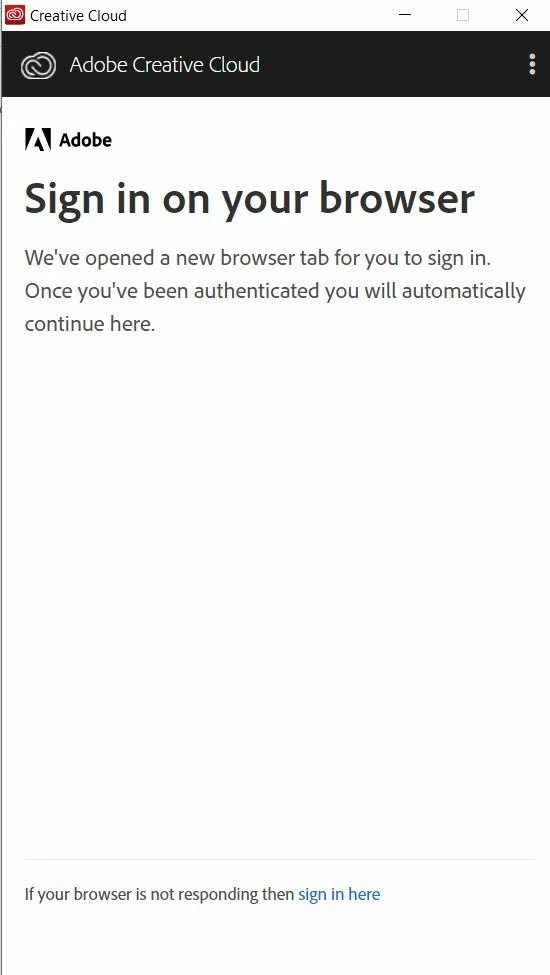
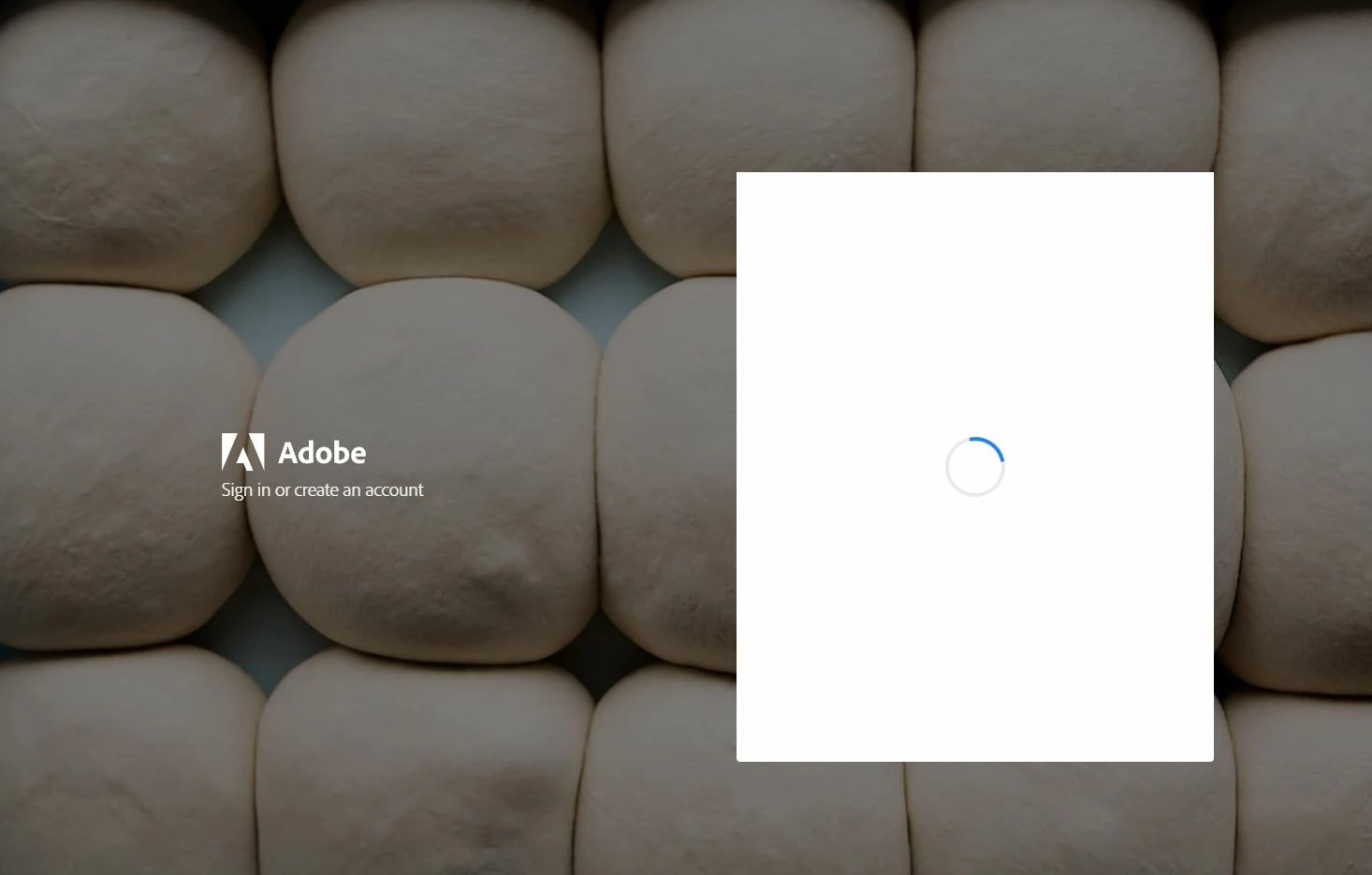
I'm trying to install Lightroom to my second laptop. I'm at Adobe Creative Cloud desktop app and just chose the 'Install' button. The app tells me to sign in. I choose Gmail since that's what I use to sign in to Creative Cloud. The app directs me to my browser (Chrome), but at this point the sign in process freezes and I can't even start the download. I'll attach two photos for demonstration, one from Creative Cloud and the second from my browser where the process gets stuck.

I've tried the Adobe Creative Cloud uninstaller's Repair function but that didn't help. What to do next?


Are there some limitations or requirements regarding the laptop (storage, power etc.) on to where Adobe products can be installed? Just wondering, because I had no problme installing Lightroom to my better laptop...

This topic has been closed for replies.

2 replies

kglad
Community Expert
Community Expert
November 28, 2022

reset the cc desktop app: make sure it's in the foreground, then press:

Win: Ctrl + Alt + R
Mac: Cmd + Opt + R

if that fails, try to repair
https://helpx.adobe.com/download-install/kb/creative-cloud-install-stuck.html

if that fails go ahead and uninstall using the correct uninstaller from https://helpx.adobe.com/creative-cloud/help/uninstall-creative-cloud-desktop-app.html#sa_src=web-messaging and then reinstall

if that fails, do a clean cc install following each applicable step:

uninstall every cc app including preferences, https://helpx.adobe.com/creative-cloud/help/uninstall-remove-app.html

then uninstall the cc desktop app, again using the correct uninstaller, https://helpx.adobe.com/creative-cloud/help/uninstall-creative-cloud-desktop-app.html#sa_src=web-messaging

clean your computer of cc files per http://www.adobe.com/support/contact/cscleanertool.html

check for, and if available, update your os

repair all ms visual c++ versions that can be repaired.

update your ms visual c++, if it can be updated

restart your computer (don't skip this)

reinstall the cc desktop app, https://creativecloud.adobe.com/apps/all/desktop?action=install&source=apps&productId=creative-cloud

if you're unable to download the cc desktop app at this stage, use the "alternative download links" at the bottom of the page at https://helpx.adobe.com/download-install/kb/creative-cloud-desktop-app-download.html

use the desktop app to install your cc programs/trials

Mylenium
Legend
November 28, 2022

refer to the system requirements for the products on the CC page or the individual products' online help sections. Since you haven't provided any system info we can't tell you if that bears any realtion to your issues, anyway. Other than that refer to this as a start:


How to fix network connectivity issues when downloading Adobe apps


Mylenium