
mas_rem
Participant
December 18, 2018
Question

Can not display sign in box inside every cc 2019 app

  • December 18, 2018
  • 3 replies
  • 361 views

Dear Adobe Team,

Please help me, my laptop can not displaying sign in box inside the program, it keeps on blank. so even after I close the sign in box, it is also closing the program as well. although I have been signed in in Adobe Creative Cloud. how can I sign in?

I am using Dell Inspiron 7460, and Win 10. I dont have this issues in adobe cc 2018.
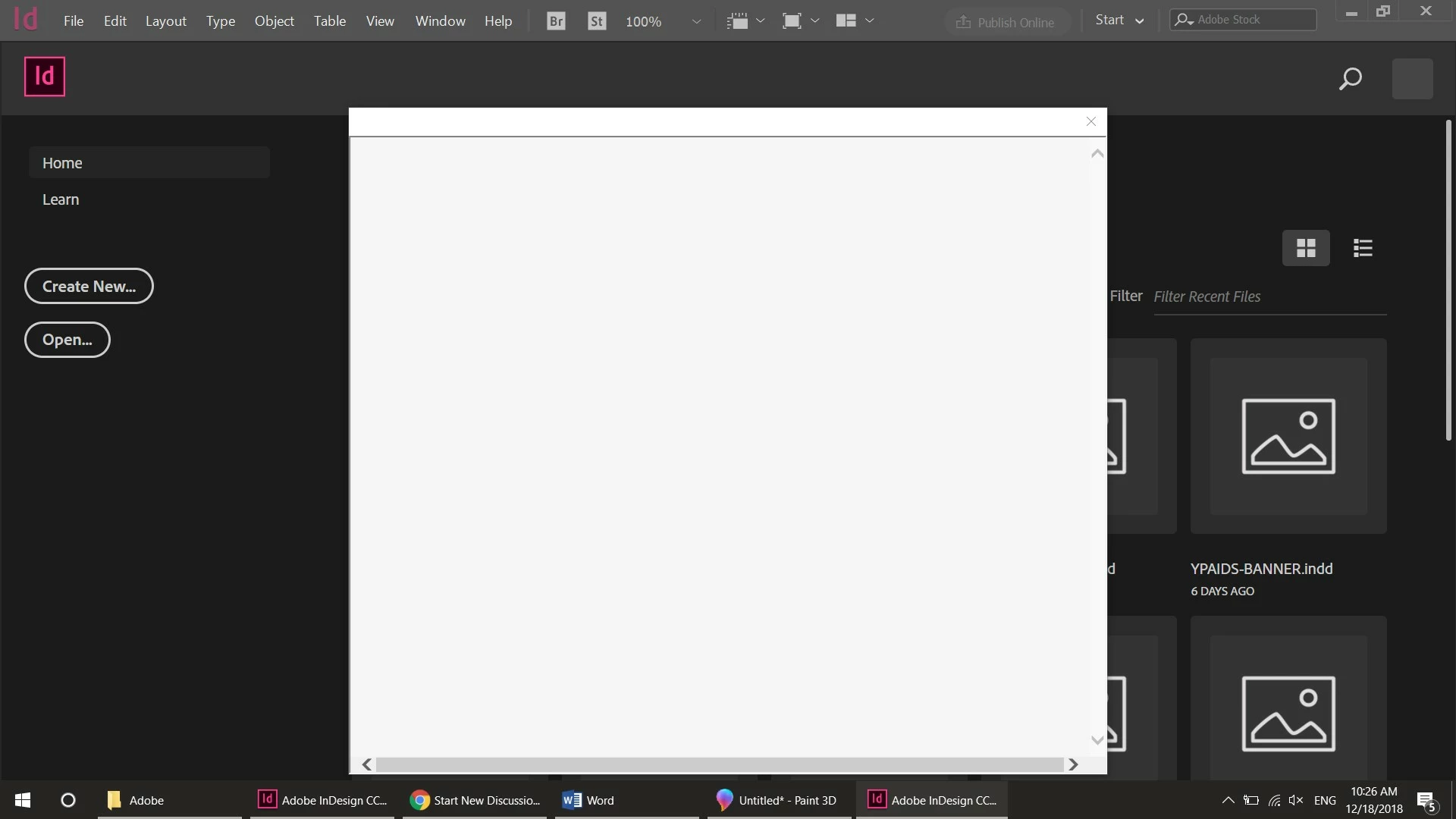
I did turn off the anti virus and firewall, but it nothing's changed.

because of this problem, Ive downgrade the version to cc 2018.
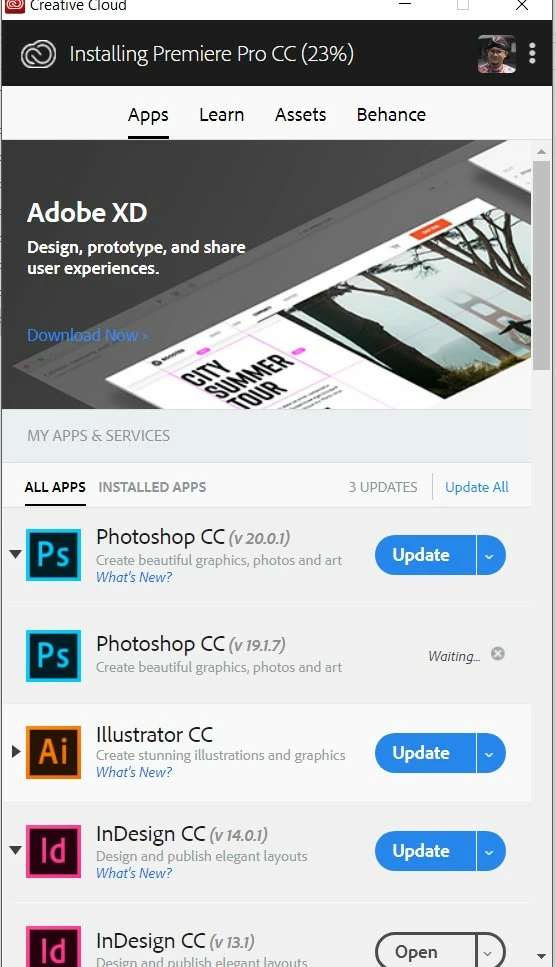
Thank you in advance.

This topic is closed to new replies. Start a new post to keep the conversation going.

3 replies

December 18, 2018

Hi

This may be related to your issue

Re: Can not start Ps CC 2019 - Looping Login 4ever

mas_rem
mas_remAuthor
Participant
December 20, 2018

Hi Thank you for your reply.

unfortunately, i still have the same problem. only this time the sign in box could display the loop before it is goes blank again.

any other solution?

Bani Verma
Legend
December 28, 2018

Hi Mas.rem,

Please try the troubleshooting steps shared in the following help document to resolve this issue related to blank sign in box that appears when you launch your CC apps: User and license information issues | CC 2019.

Let us know if this helps.