


Participant
March 7, 2022
Question

can't delete fix host file from cleaner

  • March 7, 2022
  • 1 reply
  • 12971 views

the adobe not genuine message still appears and it's really annoying 😞 when it was not my fault.

They recommend to use cleaner and I did but fix host file stays all the time.

Any idea why? How can I solve the not genuine message to not appear again? Thank you
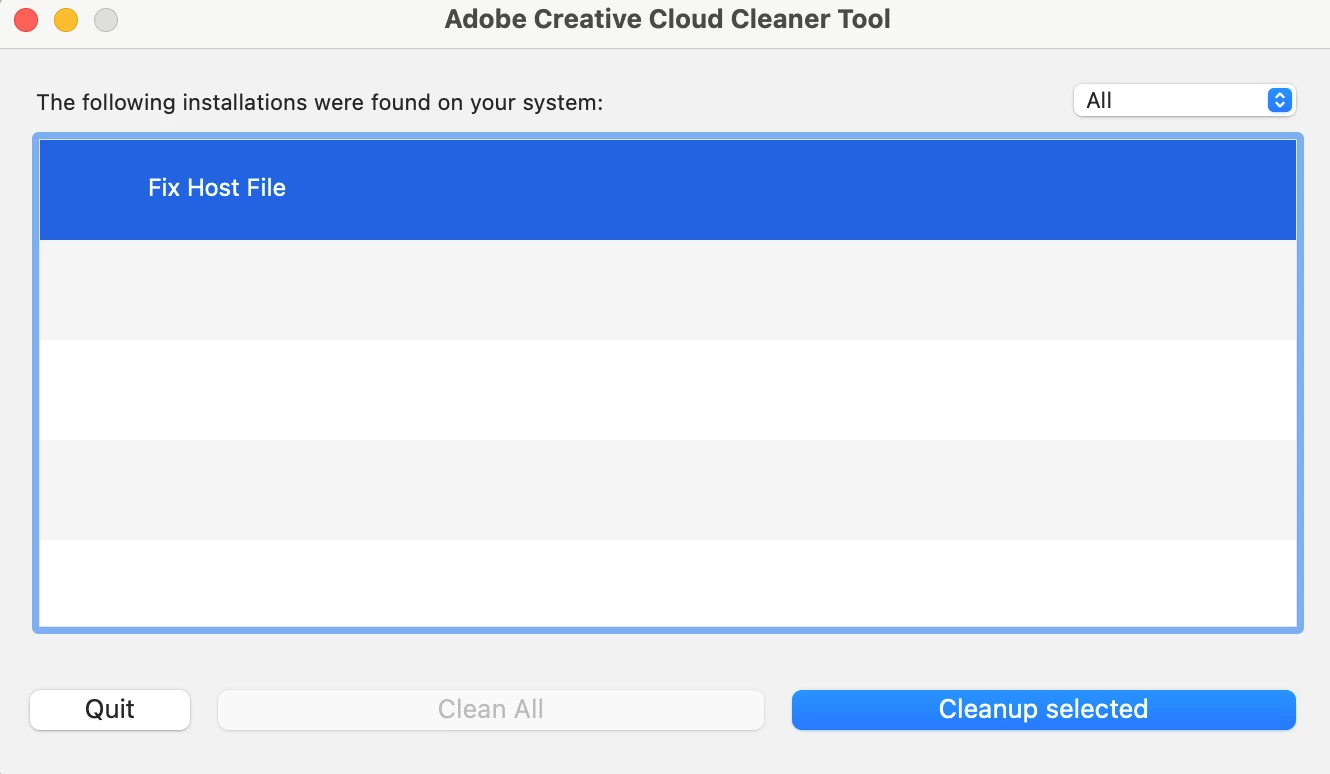
1 reply

Legend
March 7, 2022

Did you fix your host file? Or do you need instructions?


Participant
March 7, 2022

Oh! I thought it would also need to be deleted. 


The only steps I took was to clean everything to stop the message coming up but that is all 😞  

Legend
March 7, 2022

You MUST NOT delete your hosts file. It is a system file, and vital. BUT sometimes malware puts stuff in there to stop Adobe software licensing from working. Sometimes malware comes with counterfeit Adobe software.


Anyway, editing needs to be done with great care. I suggest that before you try, you tell us what Adobe entries you find there. Here's how to do this (it won't try to fix the file):

Start a terminal (From Utilities in Applications)

Type the next line exactly (you can copy/paste)

grep -i adobe /etc/hosts

Please copy and paste what it says in reply. If it says nothing, type this instead

cat /etc/hosts

and check that your reply has no personal info.