
Can't download Animate CC on Mac, says insufficient disk space but I have 80+ GB available
Hi all,
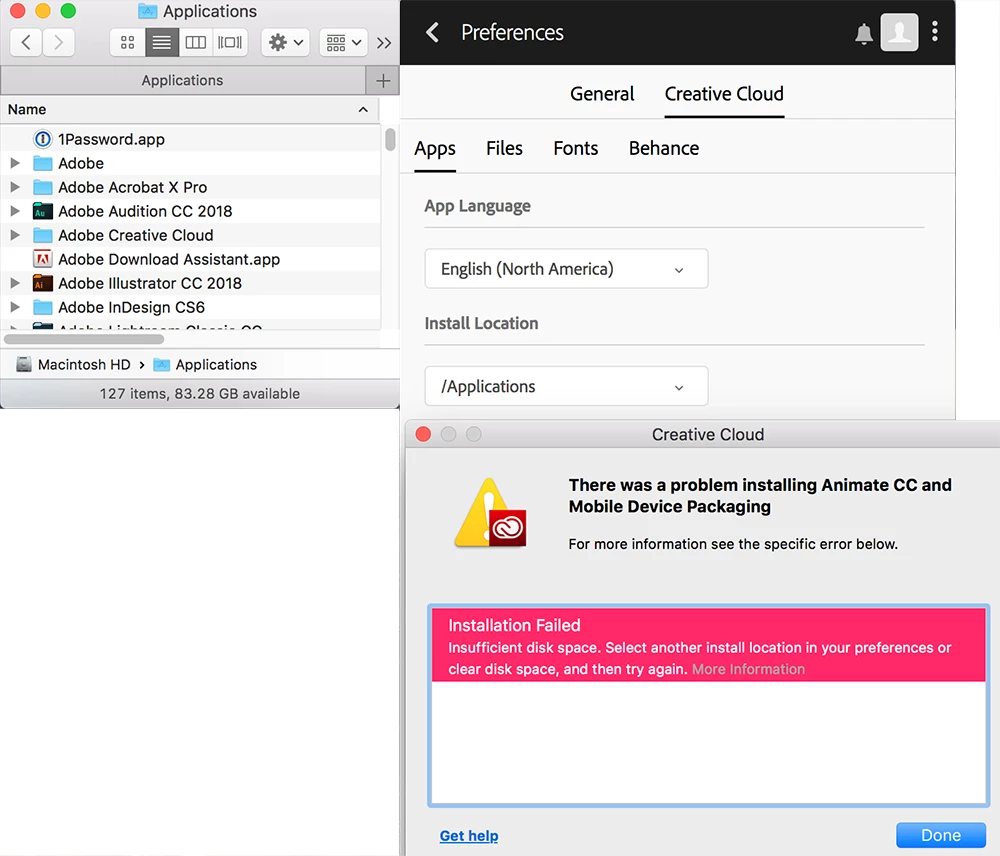
I tried to download Animate CC multiple times but each time it would end in error 133 and say that there is not enough disk space, yet I have 80+ GB of space on my MacBook Pro.
CC app version:
4.6.0.384
Install location:
/Applications
My Mac:
macOS 10.13.5
16 GB RAM
I only have one drive on my Mac and it has 80+ GB of free space.
According to this support article I should only need 2 GB of RAM and 4 GB of space:
Adobe Animate CC system requirements
This is the error message I received:
Exit Code: 133
-------------------------------------- Summary --------------------------------------
- 2 fatal error(s), 0 error(s), 0 warnings(s)
FATAL: Total size required for installation is '5151269202' bytes, but only '5041168384' bytes are available on the installation drive /
FATAL: Error occurred in install product workflow with error code 133 error message 5151269202#@#5041168384
-------------------------------------------------------------------------------------
Things I have tried:
Logged out and logged in of CC
Quitted CC
Restarted Mac
Any help appreciated; thank you in advance!
 AdChoices