


Answered
Can't Install Adobe Photoshop
Hi,
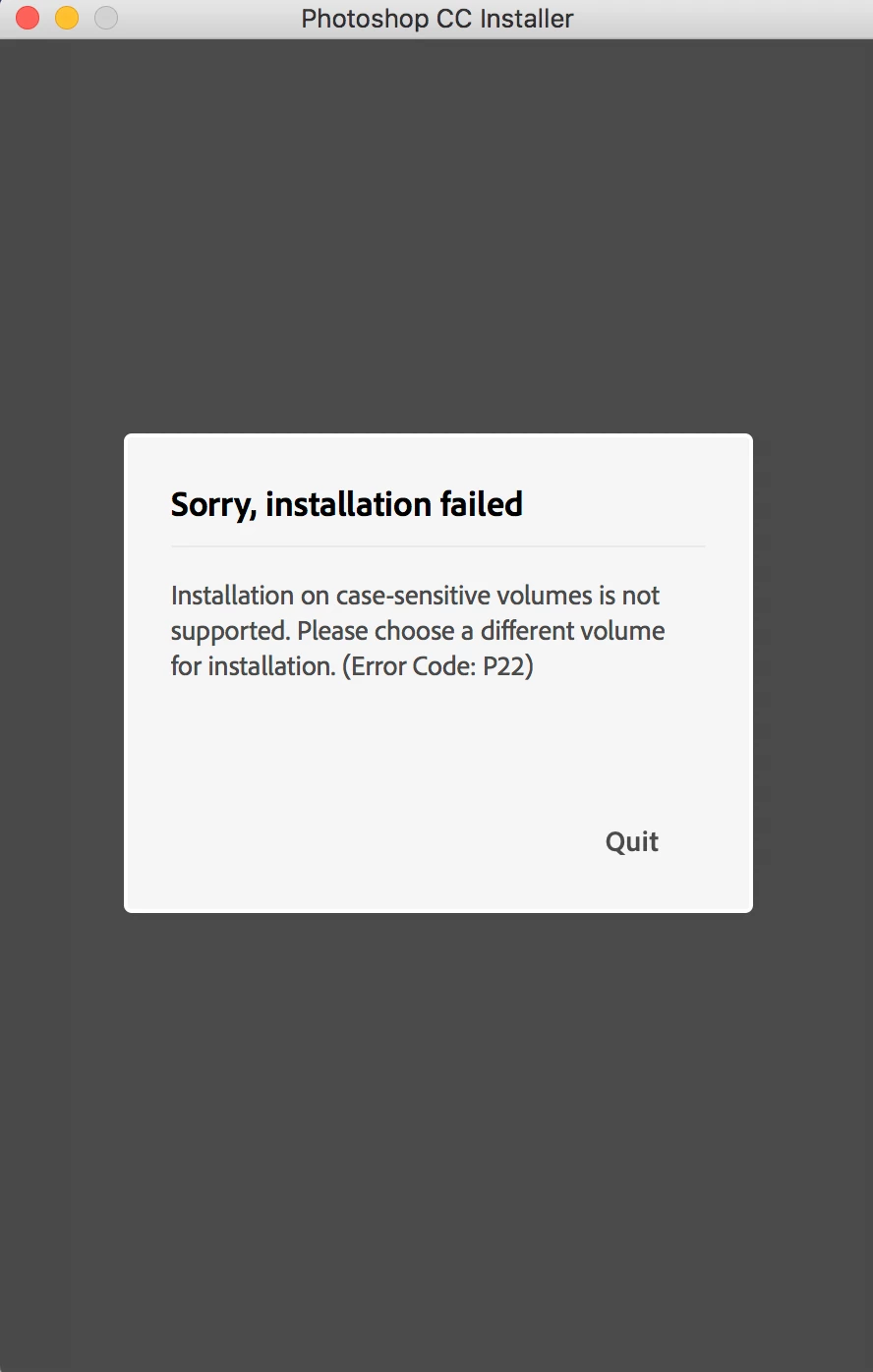
I am trying to install adobe photoshop on my MacBook Pro (macOs High Sierra), but I am getting the following message:
Installation on case-sensitive volumes is not supported. Please choose a different volume for installation. (Error Code: P22)
I don't want to format my computer, so I opened disk utility and created new volume (not case-sensitive), but how can tell the installer to install on the new volume?
I tried to install also the creative cloud app, but I am getting the same issue.

 AdChoices