Answered
Can't install apps with Creative Cloud
Hi,
I've just suscribed to the photo plan (Photoshop + Lightroom), and I've installed Creative Cloud, but when I want to install Photoshop via the apps panel, the screen becomes white and no further informations are displayed.
I've uninstalled this software several times and cleaned my computer as well but nothing.
I've also tried to download this software with Chrome and IE, with and without firewalls, antivirus and malware removals, but.....nothing !!!
I really don't know what's going on so I need your help.
Thanks for everything and below is a capture of my issue:
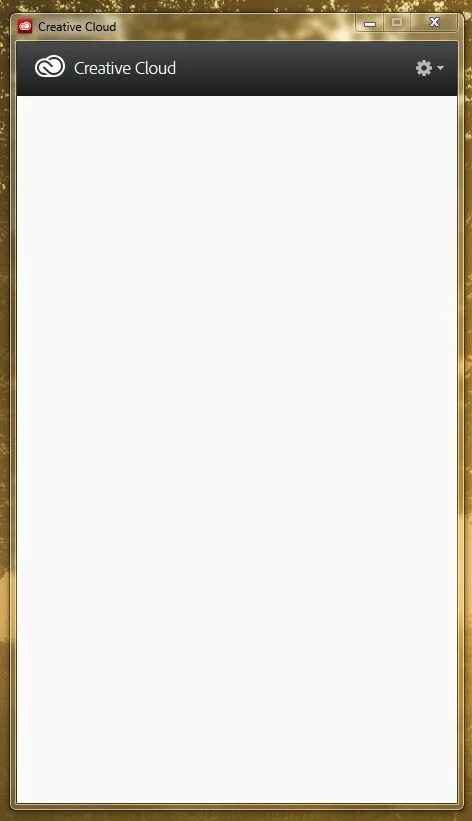
(My system: Windows 7 64 bits with Ligtroom already installed as a standalone program)
 AdChoices